Browse published buying guides and product comparisons. Choose a topic to narrow the list.
905 guides · Page 73
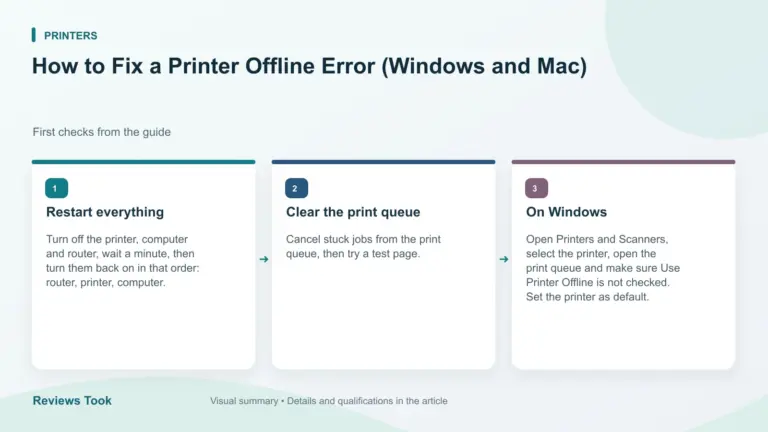
How to Fix a Printer Offline Error (Windows and Mac)
How to fix a printer offline error: restart devices, check the network, clear the print queue, reset the default printer and reinstall the driver.
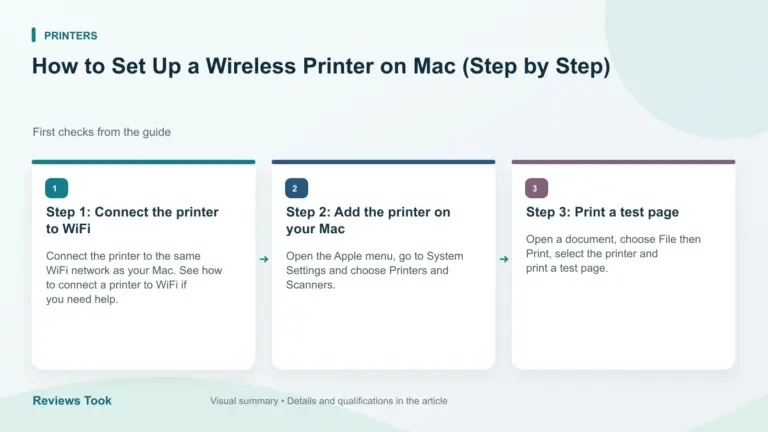
How to Set Up a Wireless Printer on Mac (Step by Step)
How to set up a wireless printer on Mac: connect it to WiFi, open Printers and Scanners, add the printer with AirPrint and print a test…
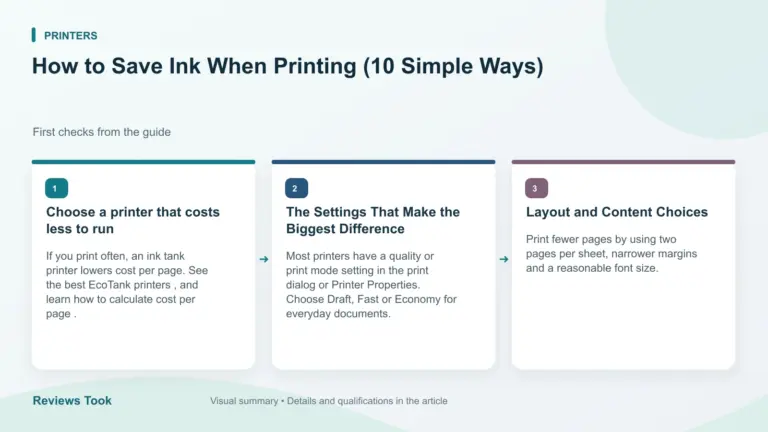
How to Save Ink When Printing (10 Simple Ways)
How to save ink when printing: use draft mode, grayscale, duplex, print preview and the right printer to cut your ink cost.
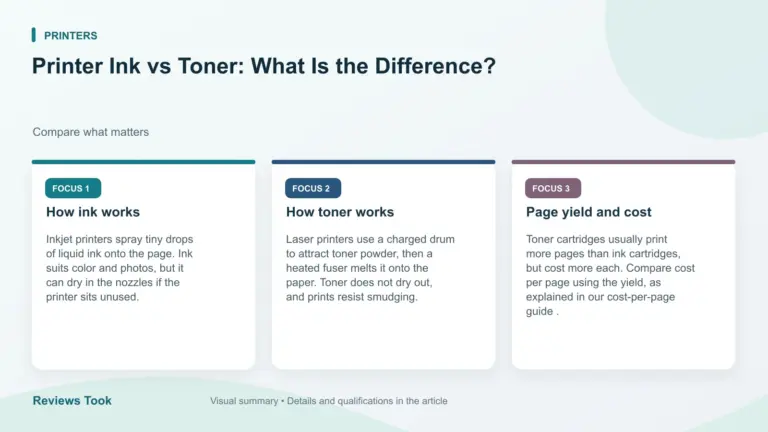
Printer Ink vs Toner: What Is the Difference?
Printer ink vs toner explained: how each works, which prints more pages, how they cost and which printer type suits you.
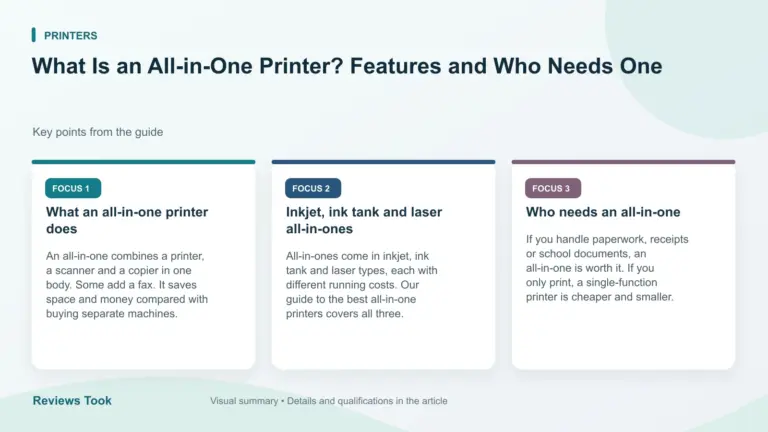
What Is an All-in-One Printer? Features and Who Needs One
What is an all-in-one printer? It prints, scans and copies, and some also fax. See the features, the types and who should buy one.
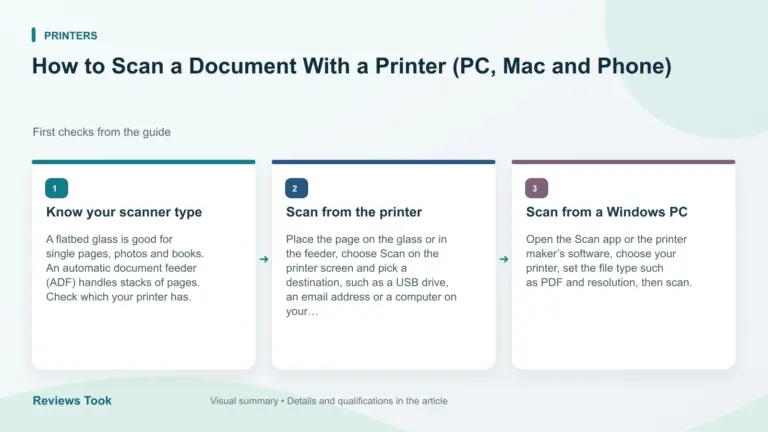
How to Scan a Document With a Printer (PC, Mac and Phone)
How to scan a document with a printer: use the flatbed or feeder, the control panel, your computer’s scan app or the maker’s phone app.
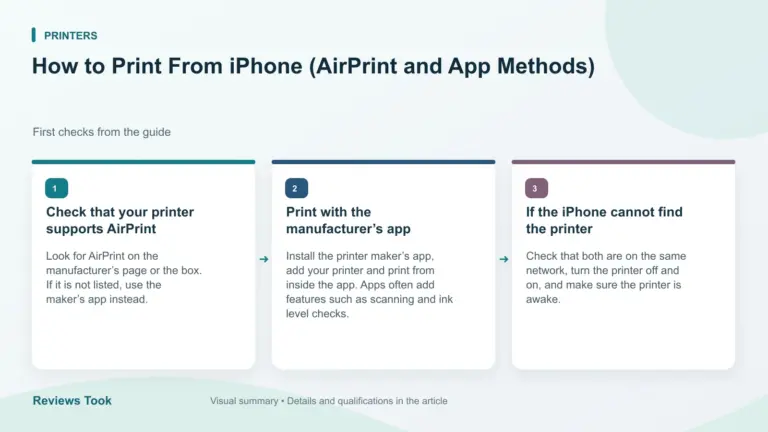
How to Print From iPhone (AirPrint and App Methods)
How to print from iPhone with AirPrint or a printer app: open the item, tap Share, choose Print, pick your printer and set copies and pages.
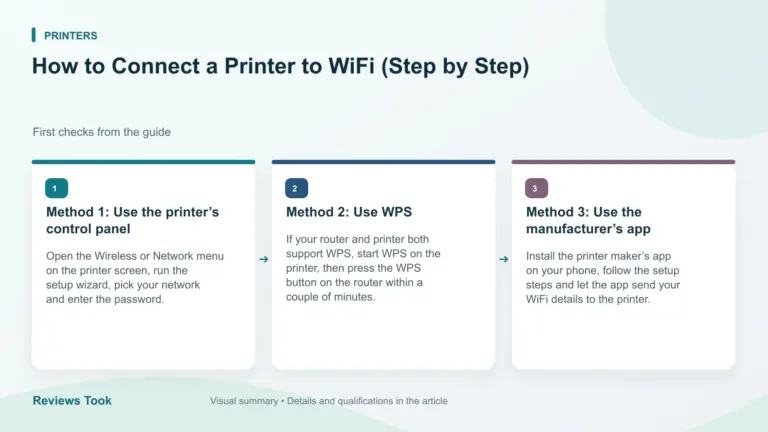
How to Connect a Printer to WiFi (Step by Step)
How to connect a printer to WiFi: use the control panel, WPS or the maker’s app, join the same network as your devices and print a…
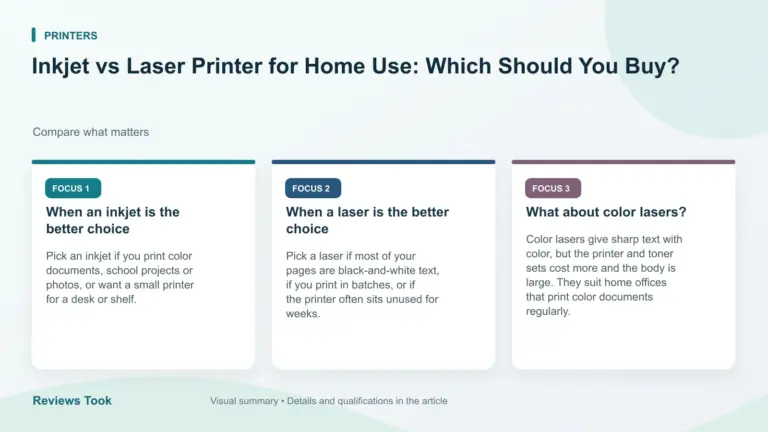
Inkjet vs Laser Printer for Home Use: Which Should You Buy?
Inkjet vs laser printer for home use: compare print quality, running cost, speed, size and upkeep to see which type fits what you print.
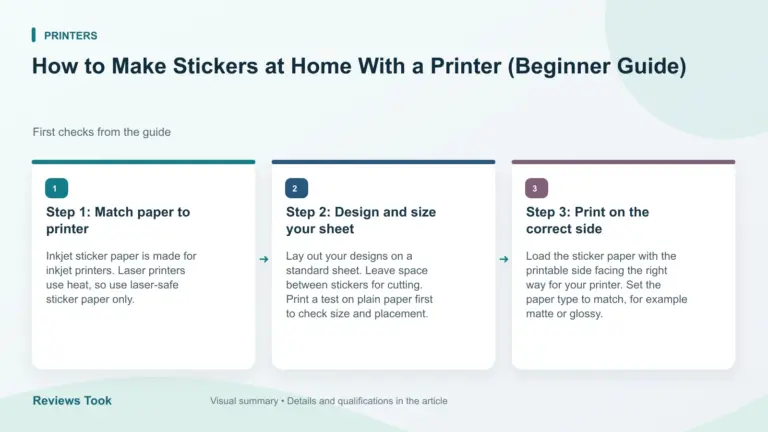
How to Make Stickers at Home With a Printer (Beginner Guide)
Learn how to make stickers at home: choose sticker paper, print, cut and seal. See what printer and supplies you need and the common mistakes to…
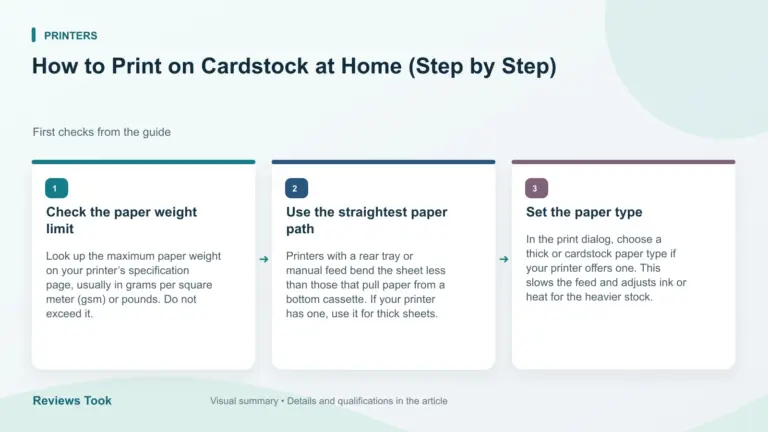
How to Print on Cardstock at Home (Step by Step)
Print on cardstock without jams: check your printer’s paper weight limit, use the right paper path and settings, and test a single sheet first.
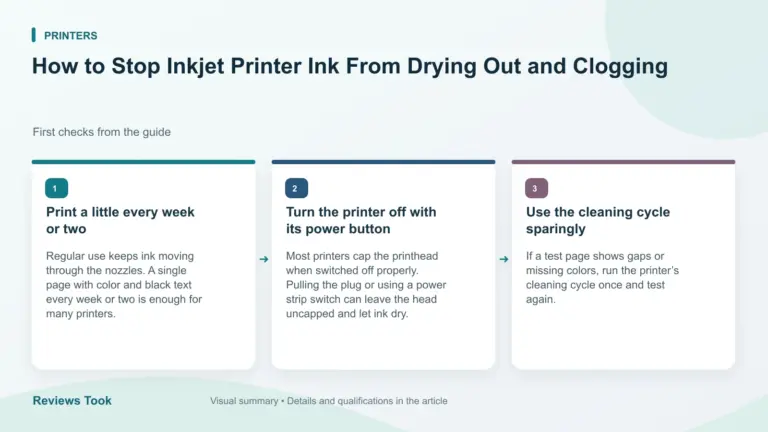
How to Stop Inkjet Printer Ink From Drying Out and Clogging
Practical ways to prevent clogged inkjet nozzles: print regularly, power off correctly, use cleaning cycles sparingly and know when to switch to a laser.