Browse published buying guides and product comparisons. Choose a topic to narrow the list.
1,031 guides · Page 67
How to Find Your Printer’s IP Address (Windows, Mac and Printer)
How to find a printer's IP address: from the printer screen, a network configuration page, Windows, Mac and your router.
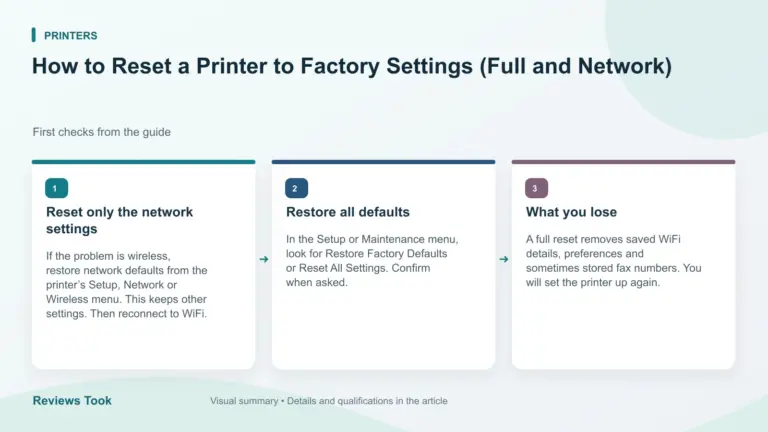
How to Reset a Printer to Factory Settings (Full and Network)
How to reset a printer to factory settings: reset network settings, restore defaults from the menu, and what you lose when you reset.
Printer Scanner Not Working: How to Fix Scanning Problems
Printer scanner not working: check the connection, scan software, drivers and settings on Windows, Mac and phone, and clean the glass.
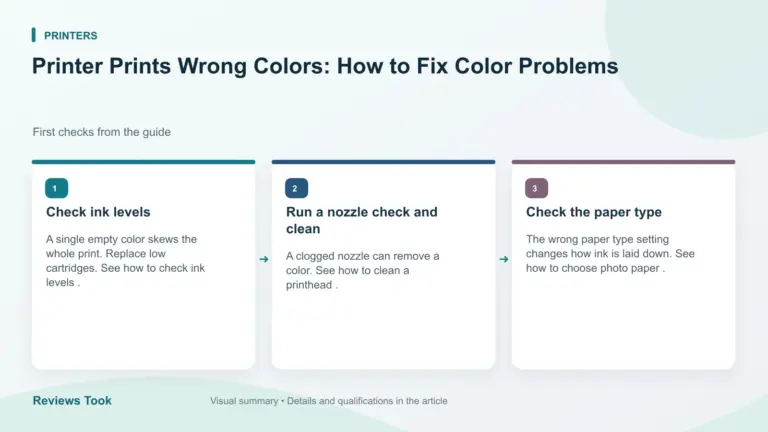
Printer Prints Wrong Colors: How to Fix Color Problems
Printer prints wrong colors: check ink levels, run a nozzle check, clean the printhead, check paper type and color settings.
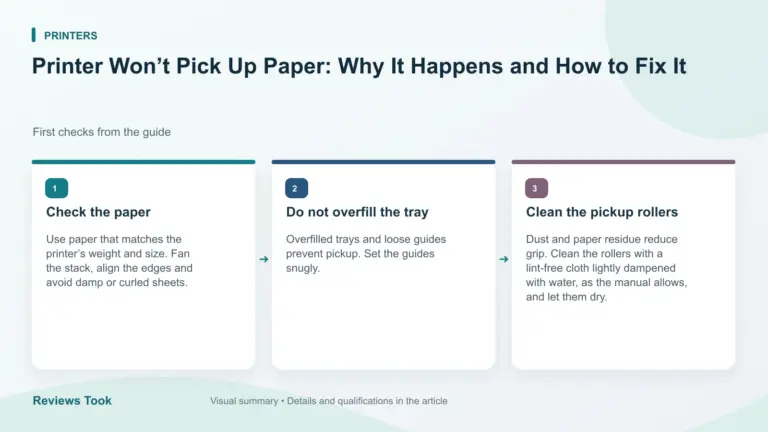
Printer Won’t Pick Up Paper: Why It Happens and How to Fix It
Printer won't pick up paper: check the tray, paper type, rollers, humidity and settings, and clean the pickup rollers. Prices checked Oct 30, 2026.
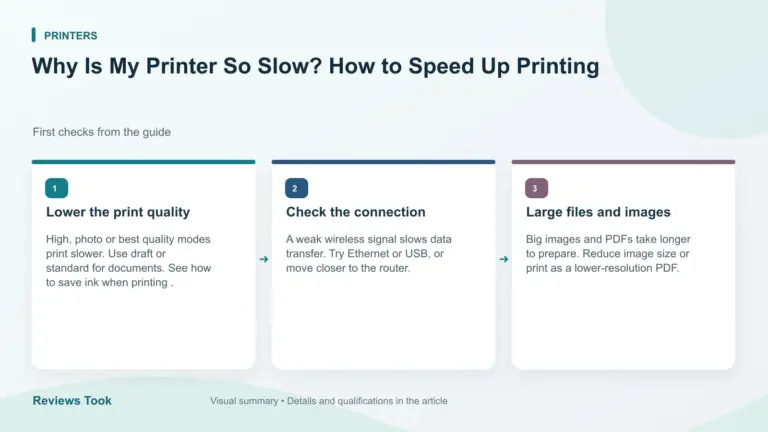
Why Is My Printer So Slow? How to Speed Up Printing
Printer printing slowly: check quality settings, connection, large files, driver and printer type to speed up printing. Prices checked Oct 30, 2026.
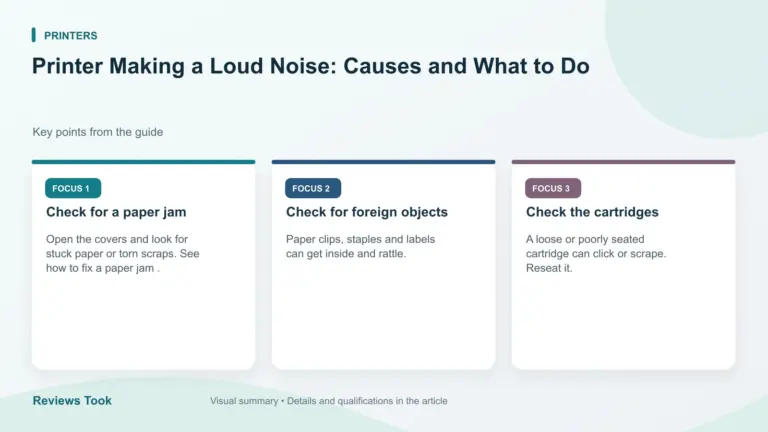
Printer Making a Loud Noise: Causes and What to Do
Printer making a loud noise: check for paper jams, loose parts, worn rollers and cartridge problems, and learn when a noise means repair.
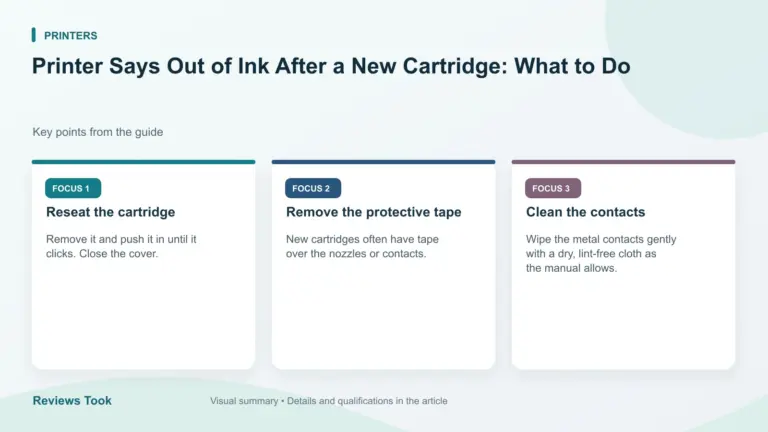
Printer Says Out of Ink After a New Cartridge: What to Do
Printer says out of ink after a new cartridge: reseat it, remove the tape, clean the contacts, reset the ink warning and check compatibility.
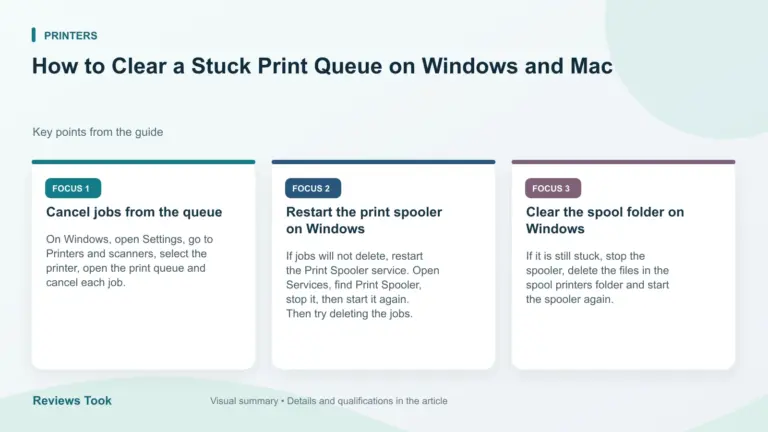
How to Clear a Stuck Print Queue on Windows and Mac
How to clear a stuck print queue: cancel jobs, restart the print spooler on Windows, and reset the print queue on Mac when a job will…
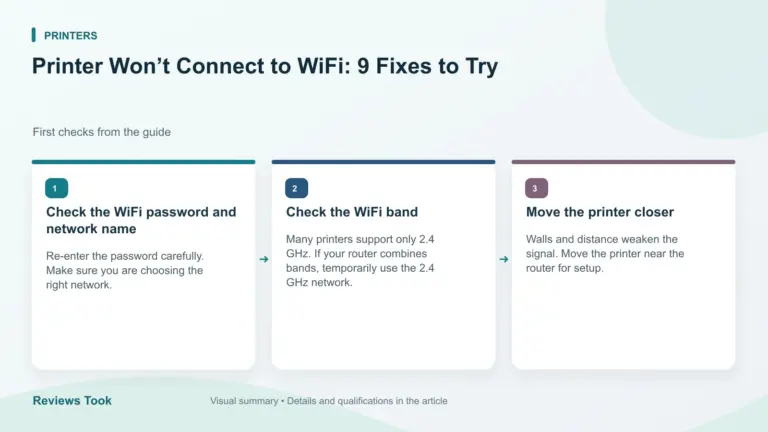
Printer Won’t Connect to WiFi: 9 Fixes to Try
Printer won't connect to WiFi: check the network band, password, router, signal and printer settings, then restart and set up again.
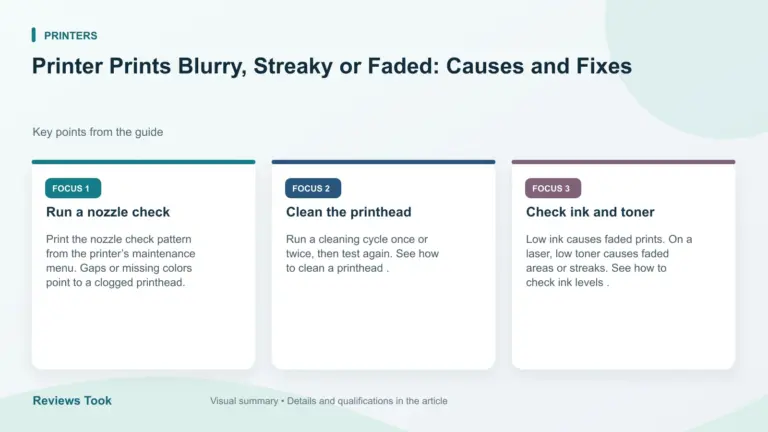
Printer Prints Blurry, Streaky or Faded: Causes and Fixes
Printer prints blurry, streaky or faded text: run a nozzle check, clean the printhead, check ink, paper and quality settings, and align the printer.
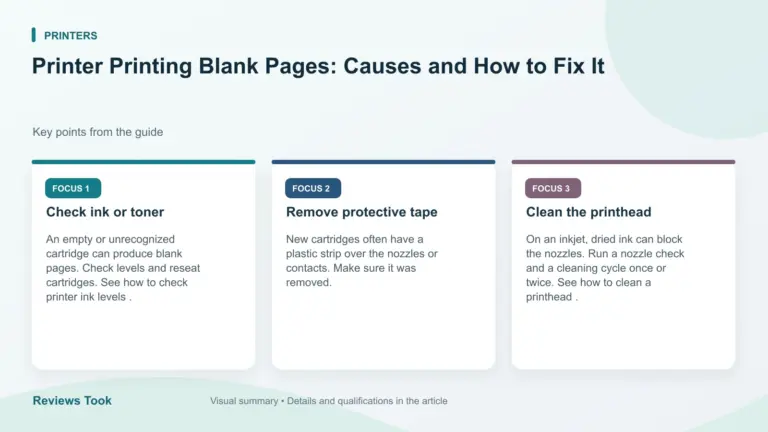
Printer Printing Blank Pages: Causes and How to Fix It
Printer printing blank pages: check ink and toner, clean the printhead, check the cartridge, paper and software settings and test print.