Printers
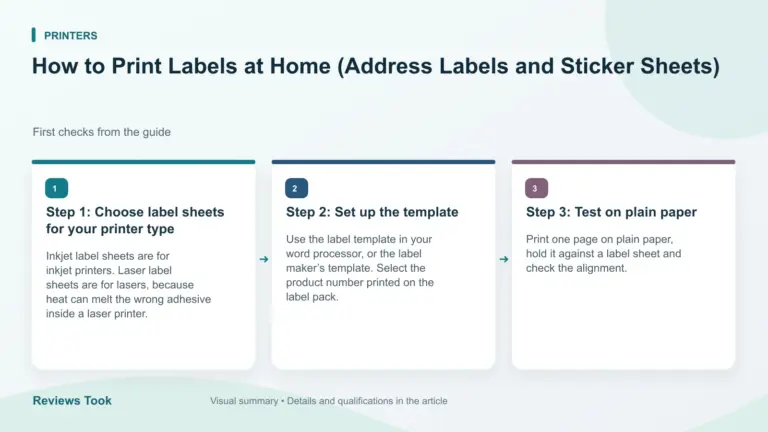
How to Print Labels at Home (Address Labels and Sticker Sheets)
How to print labels at home: pick sheets for your printer, set the template, test on plain paper and feed label sheets…
Read the guideHow to print labels at home: pick sheets for your printer, set the template, test on plain paper and feed label sheets…
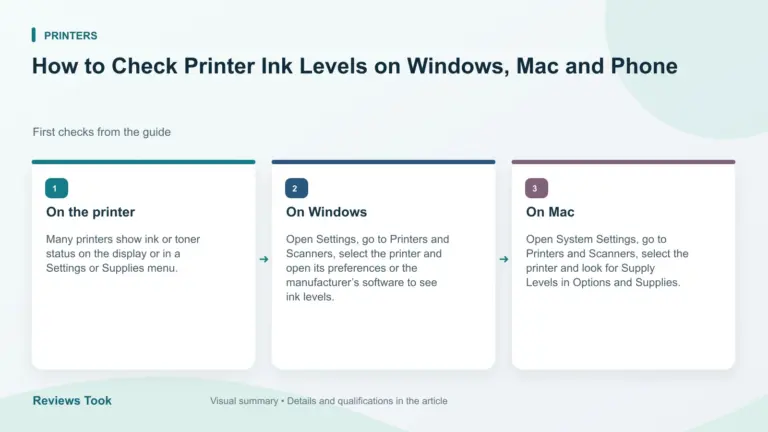
Read the guideHow to check printer ink levels: use the printer display, your computer or the maker’s app, and remember that levels are only…
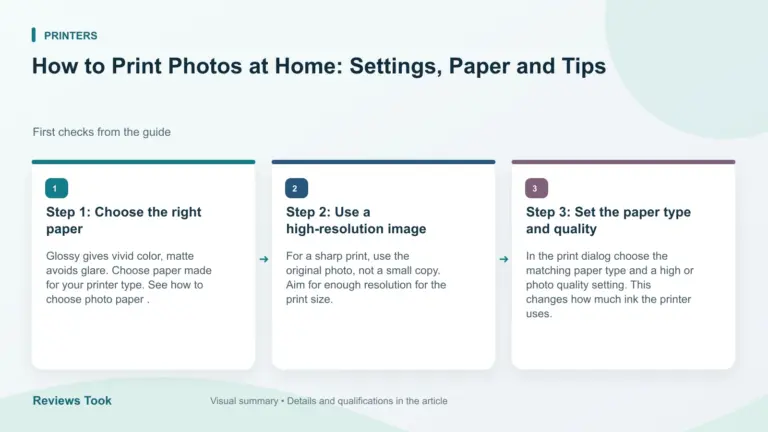
Read the guideHow to print photos at home: choose paper, set the paper type and quality, print borderless and let prints dry for the…
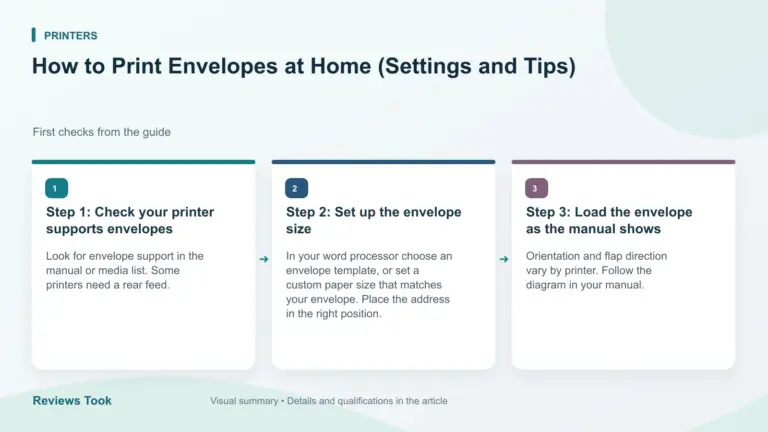
Read the guideHow to print envelopes at home: check your printer supports them, set the size, feed them correctly and test on a spare…
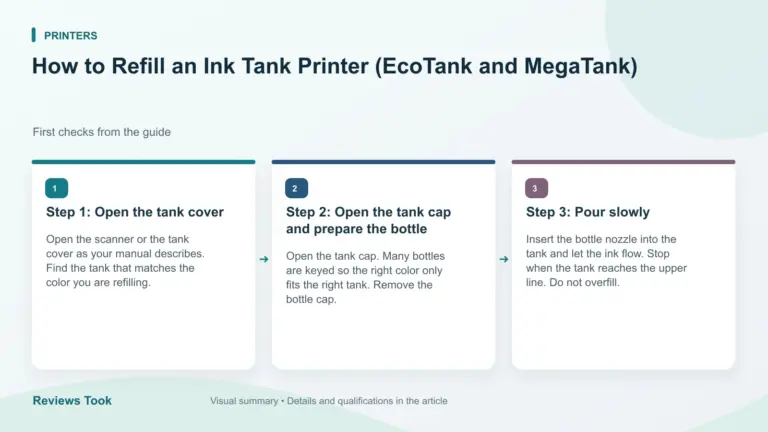
Read the guideHow to refill an ink tank printer safely: match the color bottles, pour slowly, avoid overfilling and know when to top up…
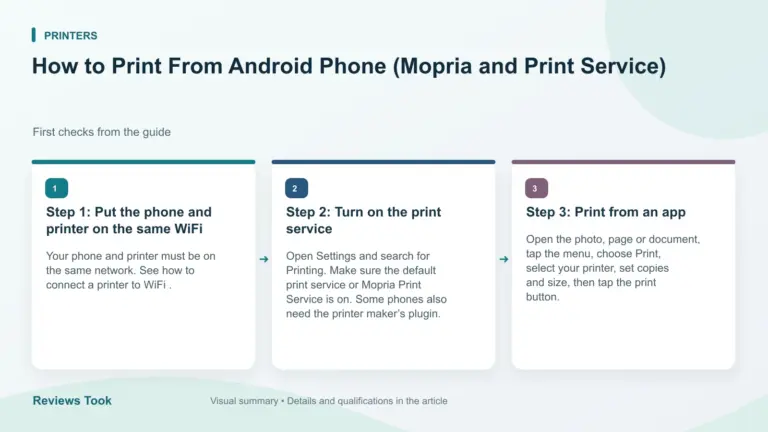
Read the guideHow to print from an Android phone: use the default print service or Mopria, pick your printer, set options and print over…
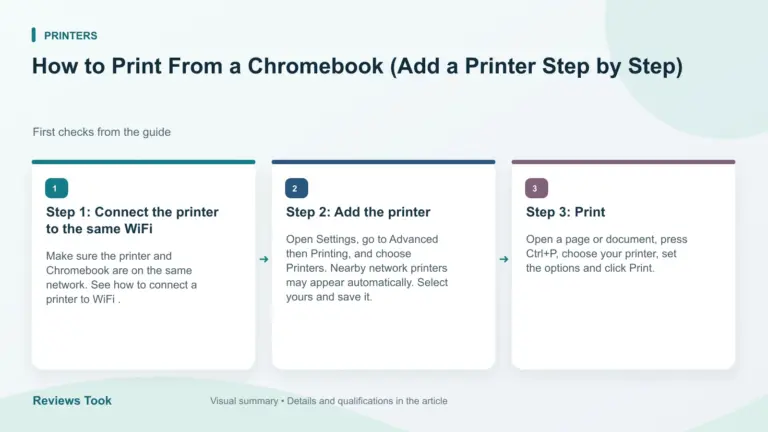
Read the guideHow to print from a Chromebook: add a network printer in Settings, check support, print with Ctrl+P and fix printers that do…
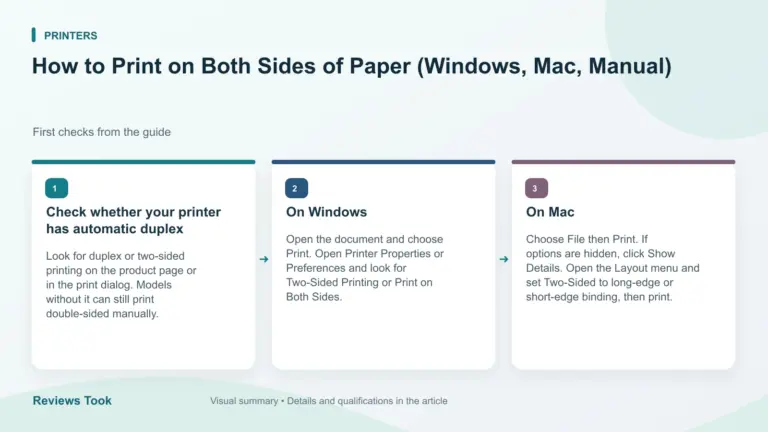
Read the guideHow to print on both sides of paper: use automatic duplex on Windows or Mac, or print double-sided manually if your printer…
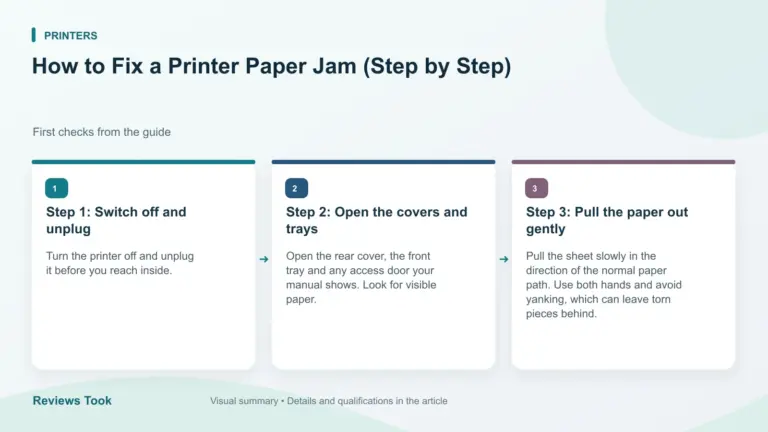
Read the guideHow to fix a printer paper jam safely: switch off, open the covers, pull paper out gently in the paper path direction…
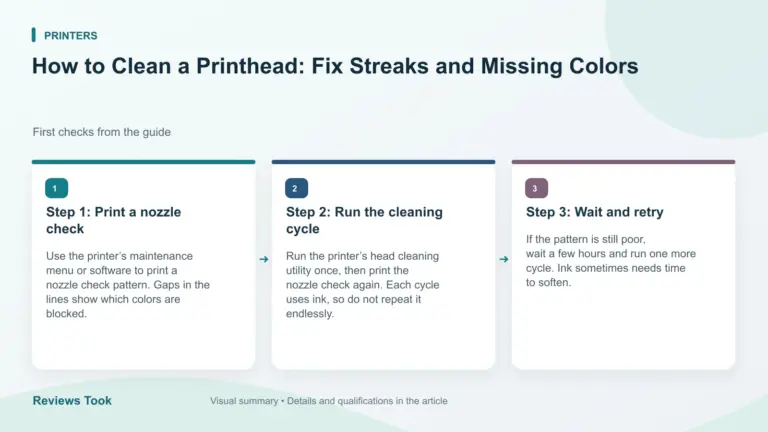
Read the guideHow to clean a printhead on an inkjet printer: run a nozzle check, use the built-in cleaning cycle and know when to…
Read the guide