Disclosure: As an Amazon Associate, reviewstook.com earns from qualifying purchases. Links to Amazon on this page are affiliate links; they cost you nothing extra.
A good TV for an older relative is not the one with the most features. It is the one that is easy to turn on, easy to read and easy to hear. This guide lists the features that make everyday viewing simpler.
This guide is based on product listings and general TV knowledge rather than our own testing. Specs and features vary by model and year, so confirm the details on the product page.
By the Reviewstook Editorial Team. Last updated: November 1, 2026.
A Remote That Is Simple to Use
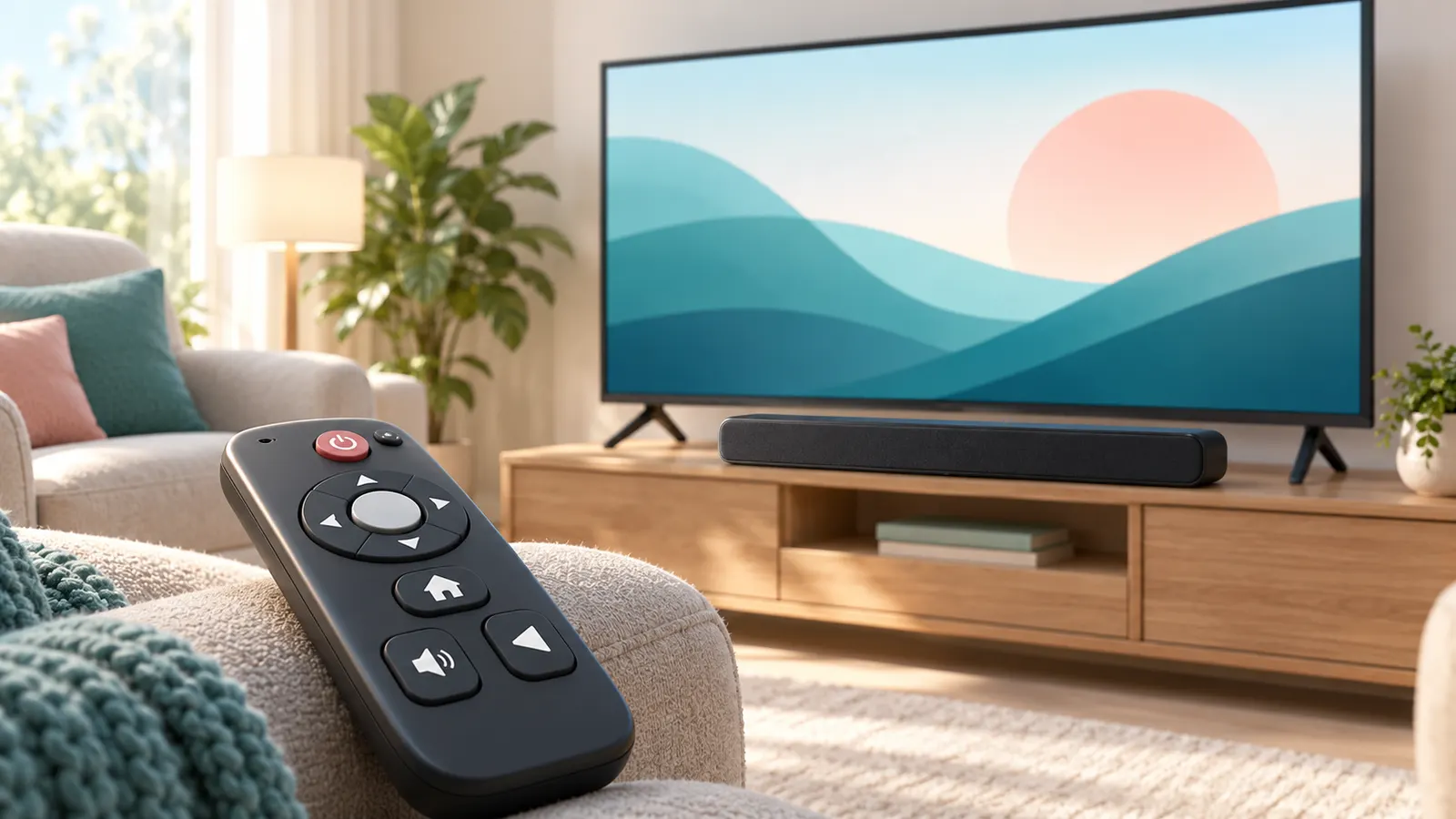
The remote is the part people touch most. Look for large buttons, clear labels and a layout with few keys. Some TVs and streaming boxes offer a simplified remote with just power, volume, channel and a few app shortcuts. Backlit buttons help in dim rooms.
Voice control can be helpful, but only if it works reliably. Test it in the store or confirm the return policy before relying on it.
Screen Size and Readability
A larger screen is easier to see, but it also needs the right viewing distance. For many living rooms, 43 to 55 inches is a comfortable range. Text size matters too: pick a TV whose menus can be enlarged or switched to a high-contrast mode.
Clear Sound
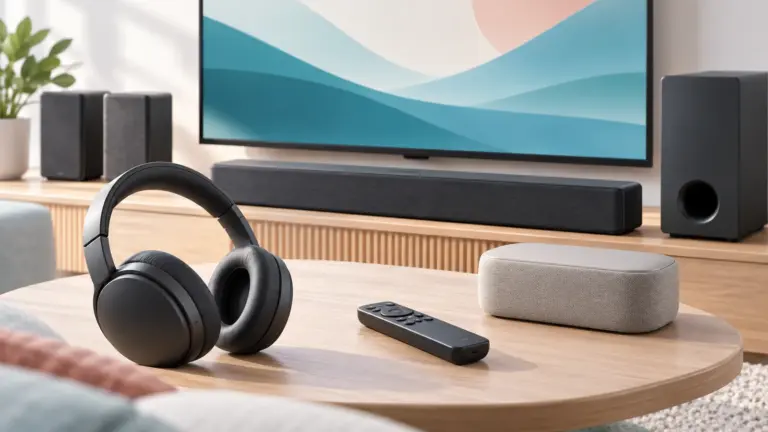
Hearing loss is common with age, and TV speakers rarely help. Dialogue enhancement, a soundbar with a voice mode or wireless TV headphones can make a big difference. See our guide to fixing quiet TV dialogue.
Accessibility Features Worth Checking
- Closed captions with adjustable size and color.
- Screen reader or text-to-speech for menus.
- High-contrast and large-text menu modes.
- Audio description tracks.
- Remote with a find-my-remote button or a locator beep.
Easy Setup and Maintenance
Choose a platform with a clean home screen and automatic updates. Setting up the TV for the user, adding the apps they use and placing them on the first row removes most of the daily frustration. Label the HDMI inputs and keep only one remote on the coffee table.
Safety and Placement
- Wall mount or use a stable stand so the set cannot tip over.
- Keep cables tidy to avoid tripping.
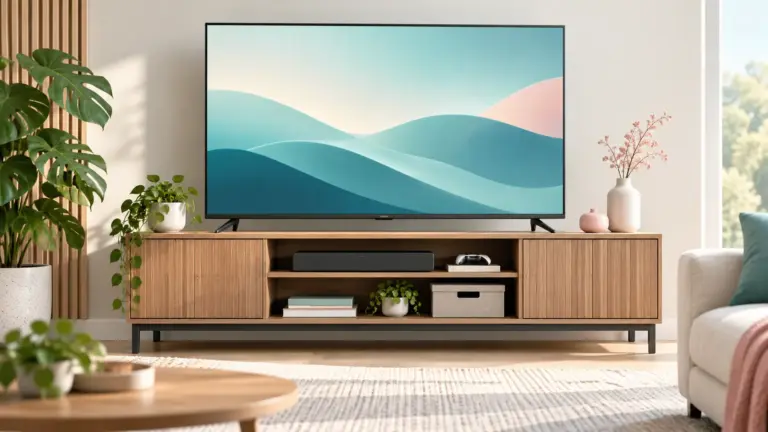
- Place the screen at a comfortable eye level to avoid neck strain.
- Avoid glare from windows by angling the TV or using curtains.
Setting Up a TV for Someone Else
- Pin the five apps they use to the first row.
- Turn on captions and set a readable size before you leave.
- Write the input name on a note near the remote, such as “TV” and “DVD”.
- Turn off features that cause confusing pop-ups.
- Show them how to turn the TV on and off, adjust volume and switch inputs.
A short 10-minute walkthrough often matters more than any feature. Leave a one-page cheat sheet in large print.
What to Skip
- Complicated universal remotes with dozens of buttons.
- Extra devices that need separate remotes unless they add something clear.
- Very dim or very reflective screens in bright living rooms.
- Feature lists that only matter for gaming or home theater.
Frequently Asked Questions
What size TV is best for seniors?
Often 43 to 55 inches, depending on room size and viewing distance. Bigger is helpful for readability as long as the viewing distance is right.
Do seniors need a smart TV?
Not necessarily. A smart TV is useful for streaming, but a simple model plus a basic streaming box can be easier for some people.
Can I make a TV easier to use?
Yes. Enable captions, enlarge text, simplify the home screen and use a simpler remote.
Are voice remotes good for older users?
They can be helpful if they work reliably, but a basic remote with large buttons is still a good backup.
Bottom Line
Pick a TV for ease of use: simple remote, readable menus, clear dialogue and a stable setup. A little configuration matters more than extra features.