Disclosure: As an Amazon Associate, reviewstook.com earns from qualifying purchases. Links to Amazon on this page are affiliate links; they cost you nothing extra.
HDMI menus are full of acronyms: CEC, ARC, eARC. They sound technical, but each solves a simple problem. This guide explains what they do, when you need them and how to set them up.
This guide is based on product listings and general TV knowledge rather than our own testing. Specs and features vary by model and year, so confirm the details on the product page.
By the Reviewstook Editorial Team. Last updated: November 1, 2026.
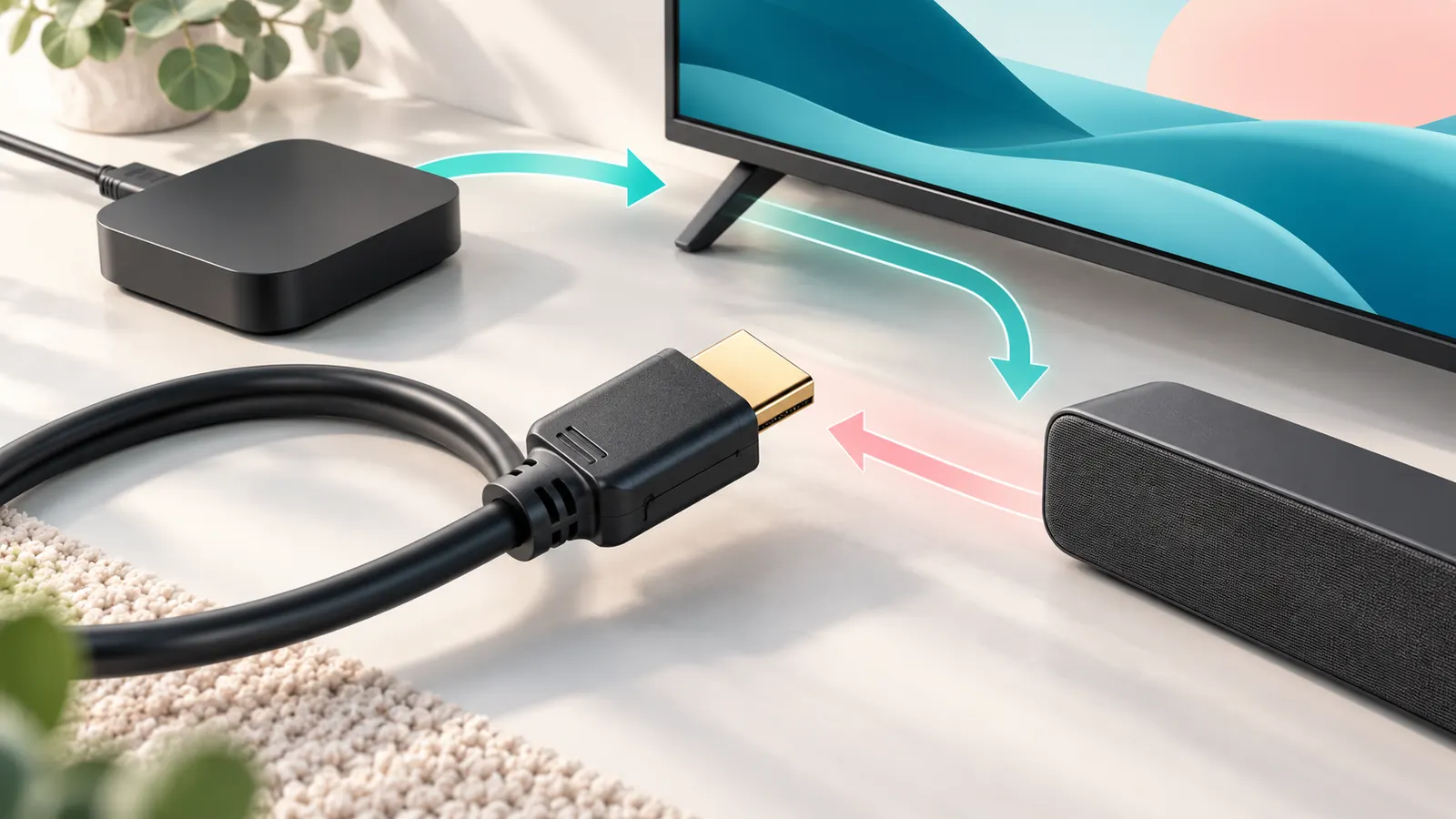
HDMI CEC: One Remote for Several Devices
CEC stands for Consumer Electronics Control. It lets devices connected by HDMI send simple commands to each other. When it works, turning on a game console can wake the TV, and your TV remote can control the volume on a soundbar.
Every brand uses its own name for it, such as Anynet+, Bravia Sync, Simplylink or similar. If it is switched off in the settings menu, devices will not talk to each other.
ARC: Audio From the TV to a Soundbar
ARC means Audio Return Channel. Normally HDMI carries sound from a device into the TV. ARC sends sound back out of the TV, through the same cable, to a soundbar or receiver. That is how audio from the TV’s built-in apps reaches your speakers over one cable.
ARC has limited bandwidth, so it handles standard Dolby Digital and compressed surround but not the highest-quality lossless formats.
eARC: The Upgrade
eARC is Enhanced ARC, available on HDMI 2.1 ports and some newer 2.0 ports. It has much more bandwidth, so it can carry lossless audio such as Dolby TrueHD and uncompressed multichannel sound, as well as Dolby Atmos in higher quality.
To use eARC you need a TV and a soundbar or receiver that both support it, plus a cable that is rated for it. A High Speed or Ultra High Speed HDMI cable works in most cases.
ARC vs eARC at a Glance
If you only listen to TV shows and streaming, ARC is enough. If you play Blu-ray discs with lossless audio or want the best Atmos experience from a capable soundbar or receiver, eARC is worth having.
How to Set It Up
- Connect the soundbar’s HDMI ARC/eARC output to the TV’s HDMI ARC/eARC port.
- Enable CEC (the brand name varies) in the TV settings.
- Choose the external speaker or ARC as the audio output in the TV’s sound menu.
- Turn off the TV’s internal speakers if the menu has that option.
Common Problems and Fixes
- No sound: check you used the ARC/eARC port, not a normal HDMI port.
- Volume remote does not work: enable CEC on both devices and power-cycle them.
- Sound drops out: try a different HDMI cable and update the firmware on both devices.
- Lip-sync lag: look for an audio delay setting on the TV or soundbar.
Which Devices Usually Need Which Feature
- Soundbar: ARC or eARC, plus CEC for the volume remote.
- Game console: CEC is optional; HDMI 2.1 matters more for 4K at high frame rates. See our gaming TV guide.
- Streaming stick: CEC lets it wake the TV and use the TV remote.
- AV receiver: eARC is the best choice for lossless surround.
If you are unsure which port is which, read the label next to each HDMI port. Many TVs have only one port marked ARC or eARC, and it may also be the port used for another device.
Troubleshooting Order That Saves Time
- Confirm the cable is in the labelled ARC/eARC port.
- Enable CEC on the TV and the other device.
- Power off everything, unplug for a minute, then start the TV first.
- Try a different certified HDMI cable.
- Update firmware on the TV and the soundbar or receiver.
- Fall back to optical audio if the problem persists, accepting lower audio quality.
If the issue only happens with one device, search that device’s support page; some boxes have their own HDMI-control setting that must be switched on.
Frequently Asked Questions
Do I need a special cable for ARC?
A standard High Speed HDMI cable usually works for ARC. For eARC, use an Ultra High Speed or eARC-rated cable if you have trouble.
Can I use ARC and optical at the same time?
Use one at a time. Optical can be a fallback when ARC is not available, but it carries less audio data.
Is CEC safe to leave on?
Yes. It only sends simple control commands. Turn it off if devices wake up unexpectedly.
Does every HDMI port support ARC?
No. Usually only one port on the TV is labelled ARC or eARC, so check the markings.
Bottom Line
CEC gives you one remote, ARC sends TV sound to a soundbar and eARC does it with higher quality. Plug into the right port, enable the settings and use a decent cable, and most setups work.