Printers
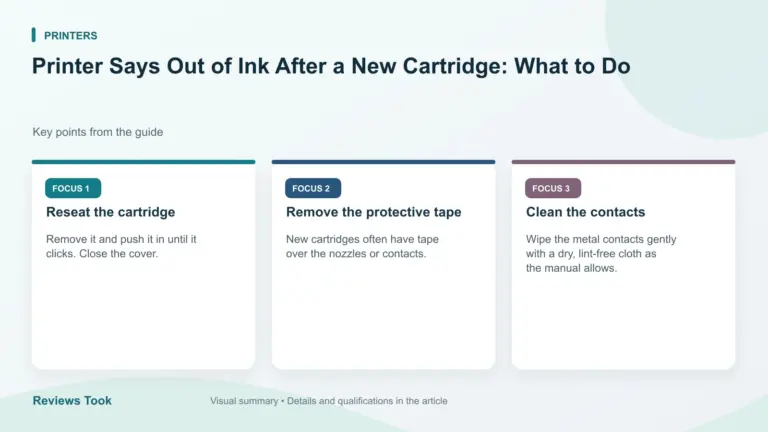
Printer Says Out of Ink After a New Cartridge: What to Do
Printer says out of ink after a new cartridge: reseat it, remove the tape, clean the contacts, reset the ink warning and…
Read the guidePrinter says out of ink after a new cartridge: reseat it, remove the tape, clean the contacts, reset the ink warning and…
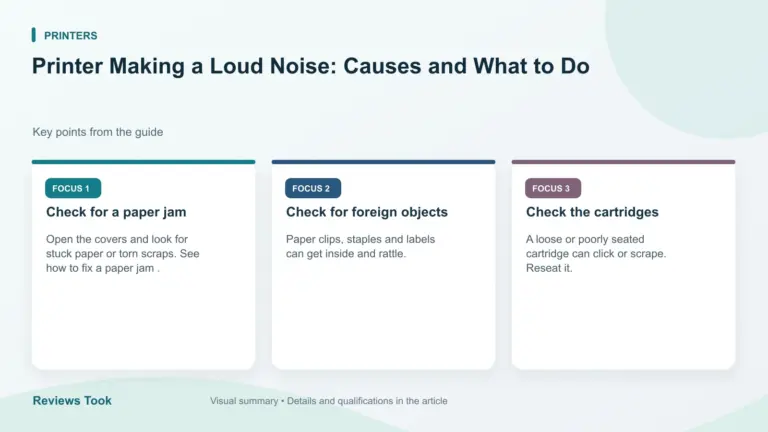
Read the guidePrinter making a loud noise: check for paper jams, loose parts, worn rollers and cartridge problems, and learn when a noise means…
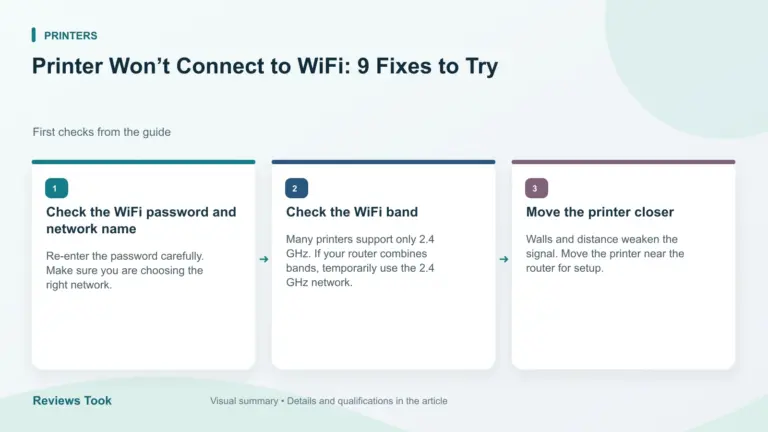
Read the guidePrinter won't connect to WiFi: check the network band, password, router, signal and printer settings, then restart and set up again.
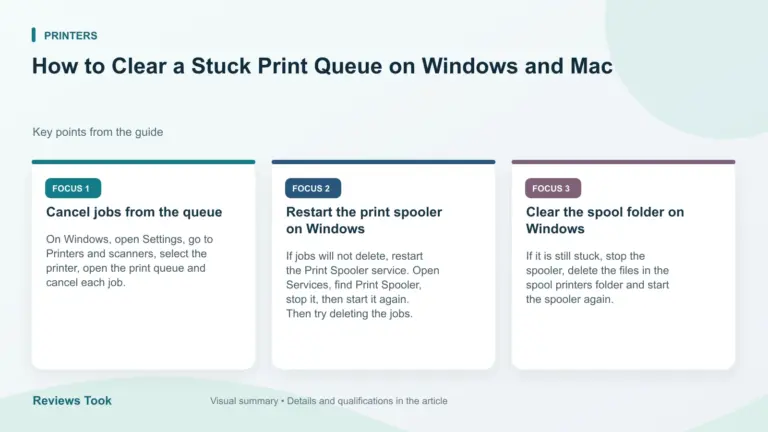
Read the guideHow to clear a stuck print queue: cancel jobs, restart the print spooler on Windows, and reset the print queue on Mac…
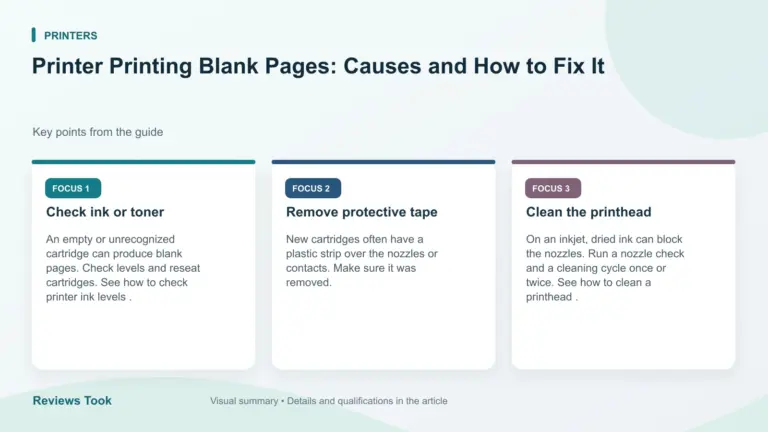
Read the guidePrinter printing blank pages: check ink and toner, clean the printhead, check the cartridge, paper and software settings and test print.
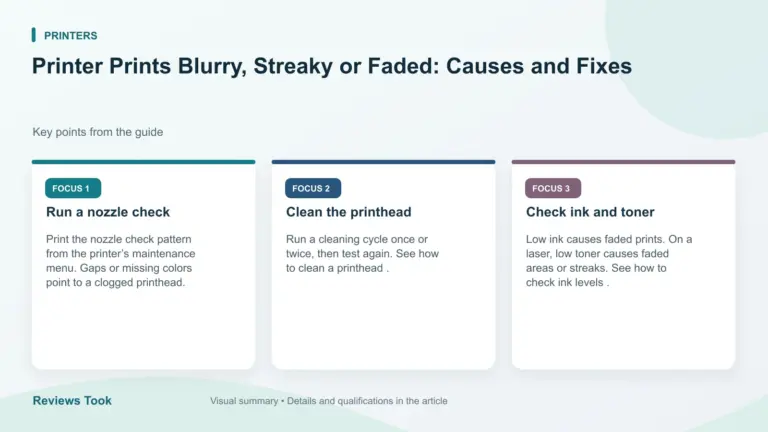
Read the guidePrinter prints blurry, streaky or faded text: run a nozzle check, clean the printhead, check ink, paper and quality settings, and align…
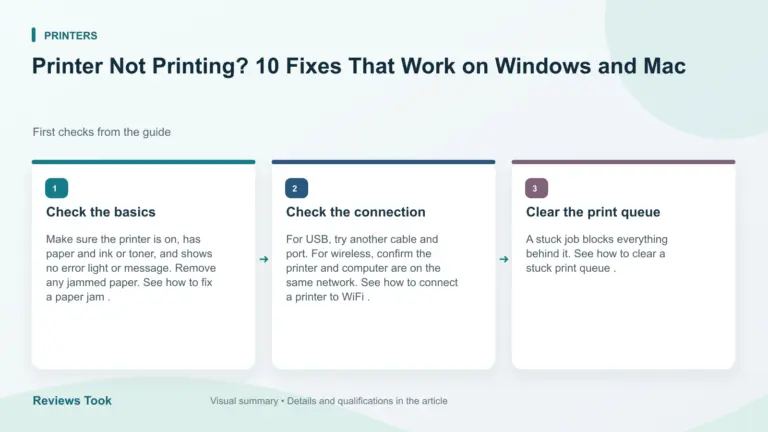
Read the guidePrinter not printing: check power, connection, queue and paper, restart devices, set the default printer, update the driver and reinstall.
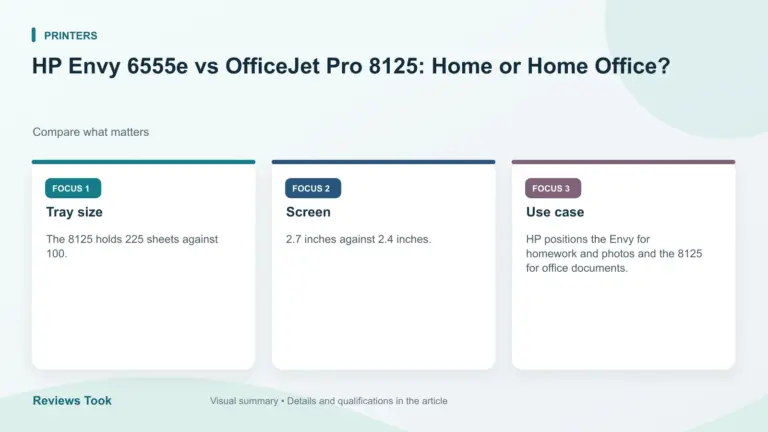
Read the guideHP Envy 6555e vs OfficeJet Pro 8125 compared from listings: feeder, tray size, touchscreen, speed and use case. See which HP fits…
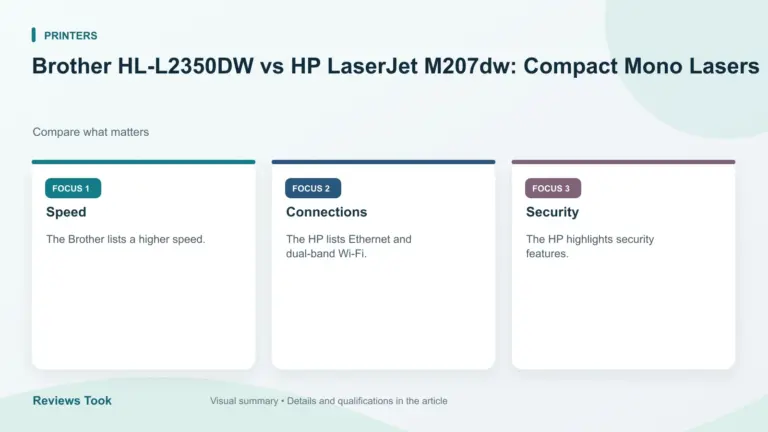
Read the guideBrother HL-L2350DW vs HP LaserJet M207dw compared from listings: speed, duplex, Ethernet, security and toner policy. Prices checked Oct 30, 2026.
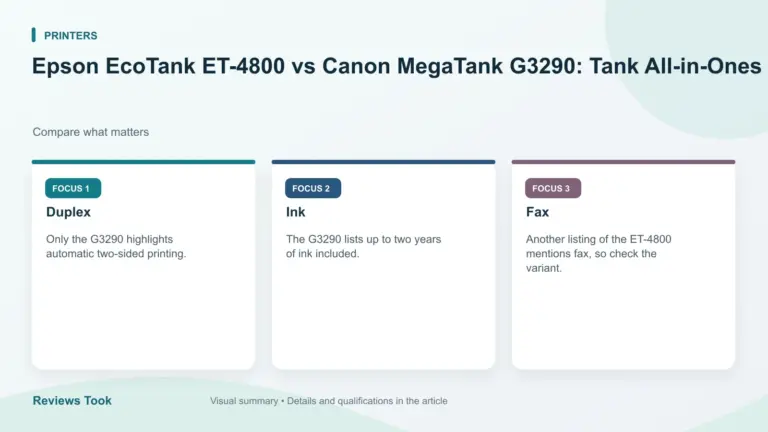
Read the guideEpson EcoTank ET-4800 vs Canon MegaTank G3290 compared from listings: yield claims, display, duplex and included ink. Prices checked Oct 30, 2026.
Read the guide