Disclosure: As an Amazon Associate, reviewstook.com earns from qualifying purchases. Links to Amazon on this page are affiliate links; they cost you nothing extra.
A TV stand carries the heaviest and most expensive device in the room, so size, strength and stability matter. This guide explains how to choose one that fits your TV and your space.
This guide is based on product listings and general TV knowledge rather than our own testing. Specs and features vary by model and year, so confirm the details on the product page.
By the Reviewstook Editorial Team. Last updated: November 1, 2026.
Check the Width First
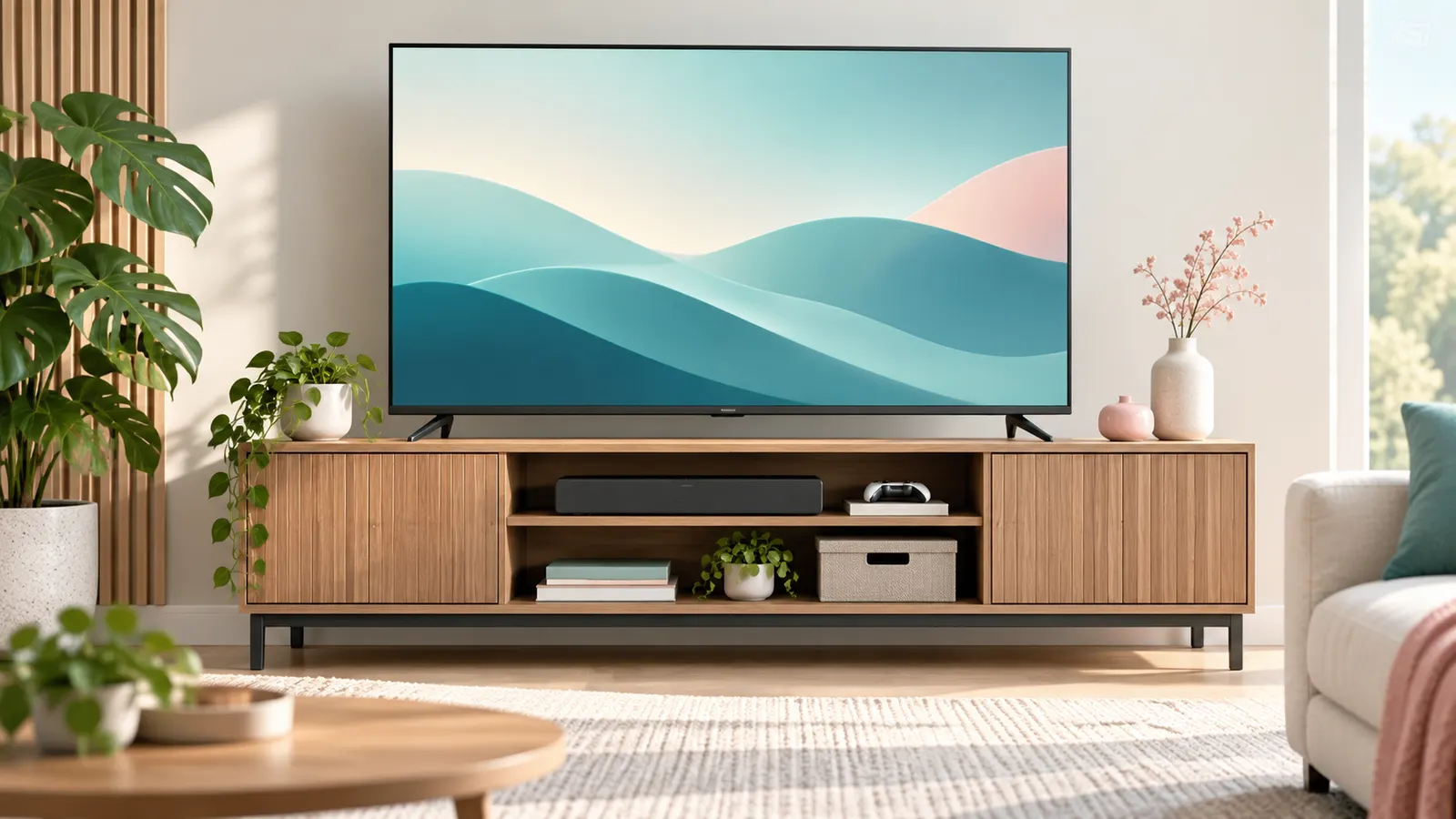
The stand should be about as wide as the TV, or wider. Many modern TVs have feet at the far edges, so a narrow stand can leave them overhanging. Measure the distance between the feet and compare it with the stand’s top surface. Some TVs also come with a center pedestal that fits smaller stands.
Weight Capacity
Look for a listed weight limit and add a margin. The TV’s weight is in its spec sheet; a 55-inch set is usually well under what most stands can hold, but large screens and heavier sets need more. The listed capacity also matters if you put a soundbar, console or decor on top.
Height and Viewing Angle
The center of the screen should be near eye level when you are seated. A low stand plus a high chair leads to neck strain. Consider the sofa height and the viewing distance before choosing between a low media console and a taller unit.
Storage and Cable Management
- Open shelves keep remotes and consoles in reach and help signals.
- Closed doors hide clutter but may block infrared remotes; leave some ventilation.
- Cable holes at the back make wiring neater.
- Adjustable shelves help with soundbars and gaming gear.
Materials and Stability
Solid wood and engineered wood stands both work. Check customer comments for stability, assembly difficulty and wobble. Metal frames and glass shelves look light, but verify the supports and the weight rating. In homes with children or pets, consider anti-tip straps for the TV.
Corner and Small-Space Options
Corner stands and narrow consoles fit tight rooms. If floor space is limited, a wall mount may be a better choice; see our TV wall mount guide.
Quick Measurement Guide
- Measure TV width and the distance between the feet.
- Measure the room opening and doorway if the stand is bulky.
- Check the stand depth against your TV’s foot depth.
- Leave several inches behind for cables and airflow.
Write down the TV weight and add the soundbar and console weights to get the real load.
Stability and Safety Tips
- Use anti-tip straps if you have children or pets.
- Place the stand on a level surface.
- Do not stack heavy items on thin shelves.
- Check the assembly screws after a few weeks.
Frequently Asked Questions
How wide should a TV stand be?
At least as wide as the TV’s feet. Wider is better, especially if you want to place a soundbar or console next to it.
Can a TV stand hold a soundbar and console?
Yes, if the surface is large enough and the total weight stays within the stand’s rating.
Do I need ventilation in a TV stand?
Yes, for consoles and streaming devices. Leave space around vents and avoid enclosed shelves for hot equipment.
Is a mount better than a stand?
Mounts save floor space; stands offer storage and flexibility. It depends on the room.
Bottom Line
Measure the TV’s feet, check the weight rating, pick a comfortable height and plan cable and ventilation space. A solid stand protects your TV and keeps the room tidy.