Disclosure: As an Amazon Associate, reviewstook.com earns from qualifying purchases. Links to Amazon on this page are affiliate links; they cost you nothing extra.
Many viewers turn the volume up for dialogue and down for loud scenes. Thin modern TVs have small speakers pointing down or backward, which makes voices hard to understand. Here are the fixes, from free settings to hardware.
This guide is based on product listings and general TV knowledge rather than our own testing. Specs and features vary by model and year, so confirm the details on the product page.
By the Reviewstook Editorial Team. Last updated: November 1, 2026.
Why Dialogue Is Hard to Hear
Slim TVs leave little room for speakers, so voices sound thin and bass is weak. Movies are also mixed for cinemas with wide dynamic range, so speech can be quieter than effects. Room echo from hard floors and bare walls makes it worse.
Free Settings to Try First
- Turn on a dialogue, voice or clear-voice mode if your TV has one.
- Switch the sound mode from Movie or Standard to Speech or Clear.
- Enable night mode or auto volume to reduce loud peaks.
- Try the audio language track or stereo downmix in the streaming app.
- Turn on subtitles. They are the fastest way to follow speech.
Placement and Room Fixes
Move the TV away from the wall if the speakers fire backward, and add soft furnishings such as rugs and curtains to reduce echo. Sit in a position where you hear the speakers directly.
Add a Soundbar
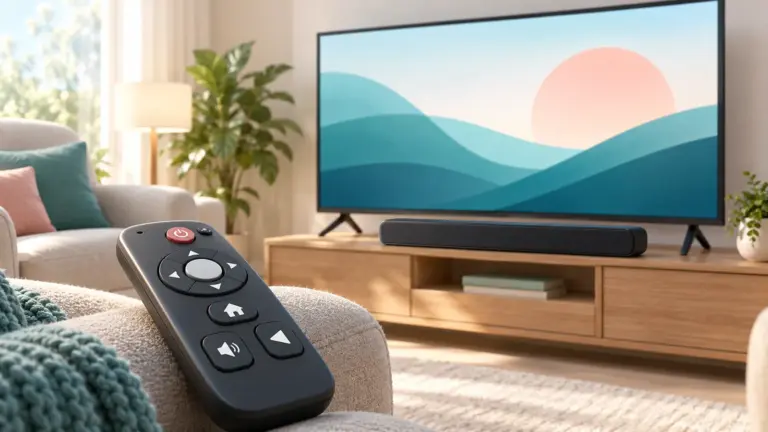
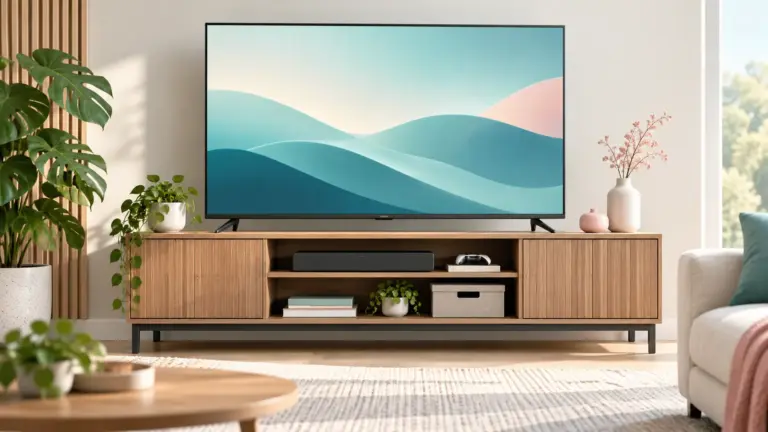
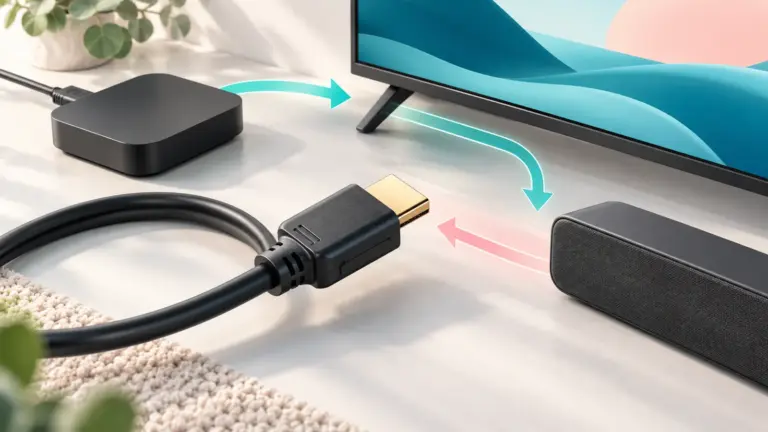
A soundbar with a center channel or a dialogue mode is the most common upgrade. It points sound at the listener instead of down or backward. Connect it through HDMI ARC or optical; our soundbar connection guide shows how.
Wireless Headphones and TV Speakers
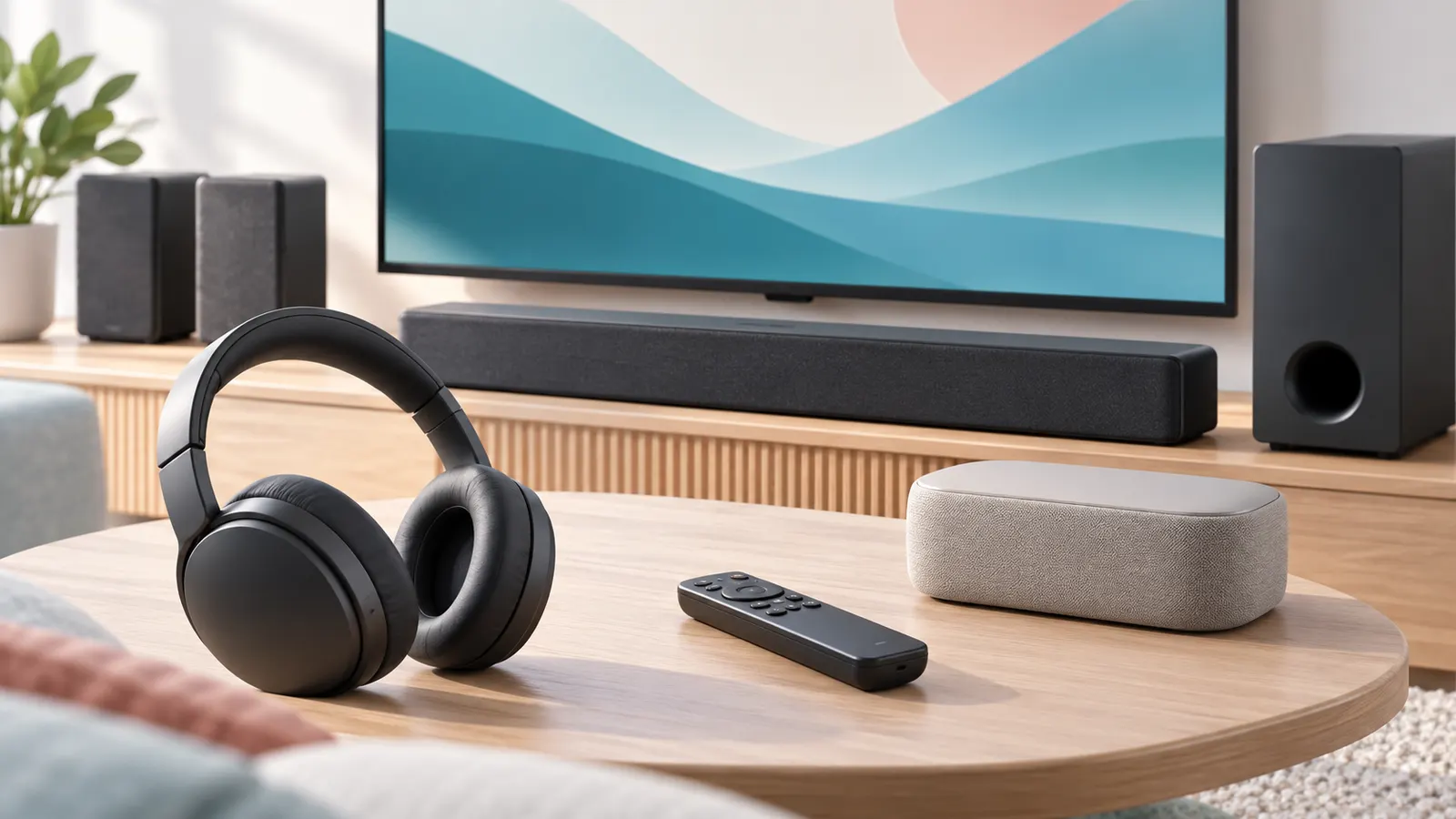
If someone else in the home wants quiet, wireless TV headphones or a Bluetooth transmitter let you set your own volume. Some systems include a base station so there is no pairing step. Check audio delay and battery life before buying.
When to Check the Hardware
If sound is distorted at every volume and in every app, test with another source. Try a different HDMI cable or input. If the problem stays, the TV’s speakers may be faulty and the warranty is worth checking.
Choosing Between a Soundbar, Speakers and Headphones
- Soundbar: best for shared viewing and simple setup.
- Bookshelf or Bluetooth speakers: flexible, but may add delay.
- Wireless TV headphones: best for late-night viewing or different volume levels.
- Hearing devices with streaming: check compatibility with your TV’s Bluetooth.
Whatever you choose, test audio delay with a talking scene. A noticeable gap between lips and sound is a sign you need a delay setting or a wired connection.
A 10-Minute Fix Routine
- Switch on dialogue mode and subtitles.
- Change the sound mode to Speech or Clear.
- Move the TV away from the wall if it fires backward.
- Test another app to see if the issue is app-specific.
- Try an HDMI or optical connection to external speakers.
Frequently Asked Questions
Why is TV dialogue so quiet?
Slim TVs have small downward or rear-facing speakers, and movie mixes often have quiet speech and loud effects.
Does a soundbar fix muffled dialogue?
In most cases it helps a lot, especially models with a center channel or voice mode.
Will subtitles hurt picture quality?
No. They only add text to the screen and can be turned off at any time.
Are wireless TV headphones worth it?
They are useful when you want higher volume without disturbing others.
Bottom Line
Start with dialogue mode and subtitles, improve the room, then add a soundbar or wireless headphones if you need more. Most muffled-dialogue problems are fixed without replacing the TV.