
Disclosure: As an Amazon Associate, reviewstook.com earns from qualifying purchases. Links to Amazon on this page are affiliate links; they cost you nothing extra.
A gaming laptop packs a powerful graphics chip into a portable body, and that makes the buying decision different from a normal laptop. Performance, cooling, display speed and battery life all pull against weight and price. This guide explains the parts that matter and the traps to avoid.
This guide is built from product listings and manufacturer information, not our own testing. Check the exact model on its product page.
By the Reviewstook Editorial Team. Last updated: October 31, 2026.
The Graphics Chip Matters Most
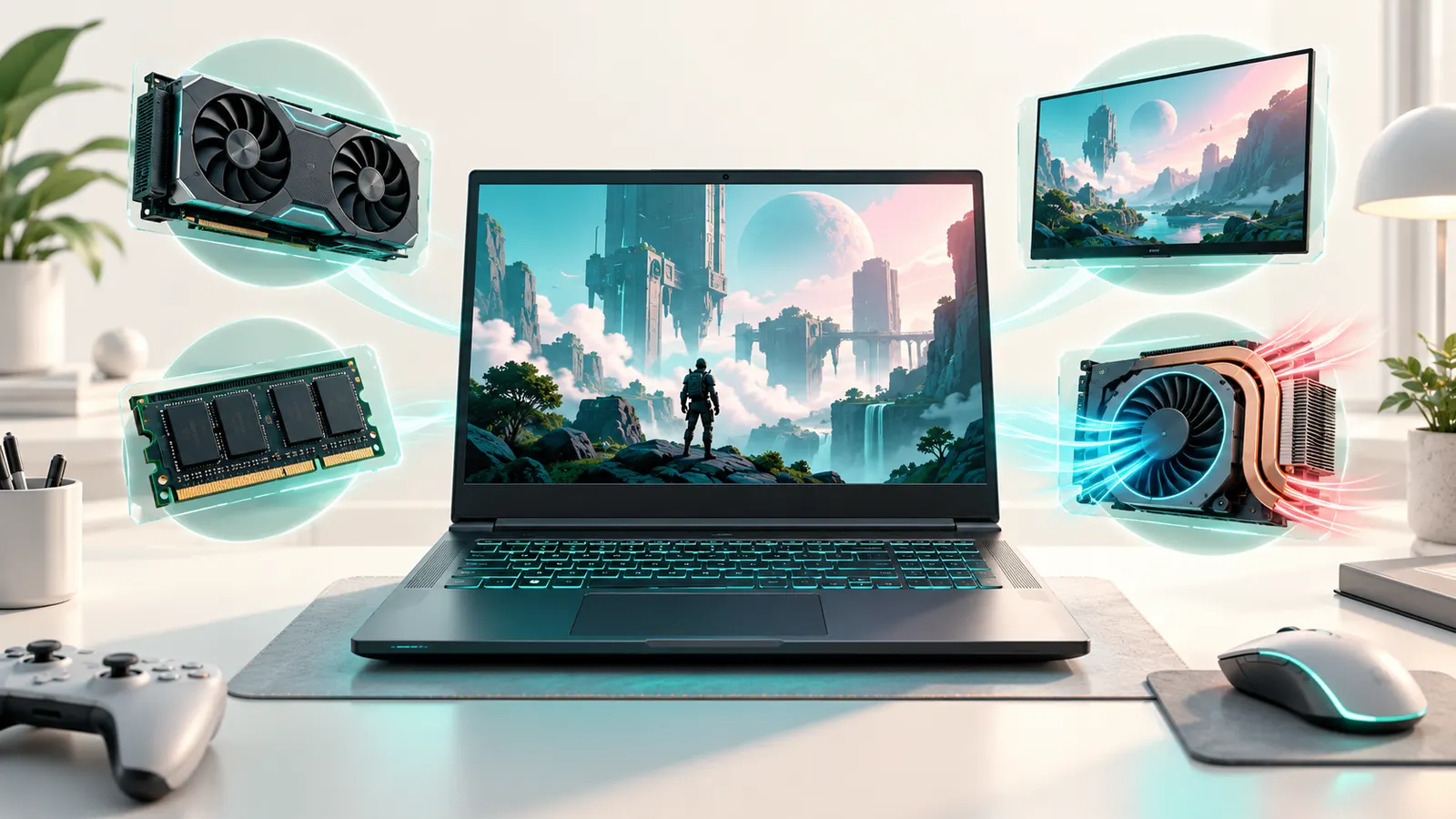
For gaming, the graphics chip (GPU) decides how well games run. Laptop GPUs share model names with desktop ones but often run at lower power, so the same name can perform differently from one laptop to the next. Look for the graphics model and its power limit in the listing and compare the same chip across laptops, since a thin laptop may limit it to keep cool.
Cooling and Thickness
Cooling design determines how long a laptop can sustain full performance. Thicker laptops usually cool better and stay quieter; thin ones are easier to carry but may throttle. Reviews that measure temperatures and noise are more reliable than spec sheets.
Display: Resolution and Refresh Rate
A high refresh rate such as 120 or 144 Hz makes fast games feel smoother, provided the graphics chip can reach those frame rates. Full HD is easiest to run at high frame rates; 1440p looks sharper if the GPU has room. Check response time and brightness, and avoid dim panels.
Processor and Memory
A modern mid-range or better processor is enough for most games; the graphics chip matters more. 16 GB of RAM is the standard recommendation, and 32 GB helps with streaming and heavy multitasking. A fast SSD of at least 1 TB is wise, since games are large.
Battery Life and Portability
Gaming laptops have much shorter battery life under load, so expect to play plugged in. Many also have large power bricks. If you travel often, consider a compact gaming laptop; see our compact picks.
Upgradeability and Ports
Some gaming laptops let you upgrade RAM and storage, which extends their life. Check for ports you need, such as HDMI, USB-C, Ethernet and a headphone jack. A good keyboard with reliable key response is also essential for play.
Gaming Laptop or Desktop?
A desktop offers more performance per dollar and easy upgrades; a laptop offers portability. See our gaming laptop vs desktop comparison to decide.
Budgeting
Entry-level gaming laptops can run many games at Full HD with sensible settings; midrange and high-end models deliver higher settings and refresh rates. Compare options in our under $1500 and under $2000 lists, and our entry-level picks.

Frequently Asked Questions
How much RAM do I need for gaming?
16 GB is the standard recommendation; 32 GB suits heavy multitasking.
Do I need a high refresh rate?
It makes fast games smoother if your GPU can reach the frame rate.
Can I use a gaming laptop for work?
Yes, but battery life and weight are worse than a normal laptop.
Do gaming laptops last long?
They last for years with proper cooling and cleaning. Keep vents clear and use a cooling pad if needed.
Bottom Line
Choose the best graphics chip your budget allows, make sure the cooling is good, aim for 16 GB of RAM and a 1 TB SSD, and plan to play plugged in. See our best gaming laptops for specific picks.
Related Reading
- Laptop Buying Guide: RAM, CPU, Storage, Screen
- 6 Best Laptops: Windows, Touch and Copilot+ Picks
- Business Laptop Buying Guide: Windows Pro, Ports, Warranty
- Student Laptop Buying Guide
- Touch Screen Laptop Buying Guide: Touch vs Non-Touch
More Gaming Laptop Guides
- Best Gaming Laptops
- Best Gaming Laptops Under $1500
- Best Gaming Laptops Under $2000
- Best RTX 50-Series Gaming Laptops
- Best High-End Gaming Laptops
- Best Entry-Level Gaming Laptops
- Best ASUS Gaming Laptops
- Best MSI Gaming Laptops
- Best Compact Gaming Laptops
- Best Cooling Pads for Gaming Laptops
- Gaming Laptop vs Gaming Desktop
- All laptop guides
