
Disclosure: As an Amazon Associate, reviewstook.com earns from qualifying purchases. Links to Amazon on this page are affiliate links; they cost you nothing extra.
Gaming laptops and gaming desktops can both run the same games, but they differ in price, performance, noise, portability and upgrade paths. The right choice depends on where you play and how long you expect the machine to last.
This comparison draws on product information and general industry knowledge rather than our own lab tests.
By the Reviewstook Editorial Team. Last updated: October 31, 2026.
Performance for the Price
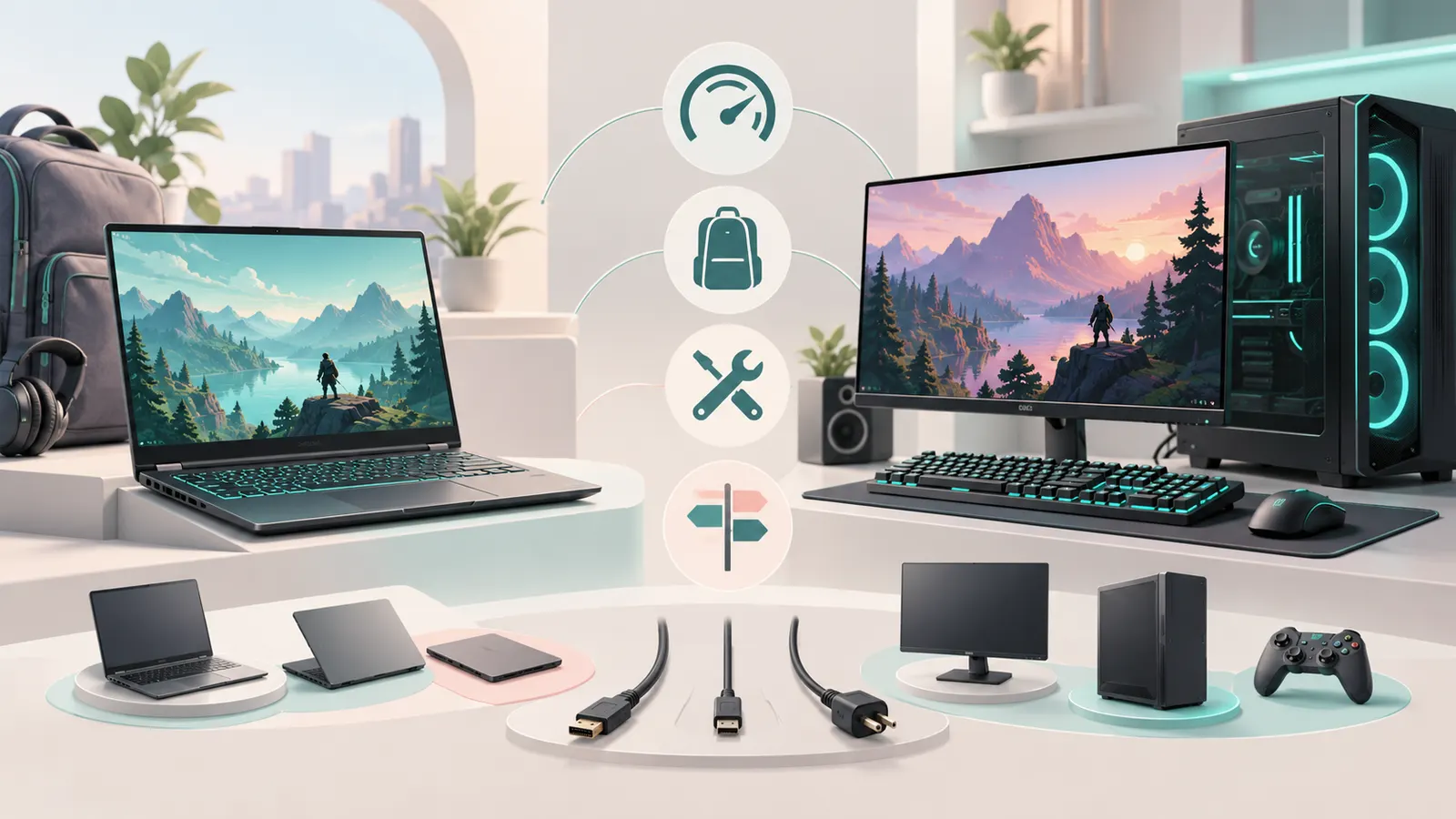
A desktop gives more performance per dollar because it can use larger graphics cards and better cooling. A laptop with a similar-sounding graphics chip typically runs it at lower power. If raw performance is your priority, a desktop is the stronger value.
Portability
A laptop wins if you move between rooms, travel, share a small space or live in a dorm. A desktop is fixed and needs a monitor, keyboard and mouse. A laptop is an all-in-one package with a screen, keyboard and speakers included.
Upgrades and Lifespan
Desktops are easy to upgrade, so you can replace the graphics card or add memory years later. Most laptops allow only RAM and storage upgrades, and sometimes not even that. A desktop can stay relevant longer through partial upgrades.
Cooling and Noise
Desktops have more room for fans and larger heatsinks, so they run cooler and quieter under load. Laptops run hotter and louder in gaming and may throttle in thin designs.
Total Cost
Remember to count the peripherals. A desktop needs a monitor, keyboard, mouse and possibly speakers or a headset; a laptop has them built in, though you may still want a mouse. Compare complete setups, not just the box.
Displays and Peripherals
A desktop lets you pick a large monitor with the refresh rate you want. A laptop screen is limited in size, though you can connect an external monitor. See our portable monitors and cooling pads.
Who Should Choose Which
- Choose a desktop if you play at home, want the best performance for the money and like to upgrade.
- Choose a laptop if you need portability, share space or want one device for work and play.
- Consider both if budget allows, a modest laptop for work and a desktop for gaming.

Frequently Asked Questions
Is a gaming laptop as good as a desktop?
Not at the same price. A laptop trades performance for portability.
Can I upgrade a gaming laptop?
Usually only RAM and storage, and sometimes not even those.
Which lasts longer?
A desktop, because individual parts can be replaced.
Do I need a cooling pad?
It can help a laptop run cooler, but good vents and clean fans matter more.
Bottom Line
For the best performance per dollar and easy upgrades, choose a desktop. For portability and an all-in-one package, choose a laptop. See our gaming laptop buying guide and best gaming laptops.
Related Reading
- Laptop Buying Guide: RAM, CPU, Storage, Screen
- 6 Best Laptops: Windows, Touch and Copilot+ Picks
- 6 Best Business Laptop Backpacks: 15 to 17-Inch
- 6 Best Laptop Backpacks: 16 and 17-Inch Picks
- 6 Best Laptop Cooling Pads: Gaming and Budget Fans
More Gaming Laptop Guides
- Best Gaming Laptops
- Best Gaming Laptops Under $1500
- Best Gaming Laptops Under $2000
- Best RTX 50-Series Gaming Laptops
- Best High-End Gaming Laptops
- Best Entry-Level Gaming Laptops
- Best ASUS Gaming Laptops
- Best MSI Gaming Laptops
- Best Compact Gaming Laptops
- Best Cooling Pads for Gaming Laptops
- Gaming Laptop Buying Guide
- All laptop guides
