
Disclosure: As an Amazon Associate, reviewstook.com earns from qualifying purchases. Links to Amazon on this page are affiliate links; they cost you nothing extra.
A keyboard turns a tablet into a small laptop, but the wrong one is frustrating. Fit, connection, key feel and the way it holds the tablet all matter. This guide helps you choose between keyboard cases, separate Bluetooth keyboards and compact folding models.
Our guides draw on product listings and manufacturer information, not our own testing.
By the Reviewstook Editorial Team. Last updated: October 31, 2026.
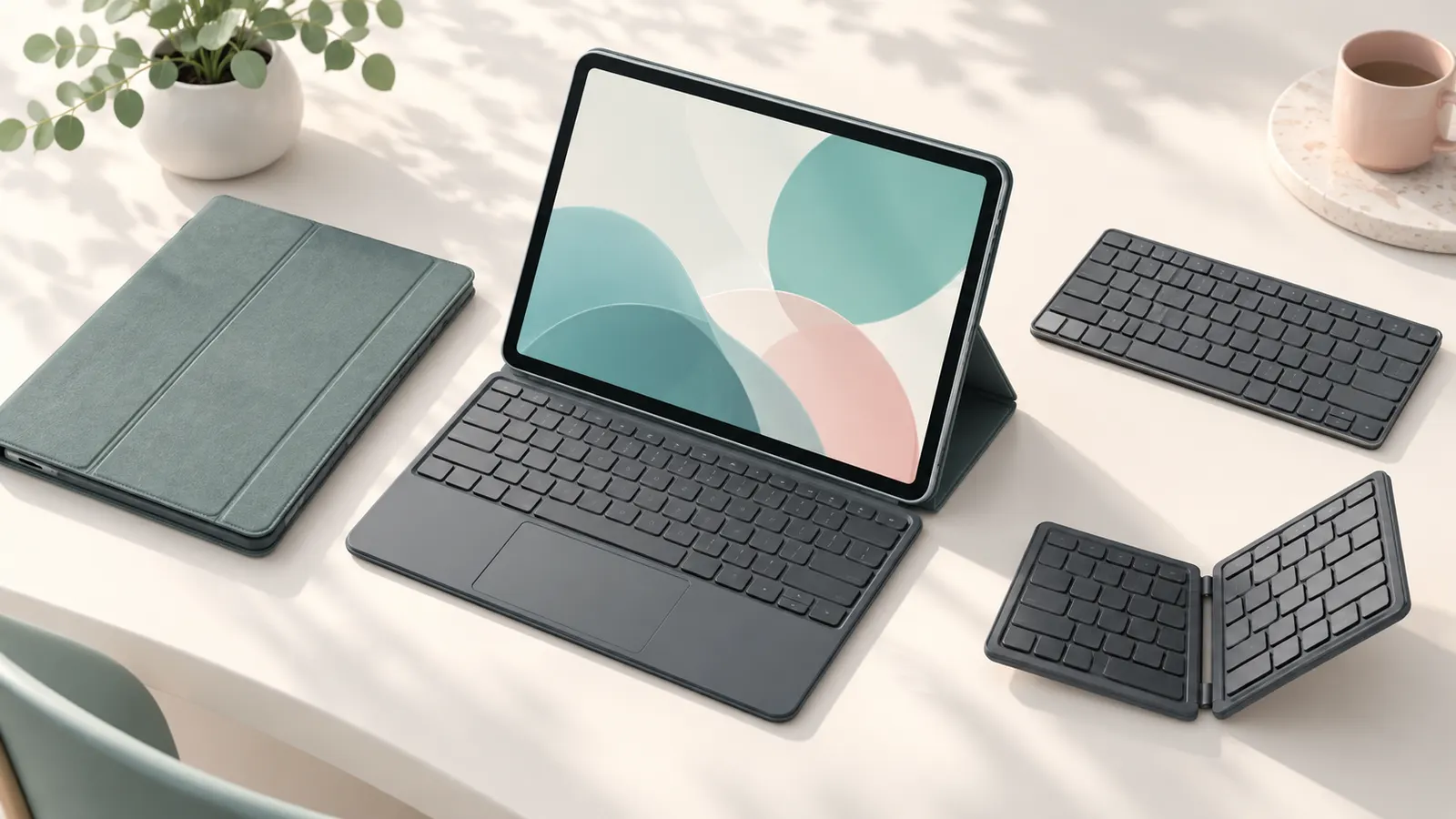
Keyboard Case, Detachable Keyboard or Separate Keyboard?
A keyboard case protects the tablet and doubles as a stand, but it adds bulk. A detachable keyboard cover is thinner. A separate Bluetooth keyboard works with any tablet and is the most flexible, but needs a stand. Choose by how you will carry and use it.
Compatibility
A case-style keyboard must match your exact tablet model and size. Bluetooth keyboards work with most tablets, but special keys may differ by operating system. Check the product page for compatibility before ordering.
Connection: Bluetooth or Pogo Pins
Bluetooth keyboards need pairing and charging. Pogo-pin keyboards connect through contacts on the tablet and need no batteries, but only work with specific models. Check battery life if the keyboard is rechargeable.
Typing Feel and Layout
Key travel and spacing decide comfort. Compact keyboards save space but squeeze keys. Look for a standard layout and a good trackpad if you plan to use it often.
Trackpad and Shortcuts
A trackpad helps in work apps. Shortcut keys for volume, brightness and home save time. Check which functions are supported on your operating system.
Stand and Viewing Angle
A keyboard case with an adjustable stand lets you use the tablet at the right angle. Check the stability on a lap or small table.
Options to Explore
Browse our lists for keyboard cases, Bluetooth keyboards, foldable keyboards, Fire tablet keyboards, Samsung Galaxy Tab keyboards and Surface Pro keyboards.
Frequently Asked Questions
Will any Bluetooth keyboard work with my tablet?
Most will, but some special keys may not.
Do I need a keyboard case?
Only if you type often or want a stand and protection.
Do keyboards need charging?
Bluetooth ones do. Pogo-pin ones draw power from the tablet.
Bottom Line
Match the keyboard to your tablet, decide between case, cover and separate keyboard, and test the typing feel. See our best keyboard cases for tablets.
Related Reading
- Tablet Buying Guide: Android vs iPad vs E Ink, RAM, Storage
- 6 Best Tablets Under $200: Samsung, Lenovo, TECLAST
- 6 Best Tablet Screen Protectors: iPad, Samsung
- 6 Best Tablet Stands and Holders for Desks
More Tablet Keyboard Guides
- Best Keyboard Cases for Tablets
- Best Bluetooth Keyboards for Tablets
- Best Keyboards for Android Tablets
- Best Foldable Keyboards for Tablets
- Best Keyboard and Mouse Combos for Tablets
- Best Samsung Galaxy Tab Keyboards
- Best Keyboards for Fire Tablets
- Best Surface Pro Keyboards
- Best Universal Tablet Keyboard Cases
- Best Mini Keyboards with Touchpad
- All tablet guides
