
Disclosure: As an Amazon Associate, reviewstook.com earns from qualifying purchases. Links to Amazon on this page are affiliate links; they cost you nothing extra.
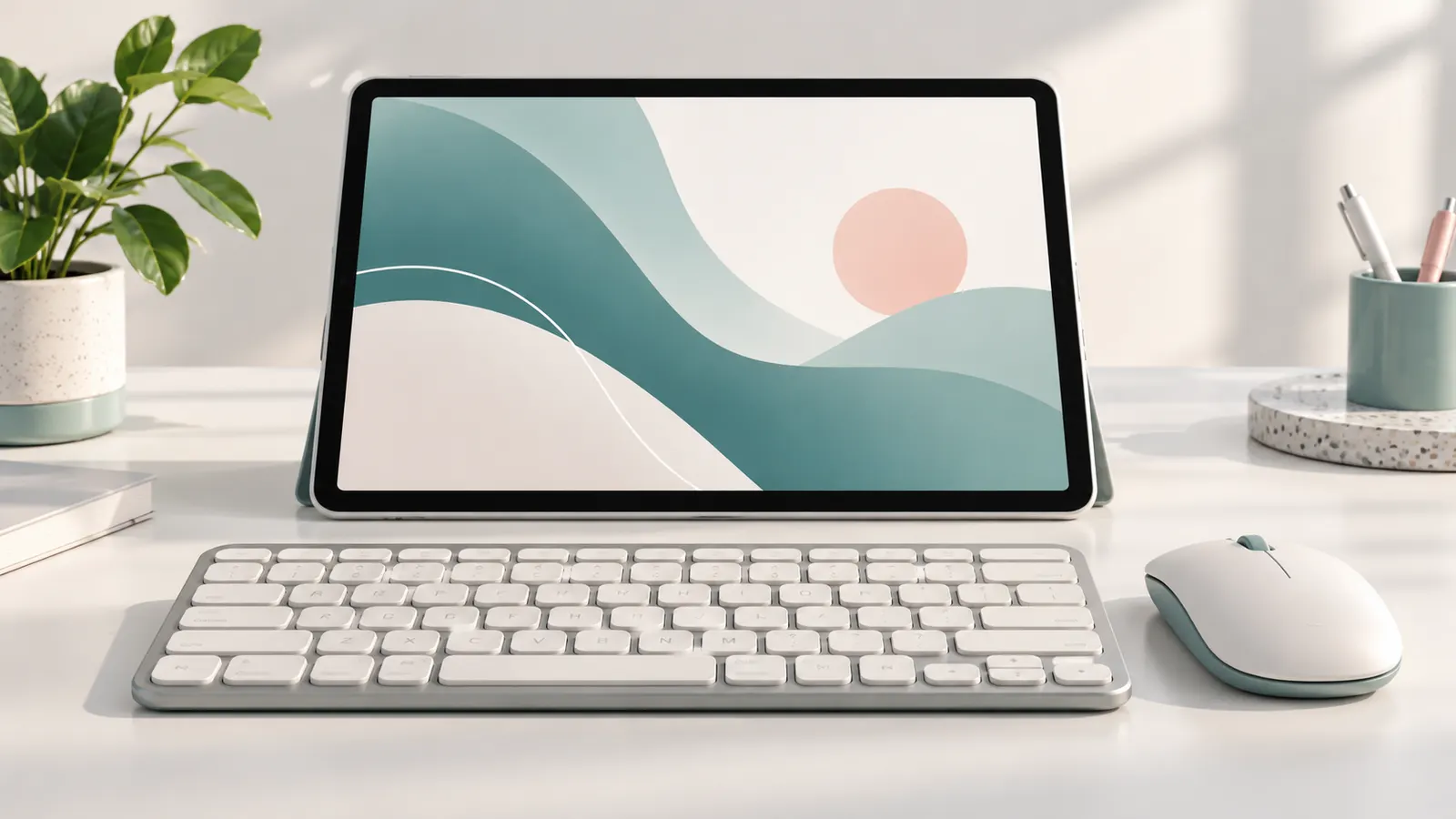
A combo gives a tablet a desktop-like setup. Check whether it uses Bluetooth or a USB receiver.
Prices are approximate, converted from what Amazon displayed on October 31, 2026 where needed. This guide is built from product listings, not our own testing, so check compatibility with your exact tablet model, screen size and operating system on the product page.
By the Reviewstook Editorial Team. Last updated: October 31, 2026.
Quick Picks
| Product | Type | Best for |
|---|---|---|
| Rechargeable Bluetooth Keyboard and Mouse Combo (Ultra-Slim) | Keyboard and mouse combo | Android, Windows, iPad |
| Ultra-Slim Bluetooth Keyboard and Mouse Combo (7-Color Backlit) | Backlit combo | Portable mini, rechargeable |
| TECKNET Wireless Keyboard and Mouse Combo (2.4G Mini) | Mini combo | 2.4G, silent mouse, 1600 DPI |
| Vssoplor Wireless Keyboard and Mouse (Rose Gold) | Slim rechargeable combo | Ultra slim, rechargeable |
| seenda CTU-301 Bluetooth Keyboard and Mouse Combo for iPad | iPad combo | Blue and purple |
| Ergonomic Wireless Keyboard and Mouse Combo (Wave) | Ergonomic combo | Wrist rest |
Our Picks
1. Rechargeable Bluetooth Keyboard and Mouse Combo (Ultra-Slim)
A rechargeable ultra-slim universal Bluetooth keyboard and mouse combo for Android, Windows and iPad, per the listing. It showed at about $10 on Amazon.com when we checked on October 31, 2026 (converted where needed, so confirm the current price).
Good for: the cheapest combo. Strengths: very low price. Weaknesses: lesser-known brand. Skip it if you want a known brand.
2. Ultra-Slim Bluetooth Keyboard and Mouse Combo (7-Color Backlit)
An ultra-slim lightweight portable mini wireless Bluetooth keyboard and mouse combo with a 7-color backlight, rechargeable, per the listing. It showed at about $16 on Amazon.com when we checked on October 31, 2026 (converted where needed, so confirm the current price).
Good for: backlit travel use. Strengths: backlight and portability. Weaknesses: lesser-known brand. Skip it if you want a known brand.
3. TECKNET Wireless Keyboard and Mouse Combo (2.4G Mini)
A TECKNET 2.4G mini cordless keyboard and mouse combo with silent clicks and 1600 DPI, per the listing (2.4G USB receiver, so check your tablet has a USB port). It showed at about $20 on Amazon.com when we checked on October 31, 2026 (converted where needed, so confirm the current price).
Good for: a USB desk setup. Strengths: silent mouse and low price. Weaknesses: needs a USB receiver. Skip it if you need Bluetooth.
4. Vssoplor Wireless Keyboard and Mouse (Rose Gold)
A Vssoplor rechargeable ultra-slim wireless keyboard and mouse in rose gold, per the listing (check whether it uses Bluetooth or a USB receiver). It showed at about $36 on Amazon.com when we checked on October 31, 2026 (converted where needed, so confirm the current price).
Good for: a stylish combo. Strengths: rechargeable and slim. Weaknesses: check the connection type. Skip it if you need Bluetooth only.
5. seenda CTU-301 Bluetooth Keyboard and Mouse Combo for iPad
A seenda CTU-301 Bluetooth keyboard and mouse combo for iPad in blue and purple, per the listing. It showed at about $40 on Amazon.com when we checked on October 31, 2026 (converted where needed, so confirm the current price).
Good for: iPad users who want colors. Strengths: known accessory brand. Weaknesses: price near $40. Skip it if you want the cheapest.
6. Ergonomic Wireless Keyboard and Mouse Combo (Wave)
A wireless ergonomic wave keyboard and mouse combo with a wrist rest, per the listing. It showed at about $47 on Amazon.com when we checked on October 31, 2026 (converted where needed, so confirm the current price).
Good for: longer typing sessions. Strengths: wrist rest and ergonomic wave. Weaknesses: price near $47. Skip it if you want portable.
How to Choose
Connection
Bluetooth works without a USB port; 2.4G needs one.
Size
Mini sets travel better.
Mouse
Check silent clicks and DPI.
How We Chose These Products
We start from products sold on Amazon with a full product name and clear specifications, and we skip results that show only a brand name or a vague title. We then read the listing and any manufacturer information for each one and note the features that matter for tablets and tablet accessories: screen, performance, storage and accessories. We do not run our own lab tests, and this guide contains no hands-on measurements. Use it to build a shortlist, then check current prices, dimensions and return terms on the Amazon page before you buy.
Buying Guide: What to Check Before You Choose
Keyboards for tablets
Check the connection (Bluetooth or a pogo-pin dock), the layout, the key travel and whether a trackpad is included. A case that doubles as a stand helps with typing. Confirm the size and model fit.
Kids’ tablets
Look for a durable case, parental controls, a long warranty and age-appropriate content. Check storage and whether apps are included.
E-ink tablets
E-ink screens are easy on the eyes and last long on a charge, but refresh slowly and are usually grayscale. They suit reading and handwriting more than video.
Quick Reference: Which Pick Suits Whom
- Rechargeable Bluetooth Keyboard and Mouse Combo (Ultra-Slim): suits the cheapest combo
- Ultra-Slim Bluetooth Keyboard and Mouse Combo (7-Color Backlit): suits backlit travel use
- TECKNET Wireless Keyboard and Mouse Combo (2.4G Mini): suits a USB desk setup
- Vssoplor Wireless Keyboard and Mouse (Rose Gold): suits a stylish combo
- seenda CTU-301 Bluetooth Keyboard and Mouse Combo for iPad: suits iPad users who want colors
- Ergonomic Wireless Keyboard and Mouse Combo (Wave): suits longer typing sessions
Common Mistakes to Avoid
- Buying a keyboard without checking tablet model compatibility.
- Ignoring storage needs.
- Overlooking software update support.
- Skipping the case.
- Forgetting the return window.
Setup and Care
- Update the software.
- Pair accessories with Bluetooth in settings.
- Set up parental controls if needed.
- Protect the screen.
Frequently Asked Questions
Which is best?
See Quick Picks.
Do they work on iPad?
The seenda is listed for iPad.
Need a stand?
See our tablet stands.
Can a tablet replace a laptop?
For browsing, video and light work, yes. For heavy multitasking, a laptop is more capable.
How much storage do I need?
64 GB is fine for light use; more if you download video or apps.
Do tablet keyboards work with any tablet?
Only if the size and connection match. Check compatibility.
Bottom Line
For the lowest price, the Bluetooth combo. For iPad, the seenda. For ergonomics, the wave set.
Related Reading
- Tablet Buying Guide: Android vs iPad vs E Ink, RAM, Storage
- 6 Best Tablets Under $200: Samsung, Lenovo, TECLAST
- 7 Best E Ink Tablets for Note Taking: reMarkable and More
- 6 Best Kids Tablets: Learning and Android Tablets
- 5 Best microSD Cards for Tablets: SanDisk and More
More Tablet Keyboard Guides
- Best Keyboard Cases for Tablets
- Best Bluetooth Keyboards for Tablets
- Best Keyboards for Android Tablets
- Best Foldable Keyboards for Tablets
- Best Samsung Galaxy Tab Keyboards
- Best Keyboards for Fire Tablets
- Best Surface Pro Keyboards
- Best Universal Tablet Keyboard Cases
- Best Mini Keyboards with Touchpad
- Tablet Keyboard Buying Guide
- All tablet guides
