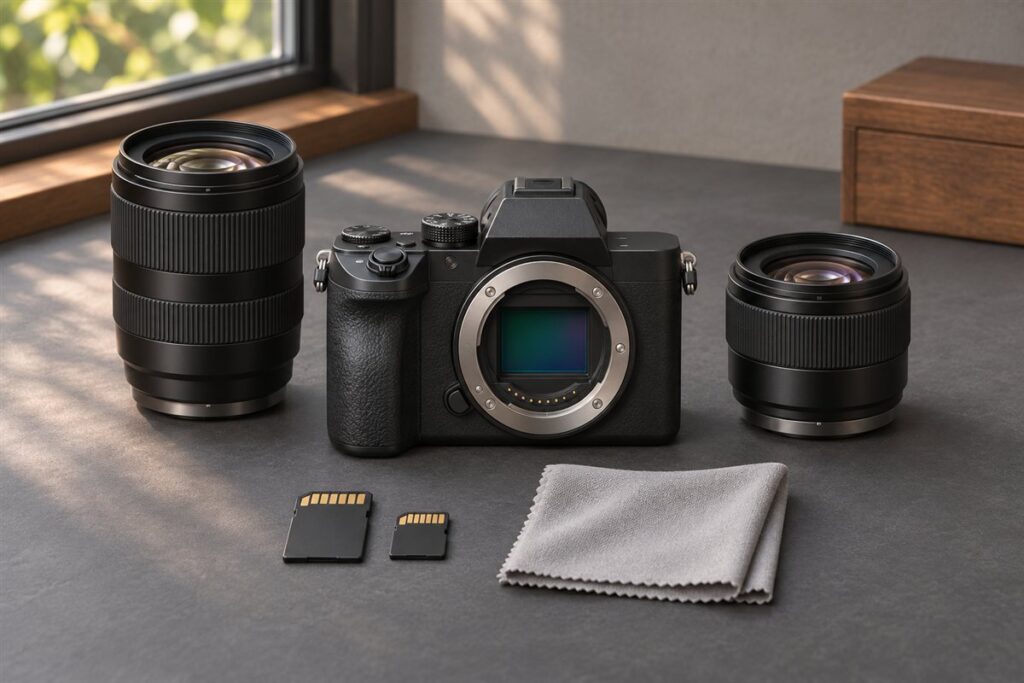
The Fujifilm X-T50 and the Canon EOS R10 are both compact APS-C mirrorless cameras, but they differ in feel. The X-T50 is a small retro-styled body with a film simulation focus, while the R10 is a light, grip-friendly camera built for easy everyday shooting.
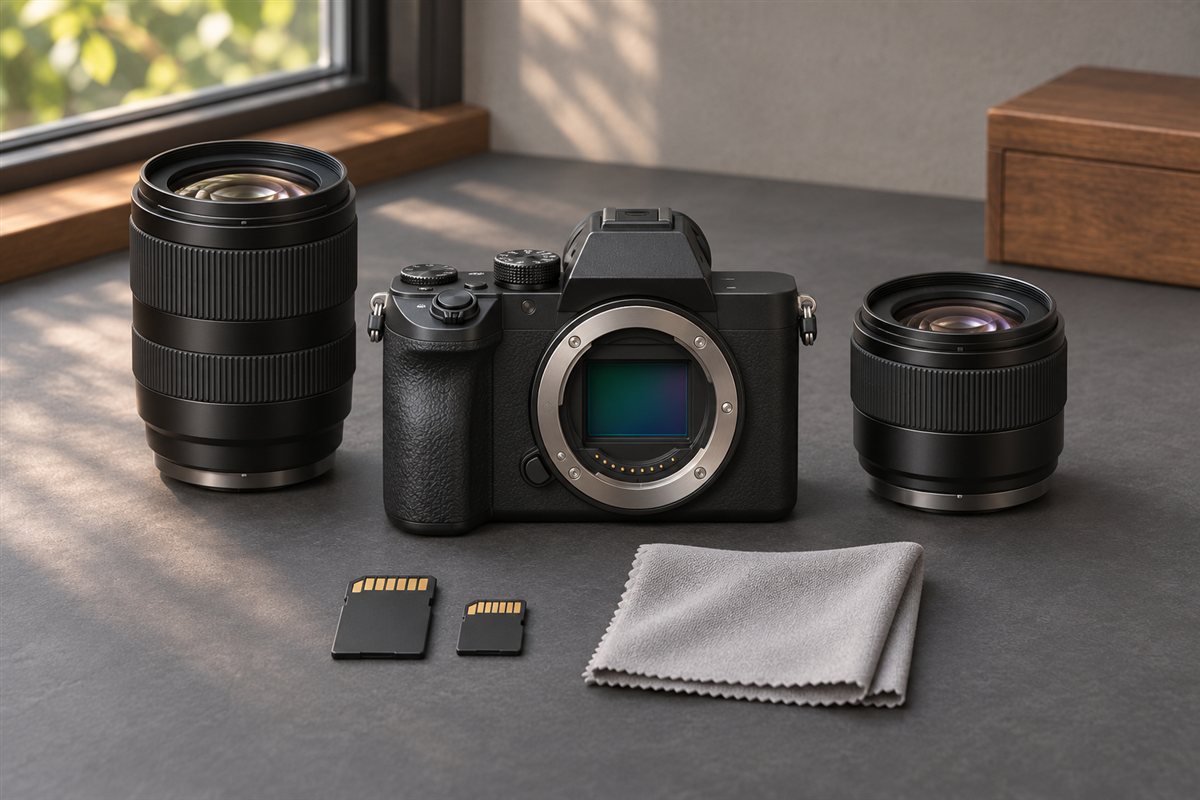
What Each Camera Is For
The X-T50 is aimed at photographers who like Fujifilm’s look and want a travel-sized body with a dial for choosing film simulations. It is a smaller sibling to the larger X-T line, and it suits people who enjoy a more deliberate, tactile style.
The R10 is an entry-level body in Canon’s RF system. It has a pronounced hand grip, a straightforward control layout and Canon’s subject detection, so it works well for families, pets, sports and general use.
Key Differences
| Trait | Fujifilm X-T50 | Canon EOS R10 |
|---|---|---|
| Mount | Fujifilm X | Canon RF (APS-C bodies) |
| Style | Retro, dial-based | Modern, grip-focused |
| Stabilization in body | Generally included | Generally not included |
| Best for | Travel, color, deliberate shooting | Everyday, action, learning |
Lens availability is a key point. Canon’s RF mount has a growing set of lenses, though many native APS-C options are limited, and some third-party support is restricted. Fujifilm’s X mount has a long history of APS-C lenses in many sizes. Confirm both cameras’ stabilization, burst rates and video options on the maker pages.
Decision Criteria
- Grip comfort: Larger hands often prefer the R10’s deeper grip.
- Look of the files: The X-T50 offers many finished looks in camera.
- Lens path: Check which native APS-C lenses exist for the focal lengths you use.
- Future upgrades: RF lets you move to Canon full-frame bodies later with the same mount.
- Stabilization: In-body stabilization can help with slower shutter speeds and video.
How to Decide Step by Step
- Decide whether a compact, stylish body or a grip-friendly body matters more.
- List the lenses you plan to buy first and check they exist in each mount.
- Compare how each camera handles autofocus on the subjects you shoot.
- Look at the maker pages for stabilization, video limits and battery details.
- Try each body in a shop for comfort before you commit.
Handling and Controls in Daily Use
How a camera feels in your hands decides how often you pick it up. The X-T50 follows a dial-based layout, with physical controls for settings such as exposure, so you can see and change key settings without entering menus. That suits people who enjoy a hands-on, deliberate process and who like to know the camera’s state at a glance. The R10 uses a more conventional modern layout with a deep grip, a mode dial and menu-driven settings, which many newcomers find quick to learn.
Think about your hands and habits. People with larger hands may find a small body fiddly, and a shallow grip can tire the fingers during a long day. Conversely, a deep grip may feel bulky for slipping into a jacket pocket. Try to hold both in a shop, with the lens you would actually use, and operate the main controls with the camera at eye level.
- Check how easily you can reach the exposure controls without moving your grip.
- Look at the number and position of custom buttons, and how well they suit your preferred settings.
- Try the viewfinder and rear screen for comfort, including with glasses.
- See whether the screen articulates in a way that fits your shooting angles.
Weight and balance with a lens attached matter as much as body size, so test with a realistic setup.
Autofocus and Subject Tracking Checks
Autofocus capability separates cameras that look similar on paper. Both bodies offer subject detection for people and other subjects, but how well they follow a moving child, a pet or a bird depends on the system and the lens. Look at the maker pages for the list of detectable subjects and for tracking modes, and read how each handles low light and busy backgrounds.
If you photograph moving subjects, test the autofocus yourself if you can. Ask a shop to let you point the camera at people moving across the room, and see how quickly it locks on and keeps tracking. Also see how simple it is to switch modes or choose a focus point, since a clumsy interface can cost you shots even with capable autofocus.
- List the subjects you shoot most: people, pets, sport, travel or landscapes.
- Check which of those the camera is designed to detect.
- Test the focus speed with the lens you intend to buy, not just a demonstration lens.
- Check burst shooting options and how the buffer behaves with your card type.
For still subjects such as landscapes and street scenes, both cameras should do the job, so autofocus will matter less. For action, take more care.
Video and Hybrid Shooting
If you plan to shoot video as well as stills, compare more than the headline resolution. Look at the available frame rates, recording limits, heat behavior, microphone and headphone connections, and the type of stabilization. In-body stabilization, where present, helps handheld footage, while other cameras may rely on lens stabilization or electronic modes that crop the image. Check the maker’s pages for the details of each mode and any restrictions.
Think about how you will use the footage. For casual clips of family and travel, either camera should produce enjoyable results, and a good stabilizer and reliable autofocus matter more than technical specifications. For more serious work, consider color profiles, audio inputs and the file formats you can record.
- Check whether certain frame rates or resolutions involve a crop.
- Look for recording time limits or temperature warnings reported by the maker.
- Think about an external microphone and how it connects.
- Test the rear screen and viewfinder for filming comfort.
Many people use the camera mainly for stills, with video as an occasional bonus. If that is you, give video a smaller weight in your decision.
Lens Planning and Total System Cost
The lens you choose usually matters more than the body, and each mount offers a different path. Before buying, write down the focal lengths you expect to use: a wide zoom for travel, a standard prime for low light, a telephoto for sport or wildlife. Then check what each maker offers in those ranges, including compact and affordable options. Third-party lenses can widen your choices, but support differs by mount, so check what is available and compatible.
Think beyond the first purchase. A body is only the start; lenses, memory cards, spare batteries, a bag, and perhaps a flash add up. Compare the whole kit you will need instead of the body alone. Used lenses can be a sensible way to extend your range if you buy from sellers with clear return policies.
- Decide which two lenses you would buy first.
- Check their size, weight and how they feel on each body.
- Look at whether the lenses have stabilization, since it may affect your choice if the body lacks it.
- Consider the long-term path if you expect to change cameras later.
A mount with plenty of lenses you want is worth more than a small advantage in body features.
Image Look and Editing Workflow
The two brands produce different default looks. Fujifilm is known for its film simulation modes, which apply a finished color and tone treatment in the camera, useful if you like to share straight-from-camera JPEG files. Canon offers its own picture styles and color rendering, which many users find natural and consistent. Which one you prefer is a matter of taste, so look at sample images from each on a calibrated screen, and ideally judge by shooting your own subjects.
Also think about how much you plan to edit. If you want to spend less time at the computer, a camera whose JPEG output you like can be a real advantage. If you prefer to edit raw files, both cameras produce raw output that works in mainstream editing software, but check that your preferred program supports the camera and what the raw file format looks like.
- Shoot raw plus JPEG for a while to compare in-camera and edited versions.
- Check software support for the camera before purchase.
- Learn how to transfer photos to your phone for quick sharing, using the maker’s app.
- Test the app’s reliability if remote control or quick transfer matters to you.
Signs that you may outgrow either body include needing faster autofocus for demanding action, wanting better weather protection, or wanting features reserved for higher tiers. Until then, either can serve well.
FAQ
Is the R10 a good first camera?
It is often described as beginner friendly because of its simple controls and guided automatic modes. The X-T50 is also approachable, though it rewards people who want to learn manual settings.
Which has the better lens future?
That depends on your plans. Fujifilm has a deep APS-C lens range, while Canon RF offers a path to full-frame. Check the lens lists on both makers’ sites.
Which is better for travel?
The X-T50 is often chosen for its compact, stylish body, while the R10 offers a comfortable grip. Weigh body size, lens size and how much you plan to carry.
Can I use older lenses on these cameras?
Adapters exist for some lens types, but compatibility and autofocus support vary. Check the maker's guidance and the adapter's description before buying.
Which camera is easier for a beginner?
Both are approachable. The R10 has guided automatic modes and a simple layout, while the X-T50 suits beginners who like dials and hands-on control.
Do I need image stabilization in the body?
It helps with slower shutter speeds and handheld video, but stabilized lenses can also do the job. Check which lenses you plan to buy.
How important is the viewfinder?
It matters in bright light and for steady handheld shooting. Try both in a shop, especially if you wear glasses.
Can these cameras charge over USB?
Many modern cameras support USB charging, but details vary. Check each maker's specification page and the accessories included.
Is it worth waiting for a newer model?
Newer models bring updates, but the best time to buy is when the camera you want fits your needs. Check the maker's pages for current availability.
The Short Version
Choose the X-T50 if you want a small, stylish camera with Fujifilm color and tactile controls. Choose the R10 if you want a comfortable grip, easy handling and the option to grow into Canon’s RF system. Confirm the exact specs before buying.