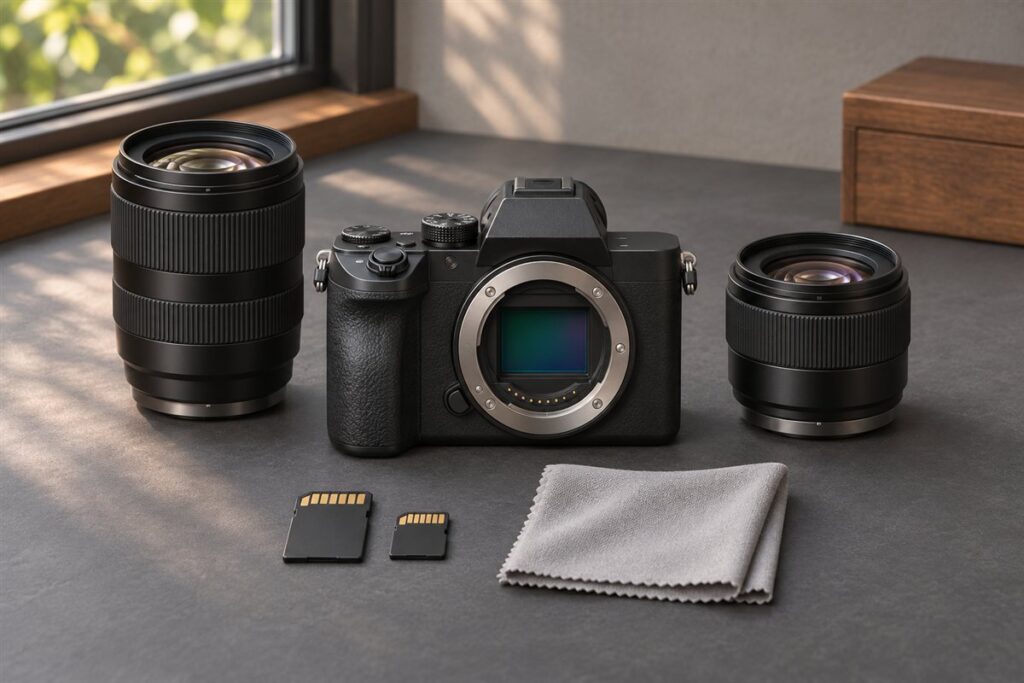
The Nikon Zfc and the Fujifilm X-T50 are both small APS-C mirrorless cameras with vintage looks and dial-based controls. The Zfc suits people who already like Nikon lenses or want a simple retro body, while the X-T50 suits people drawn to Fujifilm color looks and a deeper set of dedicated dials.
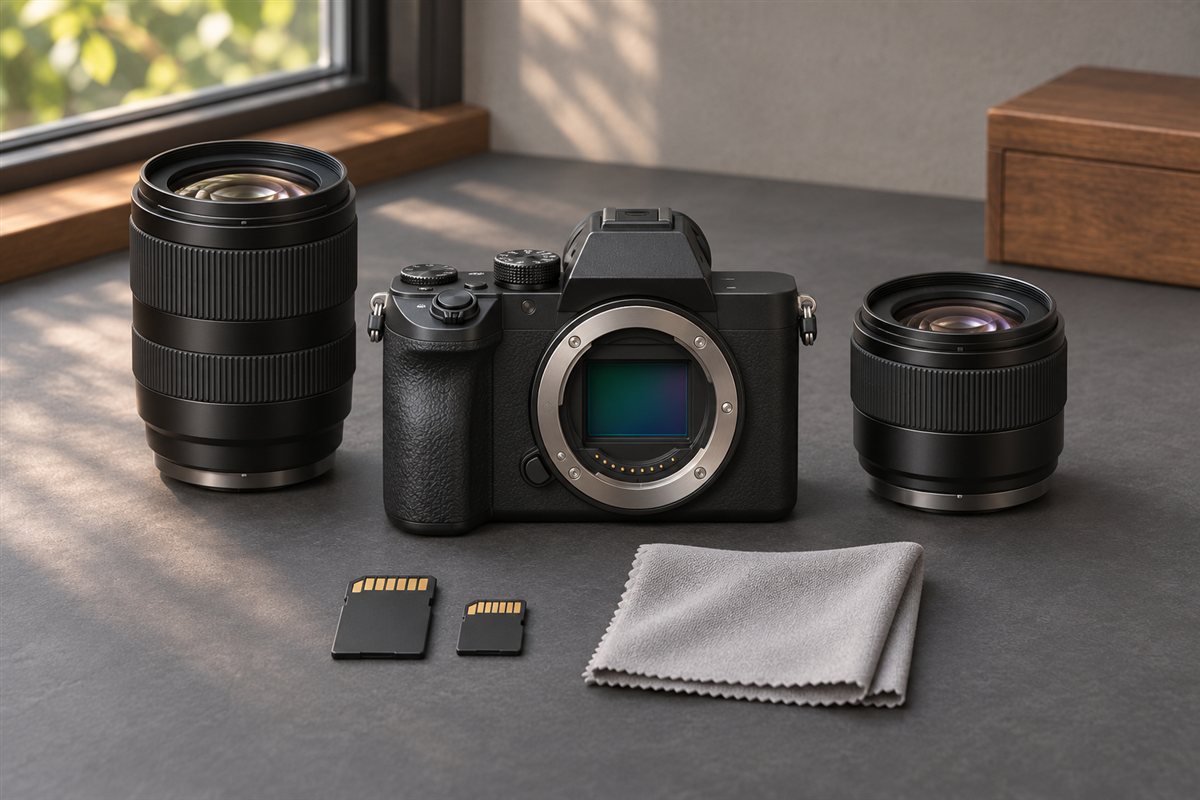
What Each Camera Is For
The Nikon Zfc is an entry-level body in the Z mount family, styled after Nikon film cameras. It gives you physical dials for shutter speed, ISO and exposure compensation, plus a swing-out rear screen that is handy for vlogging and low-angle shots.
The Fujifilm X-T50 sits in the X series, a line built around tactile controls and in-camera color styles. Fujifilm calls these styles film simulations, and many owners shoot straight to JPEG because they like the results without editing.
Key Differences to Weigh
| Area | Nikon Zfc | Fujifilm X-T50 |
|---|---|---|
| Sensor size class | APS-C | APS-C |
| Lens mount | Nikon Z | Fujifilm X |
| Control style | Three main dials, mode set by menu or dial | Dials for shutter, ISO, exposure and a film simulation dial |
| Color workflow | Standard picture controls | Film simulations as a core feature |
| Stabilization in body | Not built into the body | Built into the body |
Body stabilization matters most when you use older, unstabilized lenses or shoot video handheld. Confirm exact specs, video modes and battery details on each maker’s product page before you buy, since they change between firmware versions and regions.
Lenses and System Growth
Lens choice often decides this comparison more than the body does. Fujifilm has offered a wide range of compact APS-C primes and zooms for years. Nikon’s Z mount is newer, and its APS-C lens selection is smaller, though full-frame Z lenses and adapted F-mount lenses can also be used on the Zfc.
- If you own Nikon F-mount glass, the Zfc with an adapter is a natural fit.
- If you want small prime lenses and a wide native range, the X mount is attractive.
- If you may move to full frame later, Nikon Z gives a single mount to grow into.
How to Decide in Four Steps
- List the lenses you already own and check which mount they fit.
- Decide whether you edit raw files or prefer finished JPEGs from the camera.
- Try both in a shop if you can, since grip size and dial feel are personal.
- Think about video: a flip-out screen helps solo shooting, while body stabilization helps handheld clips.
Handling, Dials and Everyday Ergonomics
Retro styling is attractive, but what matters is how the cameras work in your hands. Both bodies are built around physical dials, which many people enjoy because the settings are visible at a glance, even when the camera is off. Think about which settings you change most often and whether the dials are placed where your fingers reach them. Dials that are too small or too stiff can slow you down, and ones that turn too easily can move by accident in a bag or pocket.
Grip is a common compromise on small retro cameras. A shallow grip looks neat but may feel insecure with a larger lens, so try to hold each camera with the lens you plan to use. Some people add a small grip accessory for comfort, if the maker offers one. Check the position of the shutter button, command wheels and the rear buttons, and think about whether you shoot with gloves. Look at the menu system too, since you will spend time in menus setting up custom buttons and image styles.
- Check how the exposure mode is selected, because some designs use a dial and others use a menu or a switch.
- Test the viewfinder and see how it feels with glasses.
- Try the rear screen movement and decide whether it suits vlogging, low angles or waist-level shooting.
- Look at the battery and charging options in the manuals.
The right body is the one you want to carry daily, so give personal feel as much weight as any specification.
JPEG Colour Styles Versus Raw Editing
One of the biggest practical differences is how you want to finish your pictures. Some photographers prefer to shoot raw and edit every photo, adjusting colour, contrast and tone themselves. Others want attractive pictures straight from the camera, ready to share. The cameras approach this differently, as the post notes: one leans on in-camera colour styles that many owners shoot straight to JPEG, while the other offers more standard picture controls.
Think about the time you want to spend. Editing raw files gives more control and room to recover highlights and shadows, but it takes time and software skills. Shooting JPEG with a style you like is quick and satisfying, but changes later are limited. A good compromise is to shoot raw and JPEG together, so you have a finished file and a negative to go back to. This uses more card space, so check capacity and speed.
If you choose a camera for its colour styles, learn how to adjust them. Most systems allow tweaks such as contrast, highlights, shadows, colour and grain, and let you save custom recipes. Experiment on a few test scenes, and compare results on a calibrated screen. Remember that styles are subjective, and what looks great to one person may not please another. Look at sample images, shoot your own, and decide whether the look matches your taste. Check the maker’s pages for the list of styles currently offered.
Video and Vlogging Setup
Small retro cameras attract vloggers and casual video makers, so it is worth planning a setup. Start with the screen: one that turns to face forward lets you frame yourself, and one that tilts is more limited. Check that the screen is not blocked by a microphone or a light attached to the hot shoe, and consider accessories such as a small grip or a cage to hold them. Many accessories add weight and reduce the compact feel, so keep the kit modest.
Audio is just as important as picture. Look for a microphone input and consider whether you need a headphone output for monitoring. If the camera lacks one, plan around it, with an external recorder or a microphone that connects through the hot shoe. Wind noise ruins outdoor audio, so a windscreen is a useful accessory. Check the camera’s built-in microphone quality in a test recording before relying on it.
Think about stabilisation and heat. Body stabilisation helps handheld footage, while a camera without it benefits from lens stabilisation or a gimbal. Long recordings can warm the camera, so read the maker’s notes on recording limits. Choose a lens with a suitable field of view for vlogging, since a wide lens helps with arm-length shots. Test autofocus on your face and on moving subjects, and check for focus hunting. Finally, record test clips in your usual places, and review them on a larger screen before you commit.
Lens Planning for a Small Kit
The charm of these cameras is their small size, so choose lenses that keep that advantage. A compact prime lens on a small body makes an easy walk-around kit. A modest standard zoom provides flexibility for travel. Think about the focal lengths you use most, such as wide for street and landscapes, normal for general use and short telephoto for portraits. On an APS-C camera, the field of view is narrower than the number suggests, so check the equivalent field of view.
Check what is on offer in each system. Look at the range of small primes, zooms and specialty lenses, and think about the price tiers qualitatively: kit lenses are modest, premium primes are costlier and professional zooms are the most expensive. Consider used lenses, which can offer good value if you inspect them carefully. For vintage lenses, ask whether an adapter exists and what features are lost.
Keep growth in mind. If you move to a different body later, will your lenses move with you? A mount that spans several camera sizes can be an advantage, as the post says about the full-frame path. Another consideration is how lens size fits the body. A big lens on a small body is awkward, so test combinations. Make a short list of two or three lenses and buy one at a time, noting what you miss, before adding more. That approach avoids expensive mistakes and keeps the bag light.
Buying Used and Checking Condition
Used bodies can be good value, but check them carefully. Look for wear on the dials, scratches on the screen and signs of heavy use on the grip and corners. Test every dial and button, and check that the rear screen moves smoothly and that the hinges are firm. Look through the viewfinder for dust and defects, and examine the sensor for dust or marks by taking a picture of a bright, plain surface at a small aperture.
Check the shutter count if the seller can provide it, since it indicates how much use the camera has had, though makers rate shutters differently. Ask about the battery and whether the original charger and accessories are included. Make sure the firmware is up to date or can be updated. Check for water damage by looking for corrosion in the battery compartment and port covers. If possible, take some test shots in several modes, including video, and review them.
- Ask for clear photos of the camera from all sides, including the mount and ports.
- Buy from a seller with a return policy, so you can test properly.
- Check that the lens mount has no scratches or looseness.
- Confirm that the serial number matches the box and any warranty paperwork.
With a careful check, a used body can serve well and leave more of your budget for lenses.
FAQ
Are these good cameras for beginners?
Both can be used in automatic modes, so a beginner can begin with point-and-shoot results and slowly learn the manual dials. The Zfc has fewer controls to learn, while the X-T50 rewards experimenting with its styles.
Can I use my old lenses?
Only through adapters, and only for the matching system. Nikon F lenses adapt to Z, and many vintage lenses adapt to either body, but autofocus support varies by lens, so check compatibility first.
Which camera is better for vlogging?
Both have a screen that can be useful, but check how each screen moves and what ports they offer. Body stabilisation helps with handheld footage. Test the setup with a microphone before you decide.
Can I shoot raw and JPEG together?
Most cameras of this type allow it. You get a finished file and a raw file for editing later. It uses more card space, so check capacity.
Are retro dials practical or just style?
They can be practical, since you see settings at a glance and adjust quickly. If you prefer menus or command wheels, the style may not matter. Try them in a shop to see.
Do I need a grip accessory?
Not necessarily. If you use larger lenses or have big hands, a grip can improve comfort. Check which accessories the maker offers for your model.
How should I choose a first lens?
Pick a focal length that matches what you shoot most. A small normal or wide prime is a common starting point, and a modest zoom suits travel. Add more lenses as needs become clear.
Is it worth buying a used body?
It can be, if you check it carefully and have a return option. Inspect the dials, screen, sensor and battery compartment, and test in several modes.
The Short Version
Choose the Nikon Zfc if you value a simple retro body, a flip-out screen and a path to full-frame Nikon lenses. Choose the Fujifilm X-T50 if you want film simulations, body stabilization and a broad range of compact APS-C lenses. Check the latest specs on each maker’s page before deciding.