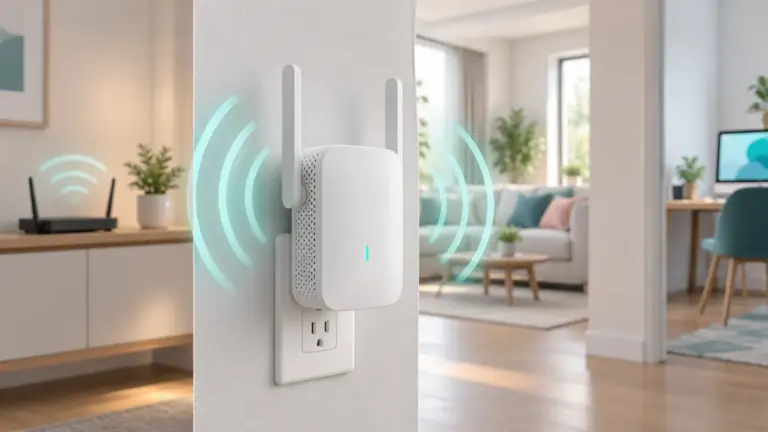
A modem router combo joins the modem and the wireless router into one box, which saves space, cables and a power outlet. It suits many homes, though the choice depends on your internet provider, your home size and the number of devices.
We have not used these products ourselves, so this guide does not claim any results. It describes how to choose one by thinking about your plan, the layout of your home, how many devices connect and which features you will actually use.
Think about your home before you compare boxes. A small flat needs little reach, while a large house with thick walls may need extra access points later. Count the devices that connect at once, from phones and laptops to speakers and cameras, and note which of them sit near a wired port, since that cuts load on the wireless side. Check what your plan offers too, because a fast box cannot lift a slow plan.
As an Amazon Associate we earn from qualifying purchases. Links on this site are affiliate links, and they do not change the information we give.

What to Look For
| Factor | Why it matters | What to check |
|---|---|---|
| Provider compatibility | A unit that does not work with your provider is useless | Check the provider’s list of approved devices before you buy |
| Cable standard | Sets the top speed your plan can reach | Match the standard to your plan, from older to newer versions |
| Wifi generation | Affects speed and many-device performance | Look at the wifi standard and bands the maker lists |
| Coverage | Decides how far the signal reaches | Compare the maker’s stated area and consider home size and walls |
| Ports | Handle wired devices | Count ethernet ports and check their speed |
| Phone line support | Needed for some plans | Check for voice ports only if your plan includes them |
| Management features | Make it easier to run | Look for an app, parental controls, guest network and firmware updates |
Setup and Care Tips
- Place the unit in an open, central spot, not inside a cabinet.
- Change the default network name and password on first setup.
- Update the firmware when the app or page prompts you.
- Use the wired ports for gaming and streaming boxes when you can.
- Power cycle the unit now and then and keep the vents clear of dust.
Mistakes to Avoid
- Buying without checking provider compatibility.
- Choosing a model that tops out below your plan’s speed.
- Hiding the unit in a closet, which weakens coverage.
- Ignoring port count when you have wired devices.
- Skipping updates because the setup seems to work.
FAQ
Is a combo better than separate devices?
A combo is simpler and takes less space. Separate units give you more upgrade options, since you can replace the router without changing the modem. Choose based on how much control you want.
Will it work with any internet provider?
Not always. Providers often limit which devices they support. Check their approved list or ask support before buying, and make sure the cable standard matches your plan.
The Short Version
Choose by provider support, cable standard, wifi generation and coverage for your home. A modem router combo should be simple to set up and match your plan.