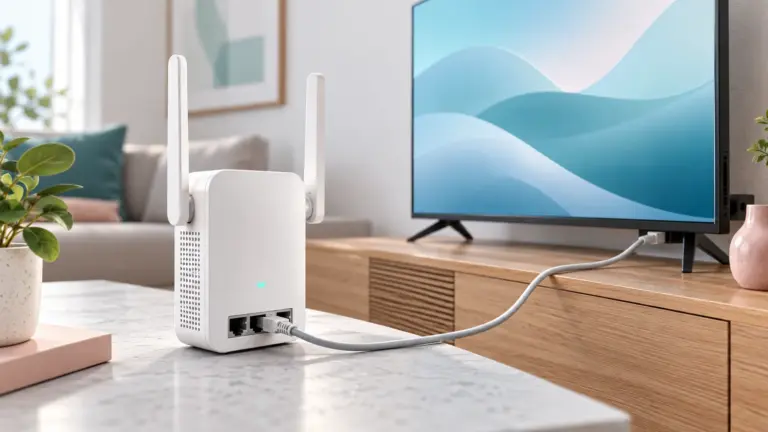
An ethernet switch adds wired ports to a home or small office network, so computers, consoles, cameras and access points can share one connection. We have not used these products ourselves, so this guide focuses on how to compare them.
Count the devices you need to connect, add room to grow, and check the speed your router and devices support. The table below covers the main factors in plain language. Location matters too. A desk switch should be quiet and compact, while a closet or rack unit can be louder if it offers more ports and features. Check the power source: some models use an external adapter and others have a built-in supply, which affects how tidy the setup looks. Finally, consider how the uplink port connects to your router.
As an Amazon Associate we earn from qualifying purchases. Links on this site are affiliate links, and they do not change the information we give.

What to Look For
| Factor | Why it matters | What to check |
|---|---|---|
| Port count | Having a few spare ports saves you replacing the switch later. | Count your wired devices and add several extra ports. |
| Port speed | Faster ports move large files and video more smoothly. | Check whether ports are fast ethernet, gigabit or multi gigabit. |
| Managed or unmanaged | Unmanaged switches work out of the box while managed ones add settings such as VLANs. | Decide whether you need extra controls or simple plug and play. |
| Power over ethernet | Some ports can power cameras and access points through the cable. | Look at the PoE standard and the total power allowance the maker lists. |
| Cooling and noise | Fanless designs are silent, which suits a quiet room. | Check whether the case is fanless and metal or plastic. |
| Mounting | Desk, wall or rack mounting affects where it can sit. | Confirm the mounting options and any included brackets. |
Setup and Care Tips
- Place the switch in an open spot with airflow around it.
- Use quality cables that match the speed of your ports.
- Label the cables so changes later are simple.
- Plug the power adapter into a surge protected outlet.
- Keep the firmware current if the model is managed.
Mistakes to Avoid
- Buying exactly the number of ports you need and leaving no room to grow.
- Mixing slow cables with fast ports and wondering about speed.
- Paying for managed features you will never use.
- Ignoring the PoE power limit when connecting several devices.
- Placing the switch in a closed cabinet without airflow.
FAQ
Does a switch make my internet faster?
No. It shares your connection among more wired devices, so the speed still depends on your internet plan and router.
Do I need a managed switch at home?
Most homes do well with an unmanaged one. Managed models suit people who want traffic rules and network separation.
The Short Version
Count your devices, allow spare ports, match the port speed and PoE needs to your gear, and compare the maker’s specifications before choosing. A little planning now avoids swapping hardware later, so also note the mounting holes, the status lights and how many ports sit on each side of the case.