
Disclosure: As an Amazon Associate, reviewstook.com earns from qualifying purchases. Links to Amazon on this page are affiliate links; they cost you nothing extra.
A doorbell camera adds video, motion alerts and two-way talk to your front door, but the right one depends on your wiring, your Wi-Fi and how you want to store video. This guide walks through the choices so you can avoid the usual surprises, such as subscription fees and poor Wi-Fi at the door.
This guide is based on product listings and general knowledge, not our own testing. Always confirm features and subscription terms on the product page.
By the Reviewstook Editorial Team. Last updated: October 31, 2026.
Wired or Battery?
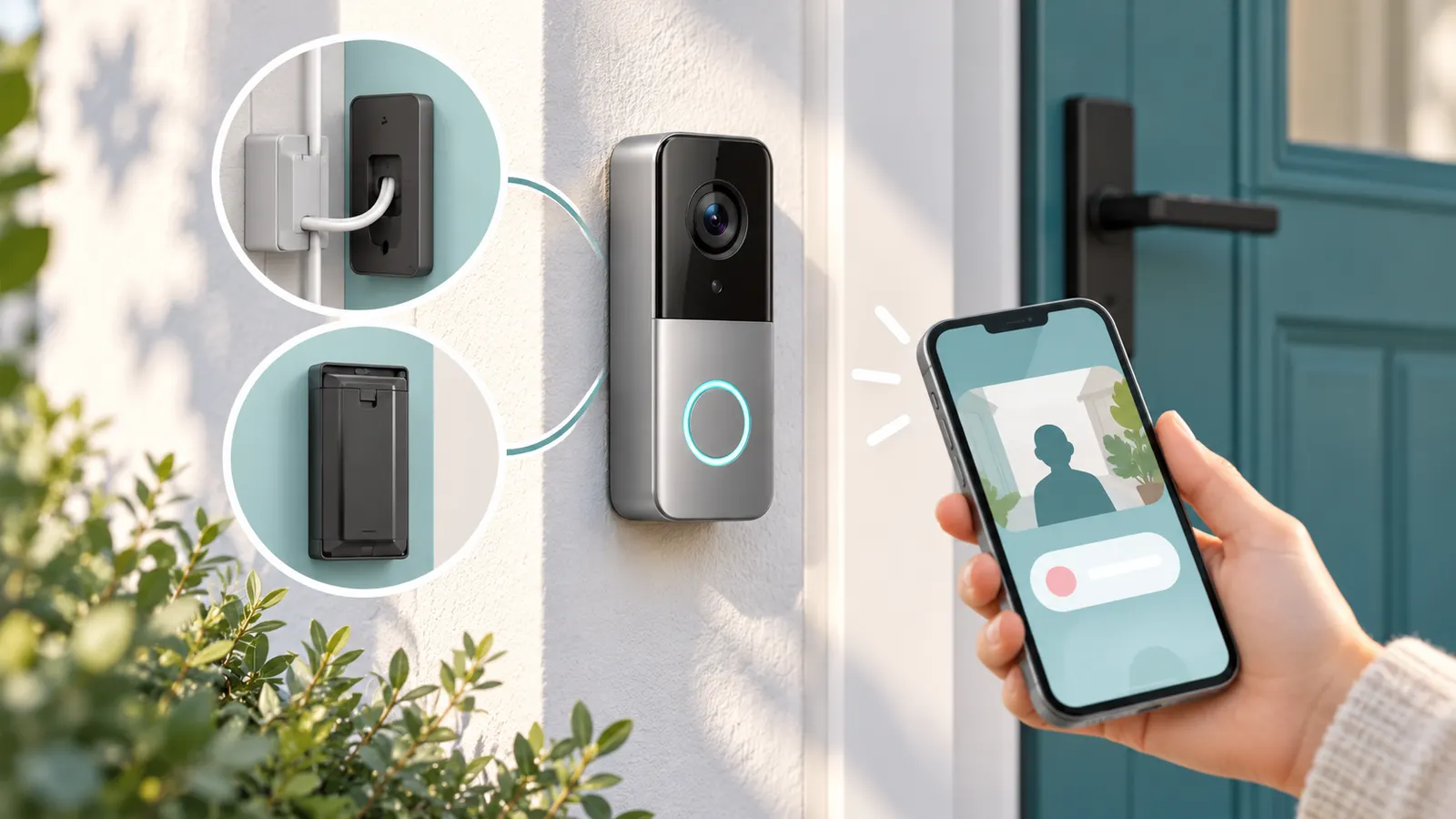
Wired doorbell cameras use your existing doorbell wiring for constant power, so there is no battery to charge. They need a compatible transformer; see our doorbell transformers. Battery models install anywhere and are easier for renters but need recharging, which can be every few weeks to a few months depending on use. See our wired and wireless picks.
Subscriptions and Storage
Many doorbells save video to the cloud for a monthly fee, while others store video locally on an SD card or a base station. Some features, such as person detection or longer history, may need a plan. Read the listing carefully for what is free. See our doorbell cameras without subscription.
Resolution and Field of View
1080p is fine for many porches; 2K and higher shows more detail, such as faces or license plates at a distance. A wide or head-to-toe field of view helps you see packages on the ground. Night vision, either infrared or color, matters for evenings.
Wi-Fi and Extenders
Most doorbell cameras use 2.4 GHz Wi-Fi. A weak signal at the door causes lag and missed alerts. Test the signal at the install spot and consider an extender; see our WiFi extenders.
Chimes and Notifications
Check whether a chime is included or whether your existing chime works. A plug-in wireless chime can help; see wireless chimes.
Mounting and Renters
If you cannot drill, use no-drill or adhesive mounts. Angle mounts help with corner doors. See doorbell mounts, doorbell cameras for apartments and peephole cameras.
Power Alternatives
Solar doorbell cameras top up the battery from the sun; see solar doorbell cameras.
Privacy and Rules
Point the camera at your own property, and check local laws on recording, especially audio. Check lease or HOA rules before installing. Use strong passwords and two-step verification.
Frequently Asked Questions
Do I need to drill?
Not with no-drill or adhesive mounts, but check how well they hold.
Is cloud storage required?
Not always. Some models have local storage.
Wired or battery?
Wired for hands-free power; battery for flexibility.
Do doorbell cameras work without Wi-Fi?
Most need Wi-Fi for alerts and live view.
Bottom Line
Pick the power type first, then storage and subscription terms, then resolution and Wi-Fi. See our best video doorbell cameras for picks.
Related Reading
More Doorbell and Home Security Guides
- Best Video Doorbell Cameras
- Best Doorbell Cameras Without Subscription
- Best Wireless Doorbell Cameras
- Best Wired Doorbell Cameras
- Best Doorbell Cameras Under $50
- Best Solar Doorbell Cameras
- Best Doorbell Cameras for Apartments
- Best Peephole Cameras and Door Viewers
- Best Doorbell Mounts
- Best Wireless Doorbells and Chimes
- Best Doorbell Transformers
- Best WiFi Extenders for Doorbell Cameras
- Best Smart Door Locks
- Best Floodlight Security Cameras
- Best Wireless Outdoor Security Cameras
- All security camera guides
