
Disclosure: As an Amazon Associate, reviewstook.com earns from qualifying purchases. Links to Amazon on this page are affiliate links; they cost you nothing extra.
A soundbar is the easiest way to improve a TV that has thin built-in speakers. They range from slim single bars to large systems with a wireless subwoofer and rear speakers, and the right one depends on your room, your TV and the connection you have available. This guide covers the choices in the order they affect your decision.
This guide is based on product listings and general audio knowledge rather than our own testing. Confirm ports and compatibility on the product page.
By the Reviewstook Editorial Team. Last updated: October 31, 2026.
How Big a Soundbar Do You Need?
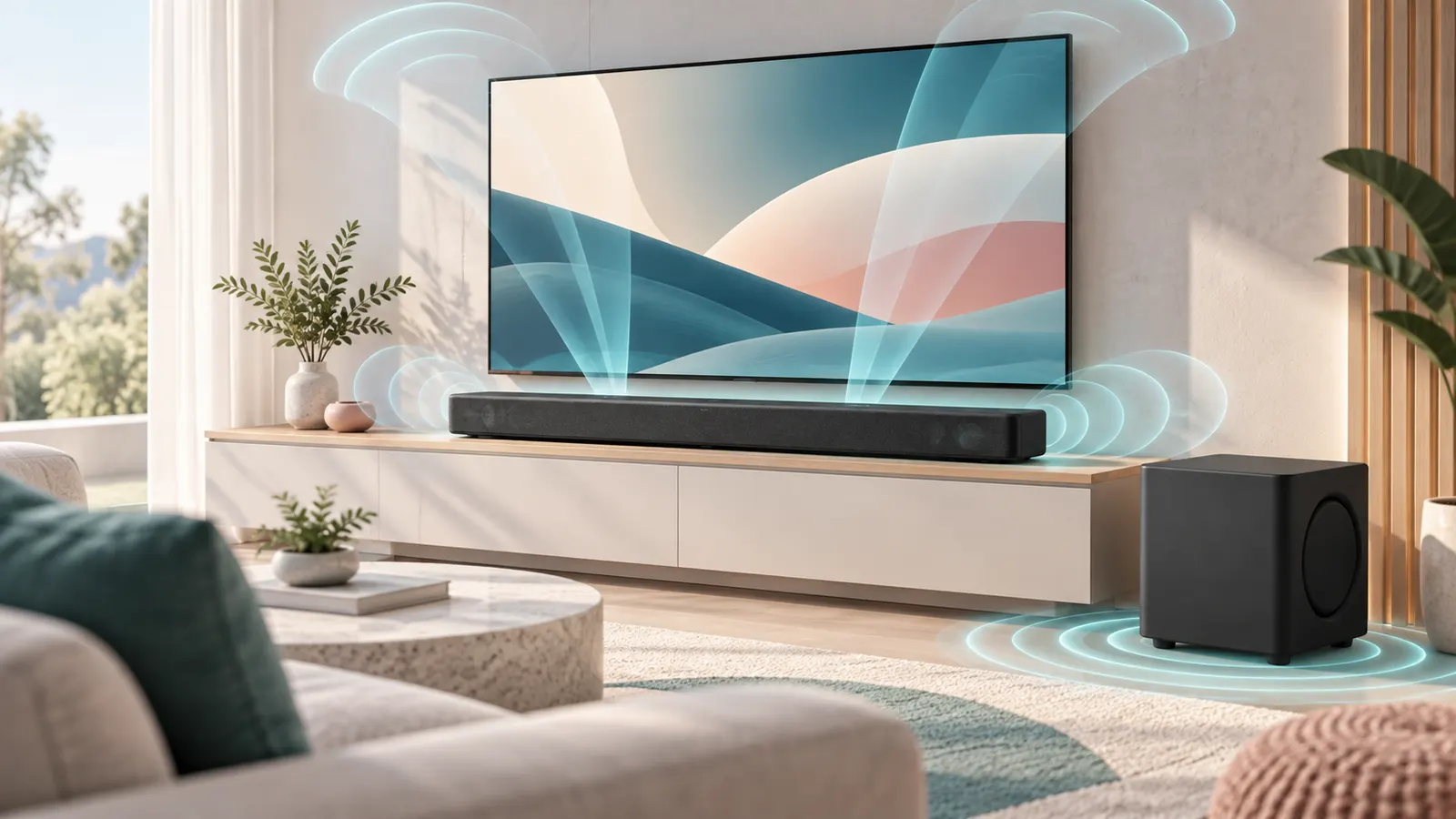
Small rooms and bedrooms suit a compact bar, or a standalone small soundbar. Living rooms benefit from a full-width bar with a subwoofer. A soundbar that is much wider than your TV stand will not fit, and a bar that is too tall can block the TV remote sensor or the bottom of the screen. Measure the space under your TV first. See our small soundbars and soundbars for TV.
Channels: 2.0, 2.1, 3.1, 5.1 and Atmos
The numbers describe speakers and subwoofers. A 2.0 bar has two channels, 2.1 adds a subwoofer, 3.1 adds a center channel for dialogue, and 5.1 adds rear speakers. Dolby Atmos adds height effects, either with up-firing speakers or through virtual processing. More channels create a wider soundstage but need more space and cost more. See 5.1 soundbars and Dolby Atmos soundbars.
Subwoofer: Built-In or Separate?
A separate wireless subwoofer gives much deeper bass than a built-in one, and you can place it where the bass sounds best. If you live in an apartment, a big subwoofer can annoy neighbors, so look for bass adjustment. See soundbars with a subwoofer.
Connections: HDMI eARC, Optical and Bluetooth
HDMI eARC (or ARC) on both the TV and the bar sends audio over one cable, supports higher-quality formats and usually lets your TV remote control volume. Optical works on most TVs but cannot carry the highest-quality formats. Bluetooth is good for streaming music, but it is not ideal for TV audio because of delay. Check which port your TV offers.
Dialogue Clarity
Hard-to-hear dialogue is a common reason people buy a soundbar. Look for a dedicated center channel or a speech-enhancement mode, and check how many modes the remote offers.
Mounting and Placement
Many bars come with a wall-mount kit. If you plan to mount under a wall-mounted TV, check the dimensions and the position of the TV’s legs. See our soundbar mounts.
Budget and Brands
Soundbars exist at every price. See our lists for under $100, under $200, under $300 and under $500, and brand picks for Samsung, Yamaha and Polk. For a desk, see PC soundbars.
Frequently Asked Questions
Do I need a subwoofer?
A subwoofer adds bass for movies and music. It is optional in small rooms.
What is eARC?
An HDMI feature that carries high-quality audio from the TV to a soundbar over one cable.
Will a soundbar work with any TV?
Yes with optical, HDMI ARC or Bluetooth, but check ports and remote control support.
Soundbar or home theater system?
A soundbar is simpler; a home theater system gives true surround. See home theater systems.
Bottom Line
Measure your space, check your TV’s ports, choose a channel setup that suits your room and add a subwoofer if you want bass. See our best soundbars for TV for specific picks.
Related Reading
- 6 Best Powered Bookshelf Speakers: Edifier, Audio-Technica
- Car Speaker Buying Guide: Size, RMS and Coaxial vs Component
- Speaker Wire Gauge Guide: What AWG to Use
More Soundbar Guides
- Best Soundbars for TV
- Best Soundbars with Subwoofer
- Best Dolby Atmos Soundbars
- Best Samsung Soundbars
- Best Soundbars Under $100
- Best Soundbars Under $200
- Best Soundbars Under $300
- Best Soundbars Under $500
- Best 5.1 Soundbars
- Best PC Soundbars
- Best Small Soundbars
- Best Yamaha Soundbars
- Best Polk Soundbars
- Best Soundbar Mounts
- All speaker guides
