Disclosure: As an Amazon Associate, reviewstook.com earns from qualifying purchases. Links to Amazon on this page are affiliate links; they cost you nothing extra.
Android phones range from very cheap handsets to flagship devices that cost as much as a laptop, and the differences are not always obvious from a spec sheet. This guide explains what really changes the experience: the software update promise, the battery, the screen, the camera and compatibility with your carrier. Use it to decide what is worth paying for.
Our guides are based on product listings and manufacturer information, not our own testing. Confirm each model’s specifications on its product page.
By the Reviewstook Editorial Team. Last updated: October 31, 2026.
Set Your Budget by Tier
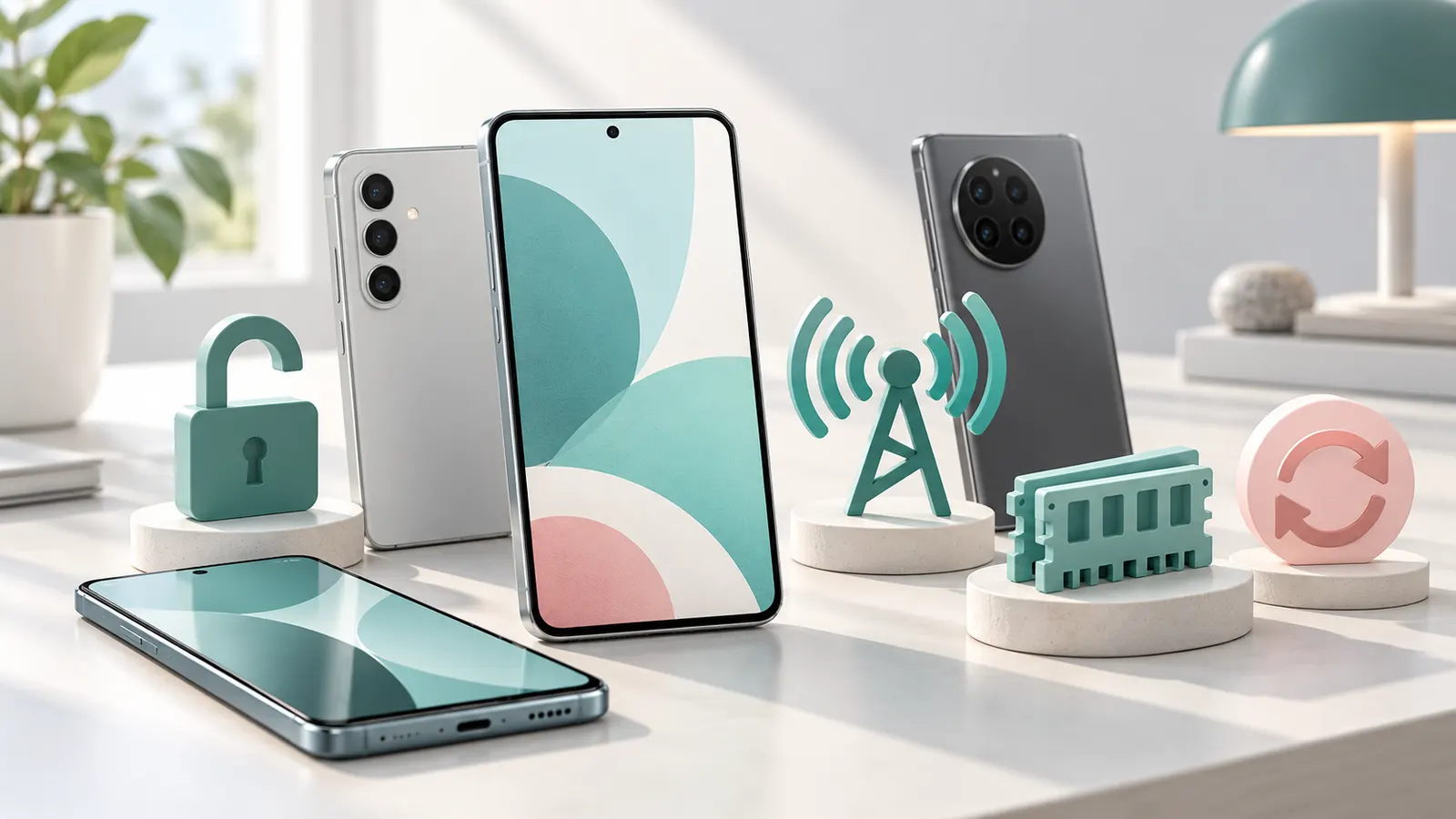
Android phones fall into rough tiers. Entry-level phones handle calls, messaging, maps and light apps, but can feel slow and have basic cameras. Midrange phones are the sweet spot for most people, with good screens, solid battery life and capable cameras. Flagships add the fastest processors, the best cameras and the longest software support. A slightly older flagship is often a better buy than a new midrange phone.
See our lists for under $200, under $300 and under $500.
Software Updates Matter More Than You Think
Security updates keep a phone safe, and update length varies widely by maker. Some brands promise several years of updates; others offer only a couple. A cheap phone with a short update promise can become a security risk sooner. Check the listed update policy on the product page before you buy.
Screen
Look at size, resolution and panel type. OLED panels have deep blacks and vivid colors; LCD panels are cheaper and often fine. A 90 or 120 Hz refresh rate makes scrolling smoother. Check brightness if you use the phone outside.
Battery and Charging
A 4,500 to 5,000 mAh battery usually lasts a full day of normal use. Charging speed varies: fast charging is convenient, but not every phone includes the charger, so check what is in the box. Wireless charging is a bonus rather than a requirement.
Processor, RAM and Storage
A midrange processor handles everyday tasks well; a flagship processor matters for gaming and heavy multitasking. 6 to 8 GB of RAM is comfortable for most people. 128 GB of storage is a sensible minimum, and some phones also have a microSD slot for extra space.
Camera
Megapixel counts do not tell you much. Sensor size, lens quality and software processing matter more, especially in low light. Look for sample photos from reviews rather than relying on the number of lenses. See our phone camera buying guide and camera phones.
Network Compatibility and Unlocked Phones
Buy an unlocked phone for freedom to switch carriers, but check that it supports the network bands your carrier uses, especially for 5G. Carriers publish compatibility checkers for this. See our 5G phone buying guide and unlocked Android phones.
Build, Water Resistance and Extras
Look at the water and dust rating if you need it, and at the build quality. Headphone jacks, microSD slots and expandable storage are becoming rare, so check if they matter to you. For tough conditions see rugged Android phones.
Frequently Asked Questions
How long do Android phones get updates?
It varies by maker and model. Check the update policy on the product page.
How much storage do I need?
128 GB suits most people; choose more if you store video or large games.
Is an unlocked phone better?
It gives flexibility with carriers, but check that it supports your carrier’s bands.
Should I buy a cheaper or flagship phone?
Midrange phones are enough for most people. Flagships are for the best camera and performance.
Bottom Line
Choose by update policy, battery, screen and network compatibility first, and chase camera and processor upgrades only if you will use them. Browse our best unlocked Android phones and phones for seniors for specific picks.
Related Reading
- 3 Best 5G Flip Phones: Razr, Galaxy Z Flip7 FE, TCL Flip 4
- 6 Best 5G Phones Under $300: Samsung, Motorola, REVVL
- 6 Best 5G Phones Under $500: Galaxy A36, A56, A37, Edge