
Disclosure: As an Amazon Associate, reviewstook.com earns from qualifying purchases. Links to Amazon on this page are affiliate links; they cost you nothing extra.
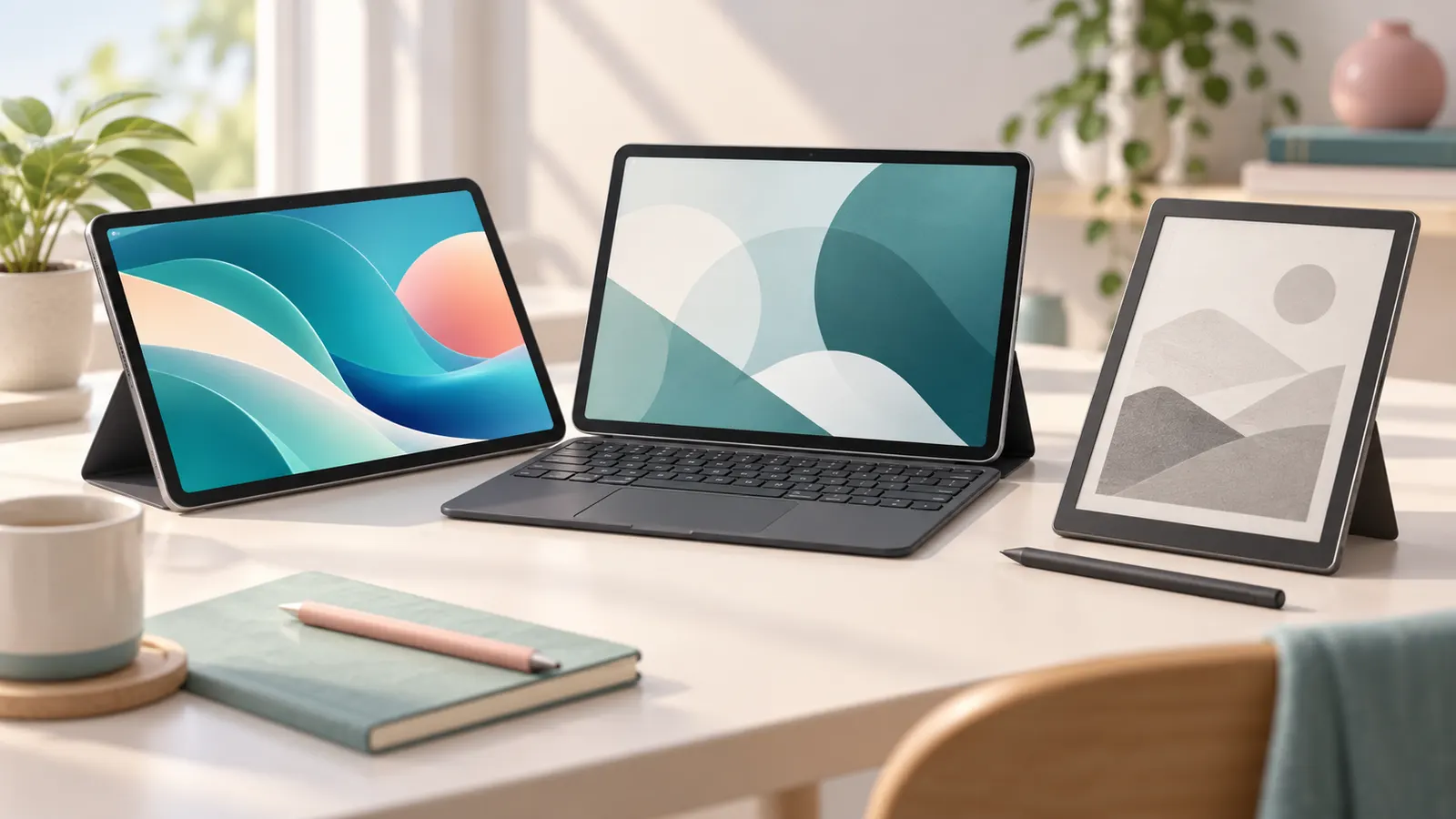
Tablets are good at reading, video, browsing, drawing and light work, and they come in a huge range of sizes and prices. Choosing between iPad-style, Android and Windows tablets, or e-ink readers, comes down to what you want to do and which ecosystem you already use.
Our guides use product listings and manufacturer information, not our own testing. Check each model’s details on its product page.
By the Reviewstook Editorial Team. Last updated: October 31, 2026.
What Will You Use It For?
Reading, video and web browsing need only a modest tablet. Note-taking and drawing need stylus support. Work with documents and email benefits from a keyboard case. Games benefit from a faster processor. Kids need durability and parental controls.
Operating Systems
Android tablets offer wide choice and the Google Play Store. Amazon Fire tablets are inexpensive and tied to Amazon services. Windows tablets run desktop software. Choose the one that has the apps you use and works with your phone.
Screen Size and Quality
8 to 9 inches is easy to hold for reading; 10 to 11 inches is comfortable for video and work; 12 inches and above suit drawing and productivity. Look at resolution, brightness and whether the screen has an anti-glare coating.
Performance and Storage
An entry-level chip handles video and browsing; stronger chips are needed for gaming and multitasking. 64 GB is the minimum for light use; 128 GB or more is wise for downloads and photos. A microSD slot lets you add storage cheaply; see our microSD cards for tablets.
Accessories
A case with a stand, a keyboard case or a screen protector improve a tablet. See our stands and holders, keyboard cases and screen protectors.
Budget Choices
Tablets under $100 and $200 work for basic use; see our under $100 and under $200. For Samsung and Lenovo see our picks.
Special Use Cases
Kids tablets include durable cases and controls: kids tablets. E-ink tablets suit note-taking: e-ink tablets. Tough environments: rugged tablets.
Frequently Asked Questions
Can a tablet replace a laptop?
For browsing, video and light work, yes. For heavy multitasking, a laptop is more capable.
How much storage do I need?
64 GB for light use; 128 GB or more if you download a lot.
Do I need a keyboard?
Only if you type often. See our tablet keyboard buying guide.
How long do tablets last?
Many remain useful for four or more years; software update support is a key factor.
Bottom Line
Decide your use case, pick the platform with your apps, choose a screen size that fits how you will use it and add the accessories you need. See our best tablets under $200 for budget picks.
Related Reading
- 4 Best Keyboards for Amazon Fire Tablets
- 5 Best Universal Tablet Keyboard Cases: 9 to 11 Inch
- 7 Best Bluetooth Keyboards for Tablets: Arteck, OMOTON
More Tablet Guides
- Best Samsung and Lenovo Android Tablets
- Best Tablets Under $200
- Best Tablets Under $100
- Best Kids Tablets
- Best E Ink Tablets for Note Taking
- Best Rugged Tablets
- Best Keyboard Cases for Tablets
- Best Tablet Stands and Holders
- Best microSD Cards for Tablets
- Best Tablet Screen Protectors
- All ‘+hubLabel.toLowerCase()+’ guides
