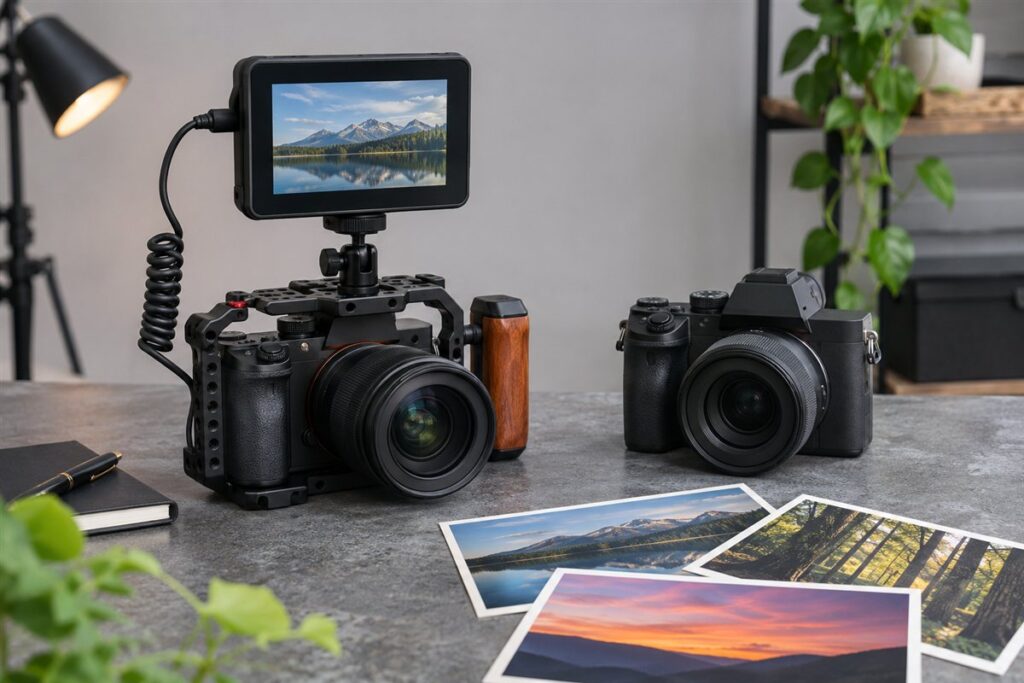
The Sony A7S III is a video-first, low light specialist with a modest resolution sensor, while the Sony A7 IV is a hybrid camera with higher resolution that handles both stills and video. Choose the A7S III if filmmaking is your main job; choose the A7 IV if photography matters as much as video.
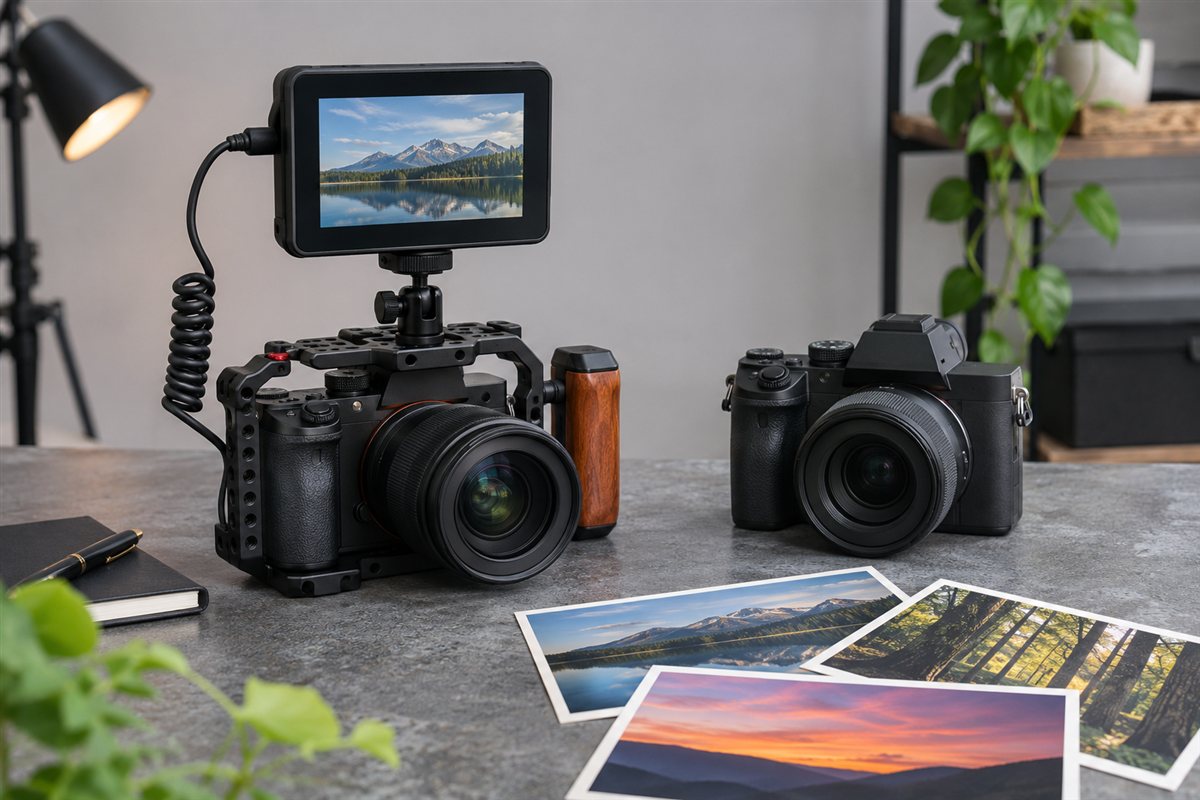
What Each Camera Is For
The S line from Sony is designed around video and sensitivity. The A7S III uses a sensor with relatively few megapixels, which allows larger photosites and a focus on clean footage in dim conditions. The A7 IV has a higher resolution sensor, making it more flexible for photos, cropping and printing, while still offering strong video. Confirm exact specs on Sony’s pages.
Key Differences
| Area | A7S III | A7 IV |
|---|---|---|
| Main purpose | Video and low light | Hybrid stills and video |
| Photo resolution | Modest | Higher |
| Cropping room in photos | Limited | Better |
| Video workflow features | Extensive for filmmakers | Capable for most users |
| Best audience | Filmmakers, event videographers | Hybrid shooters |
Think About How Much You Shoot Photos
If you deliver photos to clients, print them or crop them, resolution matters, and the A7 IV is the more natural tool. If almost everything you deliver is moving footage, especially in dim venues, the S body’s design makes sense. Many people overestimate how much video-specific capability they will use and underestimate how often they will want a good still.
A Decision Process
- Estimate the split: what share of your jobs are video and what share are photos.
- List the venues you shoot in. Dark rooms favor the S body.
- Check recording formats and limits on the maker’s pages against your editing workflow.
- Consider storage: video formats can use large amounts of card space.
- Choose the body that fits the larger share of your income or enjoyment.
Accessories and Media
Video work often needs more than a body. Plan for fast memory cards that suit the formats you record, a sturdy cage or rig if you add monitors and microphones, and spare batteries for long days. Footage also demands storage and a computer that plays it smoothly. These supporting costs can matter as much as the camera choice, so list them before you decide.
Low Light Video in Practice
Low light is the main reason people consider a video-focused body, so it helps to understand what actually limits dim-light footage. The sensor matters, but so do the lens aperture, shutter speed, lighting and how much noise you are willing to accept. In video, shutter speed is tied to frame rate for natural motion, so you cannot simply slow it down to gather more light as you can in stills. That leaves aperture, ISO and added light as your main levers.
A sensor with larger photosites can produce cleaner footage at high ISO, which is the design idea behind the S line. In practice, results depend on the exact camera, the codec, noise reduction settings and your editing. Look at independent footage shot in conditions similar to yours, such as small clubs, theaters or evening exteriors, and compare shadow areas and moving subjects. Do not judge only from bright demonstration clips.
Lenses are as important as the body. A fast prime or a bright zoom lets you use lower ISO values and keeps footage cleaner. Add practical lighting where possible: even a small light, bounced from a wall, can change the look of a scene. Consider noise reduction in editing as well, since modern tools can clean footage but at some cost in detail. Exposure discipline matters: underexposing and brightening later increases noise, while exposing well from the start gives cleaner results. If most of your shooting is in controlled or moderately lit environments, the advantage of the specialist body shrinks, and the hybrid may be enough.
Codecs, Bitrates and Editing Load
Video formats decide how large your files are and how smoothly they edit. Compressed formats keep files small and are easy to store, but they can be harder on a computer during playback because the processor must reconstruct each frame. Higher quality formats produce larger files but may edit more smoothly and hold up better in color work. Check the maker pages for the formats each camera records, as options differ between bodies and firmware versions.
Plan storage around your chosen format. Estimate the data used per minute of footage and multiply by the length of a typical shoot, then add backups. Fast, reliable memory cards are required for high bitrate modes, so check which card types and speed ratings are recommended. A single day of interviews or an event can fill several cards, and you need a safe system for copying and verifying them.
Your computer is part of the camera system. Test whether your editing software plays footage from each camera without stuttering. If it does not, you can create proxy files, which are lightweight copies used for editing, then relink to originals for export. Consider the bit depth and color options if you grade footage; wider options give more room to correct but demand discipline in workflow. Choose a format you can handle comfortably, because a modest codec you master is better than an advanced one you struggle to edit. Make a short test project with each camera if you can borrow or rent them, from shooting through export.
Rigging, Power and Heat Management
Serious video work puts demands on a camera that stills seldom do. Power is the first: continuous recording drains batteries quickly, and monitors, microphones and lights add to the load. Plan for several batteries, and check whether the camera can run from an external power source for long events. Understand how the camera behaves when the battery runs low, and where it saves files.
Heat is another consideration. Long recordings in warm places can cause some cameras to limit clip length or shut down, depending on design and settings. Check the maker documents for recording limits and read independent reports for the formats you intend to use. Practical steps help: shade the camera, use the monitor sparingly, keep airflow around the body and avoid leaving it on between takes.
A rig can improve handling and extend capability. A cage provides mounting points for microphones, monitors and lights, and protects the body. Check port placement so that cables do not block the screen or tilt mechanism, and use cable clamps to avoid strain on connectors, especially HDMI. Consider an external recorder only if you need a format the camera cannot provide, since it adds cost and complexity. Test your full setup before the job, including balance on a gimbal if you use one. Plan for ease of use, because a complex rig that slows you down can cost you shots.
A Hybrid Workflow for Photos and Video
Many working creators need both stills and footage from the same event. A hybrid body helps when you want to switch between them quickly, but you still need a method. Set up custom modes so one dial position holds your video settings and another your photo settings, including frame rate, shutter speed, picture profile and focus mode. This avoids mistakes when switching under pressure.
Decide in advance which moments need which medium. For example, at a wedding, you might shoot stills during the ceremony and video of key moments, or use a second camera for the other medium. If only one body is available, plan transitions, as changing settings takes time and may miss a moment. Using different lenses or a second body can reduce this friction.
Think about extracting stills from video as well. Modern high resolution video can provide usable frames for web use, but resolution and motion blur differ from a dedicated photo, so do not rely on it for important prints. Match color settings so that photo and video footage look consistent in a final project. Keep file naming and folder structure organized, separating stills and clips by event. Finally, think about delivery: clients may expect a highlight video and a gallery of photos, so ensure you have the storage and editing time to produce both. Be realistic about how much you can deliver without compromising quality.
Renting Before Buying, and Resale Considerations
A specialist camera can be a significant purchase, so try it before committing. Renting a body for a weekend or a project reveals handling, menus, heat behavior and file workflow far better than a spec sheet. Use the rental for a realistic job, not just test charts, and compare it with the other model if possible. Take notes on what frustrated you and what delighted you.
Consider how often you will use the specialist features. If you shoot occasional low light video, renting the specialist body for those jobs might be more economical than owning one. If video is your livelihood and you work in dim venues regularly, ownership makes sense. Compare rental costs, insurance and availability with the purchase cost, and think about how fast your needs may change.
Resale is another factor, though it is impossible to predict. Well-kept cameras with original packaging, accessories and a clean service history usually sell more easily. Keep receipts, record the serial number and protect the body with a case and screen cover. Check the warranty terms, and whether they transfer to a second owner. When buying used, inspect the sensor, ports and screen, and ask about heavy video use, since long recording sessions create wear in different ways than stills. Choose with your current work in mind, not a speculative future, and revisit the decision when your projects change.
Which camera should you buy: the Sony A7S III or the Sony A7 IV?
Buy the Sony A7S III if footage is your main output and you often shoot in dim places, and buy the Sony A7 IV if you want one camera that handles photos and video well. The A7 IV suits most people who need both, while the A7S III suits people who treat video as the job.
Use these pairings, then confirm details on the listing and Sony’s pages.
- If you film events, interviews or music in dark venues, go for the Sony A7S III. Its design is tuned for clean footage in low light.
- If you deliver photos and video to the same clients, choose the Sony A7 IV. The higher resolution gives you more room to crop and print.
- If you mostly shoot photos with the occasional clip, the Sony A7 IV is the more natural fit.
- If your income depends on video features and workflow, the Sony A7S III is built around that need.
- If you are unsure, estimate the split between photos and video in your next ten jobs and follow the larger share.
Many buyers overestimate how much specialist video capability they will use, so be honest about your real work.
What to check before you buy a full frame video camera
Before buying a full frame video camera, check recording formats, card requirements, power options, ports and the cost of the supporting gear. The body is one piece of a video kit.
- Recording formats. Compare the formats and limits on Sony’s pages with what your editing software and clients expect.
- Cards. Check which card types and speeds the high quality modes require, and buy enough of them.
- Power. Plan for spare batteries and ask whether the camera can run from an external source for long events.
- Ports. Confirm the microphone, headphone and video output connections you need, and whether a cage will block them.
- Lenses. Fast primes or bright zooms matter in dim venues, so budget for at least one.
- Computer and storage. Test playback of sample footage, and plan backups for every shoot.
- Listing and returns. Check what is included, the variant, the warranty terms and the return window.
Record a real test clip in your usual venue within the return period, then review it on your editing computer.
Is the A7 IV enough, or do you need the video specialist?
For many creators, the Sony A7 IV is enough, because it is a capable hybrid that handles photos and video. You need the specialist A7S III when low light video is central to your work and you want the workflow features built for filmmakers.
The deciding factor is usually your venues and deliverables. If you shoot in controlled or moderately lit places, a hybrid with a fast lens and good lighting can cover most jobs. If you work in dark rooms, clubs or evening exteriors regularly, the specialist design has a clearer purpose.
Think also about what you give up. The A7S III has lower photo resolution, so heavy cropping and large prints are less comfortable. The A7 IV has more resolution, which suits photography, though it is not built around the same video priorities.
- List your last several video jobs and note the lighting in each.
- Check whether a faster lens would solve your low light problem more cheaply.
- Decide whether clients ever ask for photos from the same event.
Buy for the work you actually do, not for the most demanding job you can imagine.
Is it worth paying more for a specialist video camera?
It is worth paying more when its specialist strengths solve a problem that costs you money or footage today. If they do not, a hybrid body with better lenses and lighting is usually the wiser spend.
Specialist bodies reward users who push their limits: long takes, dim venues and demanding delivery formats. Occasional users may never touch those strengths, and a general purpose camera can leave budget for the accessories that improve footage more directly.
- Tight budget. Pick the hybrid, add a fast lens, a reliable microphone and extra cards.
- Middle budget. Add a monitor or small light, a sturdy tripod or gimbal, and spare batteries.
- Larger budget. Consider the specialist body, plus a rig, an external power option and a second lens.
Sound is also part of the value. Poor audio ruins good footage faster than a slightly noisier image, so a decent microphone often helps more than a body upgrade.
If you are still undecided, renting the specialist body for a single demanding job is a low-risk way to learn whether you need to own one.
How do you get the best video from either camera in dim venues?
You get the best dim-venue video by combining a fast lens, careful exposure and some added light, whichever body you own. The camera sets the ceiling, but these habits decide how close you get to it.
- Expose well at the start. Brightening underexposed footage later raises noise, so judge exposure on the monitor or with the camera’s exposure tools.
- Keep shutter speed sensible. Motion looks natural when shutter speed is tied to frame rate, so use aperture, ISO and light as your levers.
- Use a bright lens. A fast prime lets you keep ISO lower and gives a cleaner look.
- Add small lights. Even a bounced practical light can improve faces and reduce the need for high ISO.
- Check focus in the dark. Autofocus can hunt in dim light, so test it on your subjects and keep manual focus as a fallback.
- Record clean audio. A microphone close to the speaker usually beats any camera upgrade.
Run a short test in the real venue before the event, and review the footage on a proper screen, not just the camera’s display. That test will tell you more about which body you need than any specification list.
What are the downsides of each camera, and who should skip them?
The Sony A7S III has lower photo resolution, and the Sony A7 IV is not the specialist for the dimmest video work. Knowing these limits helps you skip the camera that does not fit.
- Skip the A7S III if you print large, crop heavily or deliver many photos, since resolution is modest.
- Skip the A7 IV if most of your work is video in dark venues and you want filmmaker-focused features.
- Skip both if you only need casual clips, where a simpler camera would cost less and weigh less.
Both cameras share a few costs. Video files need fast cards, large storage and a capable computer, and heat or battery limits may affect long recordings. Check Sony’s documents for recording limits in the formats you plan to use.
There is also a learning curve. Picture profiles, color grading and audio setup take time to learn, and a powerful camera does not replace those skills. Plan time to practice before an important job.
How to pick and buy with confidence
The simplest way to buy with confidence is to match the camera to your split of photo and video work, test it on a real job, and confirm the listing details before you commit. Doing these three steps avoids most regrets.
- Write down your typical venue, deliverable and editing tool.
- Decide on a lens that fits those venues before choosing the body.
- Read the return terms so you can test the camera properly.
- Keep the box and accessories in good condition during the test period.
Compare the two models above, check the current listing for what is included, then choose the one that fits your mix of photos and video.
FAQ
Can the A7 IV handle serious video?
Yes, it is a capable hybrid, and many creators use it for paid video work. The S model simply goes further in video-specific design.
Can the A7S III take good photos?
It can, but resolution is lower, so it is less suited for big prints or heavy cropping.
Do I need the A7S III for low light weddings?
Not necessarily. A hybrid body with fast lenses and good technique can cover many wedding situations. The specialist body helps most when video in very dim venues is a priority.
How much storage does video need?
It depends on the format and bitrate you record. Check the camera's format details, estimate the data per minute and plan for multiple backups.
Should I use proxy files?
If your computer struggles with the original footage, proxies make editing smooth. You then relink to the originals for the final export.
Can overheating stop recording?
Some cameras limit recording in hot conditions or after long use. Check the maker documents, shade the camera and test your longest planned clips.
Is a cage necessary?
Not always, but it helps when you add microphones, monitors or lights and protects ports. Choose one that does not block the screen or connectors.
Which lenses suit low light video?
Fast primes and bright zooms help most. Choose focal lengths suited to your venues and check autofocus behavior.
Is it better to rent first?
Renting for a real job shows handling, heat behavior and workflow quickly, and can prevent a costly mismatch.
Is the Sony A7S III better than the Sony A7 IV for video?
It is more video-focused, with a design built around filmmaking and low light. The A7 IV is still capable for video and adds higher photo resolution, so the better choice depends on your work.
Why does the A7S III have lower resolution?
A lower resolution sensor allows larger photosites, which is the idea behind the S line and its low light focus. The trade-off is less cropping room for stills. Check Sony's pages for the exact sensor details.
Is the Sony A7 IV good for photography?
Yes, its higher resolution makes it a flexible choice for photos, cropping and printing. It also records video, which makes it a hybrid option for mixed work.
Do I need a cage for the A7S III or A7 IV?
Not always, but a cage helps when you add a monitor, microphone or light. Choose one that leaves ports and the screen free.
What memory cards work best for video?
Check the card types and speed ratings listed in the manual for the modes you plan to use. High quality video modes usually need faster cards, so buy from reputable sellers.
How can I improve low light video without a specialist camera?
Use a fast lens, add practical light, expose carefully and keep ISO within a level you accept. Noise reduction in editing can help, though it may soften detail.
Should I buy a used A7S III or A7 IV?
It can save money if the seller has clear return terms. Inspect the sensor, ports and screen, ask about heavy video use and test long recordings during the return window.
What should I buy first after the camera body?
A good microphone and spare batteries are practical first purchases, followed by a fast lens suited to your venues. Fill the biggest weakness in your kit first.
The Short Version
The A7S III is a specialist tuned for video and dim light; the A7 IV is a well-rounded hybrid. Choose the S body if footage is your focus, and choose the A7 IV if you want one camera that covers photos and video equally well.