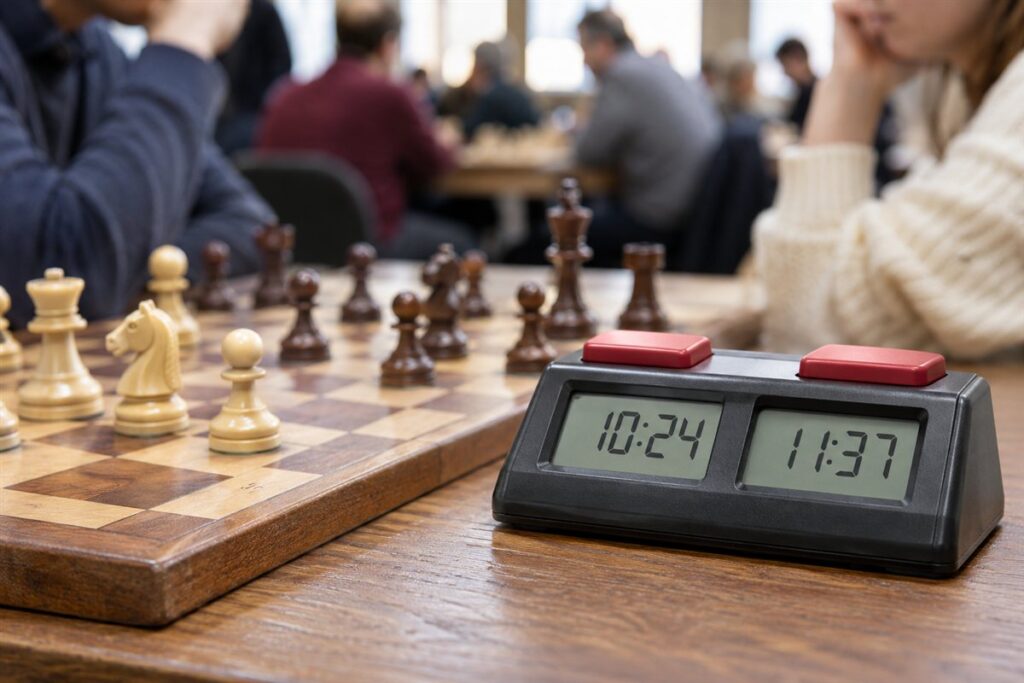
A chess clock gives each player a fixed amount of time, and the clock only runs for the player whose turn it is. For most players a digital clock with increment and delay options is the most useful choice. Analog clocks are simple and charming but offer fewer time controls.
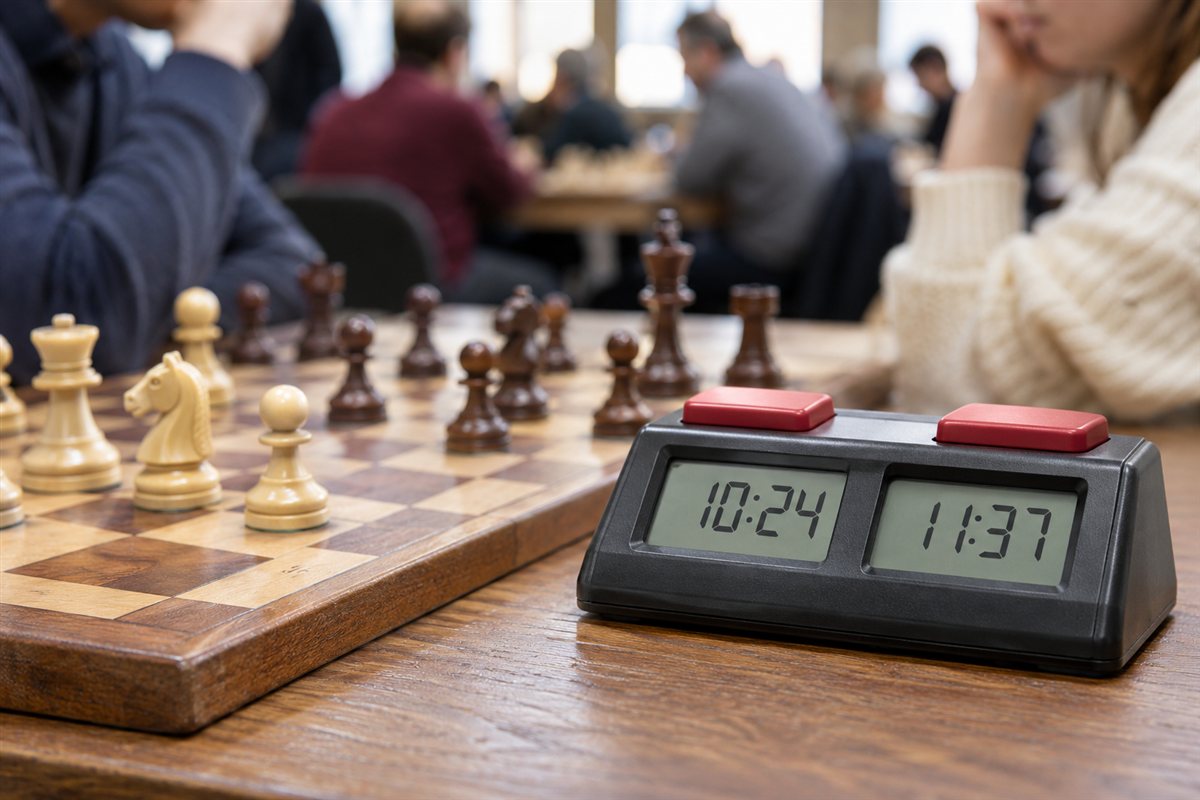
How a Chess Clock Works
After you make a move, you press your side of the clock. That stops your time and begins your opponent’s. If your time runs out, you lose on time under standard rules, unless the position makes a win impossible. The clock does not judge the moves. It only keeps the pace fair.
Digital or Analog
- Digital clocks: support increments, delays and many preset formats such as blitz or classical.
- Analog clocks: have two dials, are simple and need no battery for display, but have fewer features.
Features and Why They Matter
| Feature | Why it matters | What to check |
|---|---|---|
| Increment | Adds time after each move | Support for Fischer-style increments |
| Delay | Gives a short pause before your time falls | Bronstein and simple delay modes |
| Multiple stages | Allows classical formats with extra time at move limits | Number of programmable periods |
| Button feel | Fast play needs quick, quiet presses | Responsive buttons with low noise |
| Display | Clarity under venue lighting | Large digits and good contrast |
| Rule approval | Some events limit clock types | Event rules and your federation’s guidance |
Using Your Clock Well
- Agree the time control before the game begins.
- Set the clock and check both sides display the same time.
- Make your move with one hand and press the clock with the same hand.
- Do not hold the clock or slam the buttons.
Learning the settings at home before a club night saves awkward moments at the board.
Etiquette is part of playing with a clock. Keep your hand on the piece you moved until you release it, press with the same hand, and do not hover over the buttons. If the clock malfunctions, stop it and call an organizer or agree a fair fix with your opponent. Calm habits keep games enjoyable for both sides.
Before an event, practice setting your clock until the steps feel natural. Learn how to pause, how to add time if rules allow it and how to read the display from across the table. Keep spare batteries in your bag, since a clock that fails mid-game causes stress for everyone involved.
Understanding Time Controls
A time control describes how much time each player gets and how it changes. Knowing the common formats helps you set the clock correctly and choose one that suits your games.
- Sudden death: each player has one block of time for the whole game, with nothing added.
- Increment: a fixed number of seconds is added to your time after every move you make. This is often written as the base time plus the increment, for example ten minutes plus five seconds.
- Delay: the clock waits a few seconds before your time begins to fall on each move. Unused delay time is not saved.
- Stages: extra time is added after a certain number of moves, common in longer classical games.
The key difference is that increment can build up your time if you move quickly, while delay never adds to what you have. Many players find increment gentler for beginners because it prevents a game from ending in a frantic scramble.
A Worked Walkthrough: Setting Up for a Game
- Agree the time control with your opponent, including whether there is an increment or delay.
- Switch the clock on and select the mode that matches. Check the displayed times for both sides before touching anything else.
- Decide who plays White. In standard play, White presses the clock after their first move, and the clock then runs for Black.
- Position the clock on the side of the board where the player of the Black pieces can reach it, or follow the venue’s custom.
- Press with the hand that moved the piece, one firm press per move.
- If a rule dispute arises, stop the clock and ask an organizer or agree a fair solution.
- At the end of the game, stop the clock before resetting pieces.
Common Scenarios
Friendly games at home
A simple clock with a few presets works well. Choose a relaxed format with an increment so no one feels rushed.
Joining a local club
Ask which clocks and time controls the club uses. Bring a clock you already know how to set, in case the club has too few.
Entering a tournament
Check the event rules in advance, since some require particular clock types or modes. Practice the specific format before the day.
Teaching a child
Use a generous time control and a clock with clear digits. Treat the clock as a game aid, not a threat.
Playing fast games with friends
Choose responsive, quiet buttons and a loud enough signal when time is low. Quick formats make the quality of the buttons obvious.
Mistakes to Avoid
- Forgetting to press the clock. Your own time keeps running, so you may lose seconds without noticing.
- Pressing with the opposite hand. Standard etiquette expects the same hand that moved the piece, and it avoids disputes.
- Choosing a clock with no increment. Without one, games often end in a rush, which teaches poor habits.
- Setting the clock after the game has begun. This causes confusion about whose time is correct.
- Slamming the buttons. It can damage the clock and annoys the opponent and nearby players.
Quick Troubleshooting
| Symptom | Likely cause | What to try |
|---|---|---|
| Display is blank or dim | Weak battery | Replace the batteries, then check the settings |
| Wrong side begins running | Clock set up for the other colour | Reset and select the correct side to go first |
| Button does not respond | Dirt or a worn contact | Press more directly, clean gently, or use another clock |
| Time does not add per move | Increment mode not selected | Check the mode and confirm the number of seconds |
| Analog clock stops | Wound down or needs adjusting | Wind it again and level the clock |
Short Glossary
- Flag: the signal that a player’s time has run out.
- Blitz: very fast games, usually a few minutes per player.
- Rapid: medium-speed games, longer than blitz.
- Classical: long games with generous time.
- Bonus time: extra seconds from an increment or delay.
- Time scramble: a phase where both players are very short of time.
FAQ
Do I need a clock for casual games?
Not always, but a clock keeps games moving and trains you to manage time, which is a real chess skill.
Can I use a phone app instead?
For friendly games, yes. Many clubs and events prefer physical clocks, so ask beforehand.
What is the difference between increment and delay?
Increment adds seconds to your time after each move, so you can bank spare time. Delay only gives a pause before your time begins to run, and unused delay is lost.
What happens if my flag falls but my opponent cannot win?
Under standard rules, if the opponent has no possible way to checkmate, the game is drawn rather than lost on time. Ask an organizer if you are unsure in an event.
How do I look after a clock?
Keep it dry, remove batteries during long storage, and press the buttons gently. Store it in a case to protect the buttons and display.
The Short Version
Choose a digital clock with increment, delay and several preset formats if you play often or in events. Choose a simple analog model only for relaxed games. Learn the settings in advance and keep clock etiquette in mind.