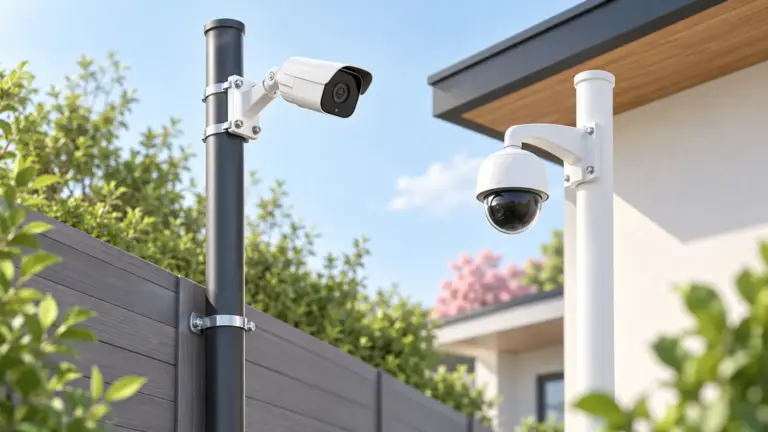
An NVR system pairs a network video recorder with wired IP cameras. The cameras send video over network cable to a box with a hard drive, so recordings stay in your own building rather than depending on a monthly cloud plan. Many kits bundle the recorder and several cameras, and the cable often carries power too.
We have not used these products ourselves, so this page does not report results from the field. It is a guide to the choices that shape a kit: how many channels the recorder supports, whether it powers cameras itself, what resolution and lens you need, and how much disk space your recording habits call for. Work through the list before you compare bundles.
As an Amazon Associate we earn from qualifying purchases. Links on this site are affiliate links, and they do not change the information we give.

What to Look For
| Factor | Why it matters | What to check |
|---|---|---|
| Channel count | Each camera uses one channel on the recorder. | Pick a recorder with a few more channels than cameras today. |
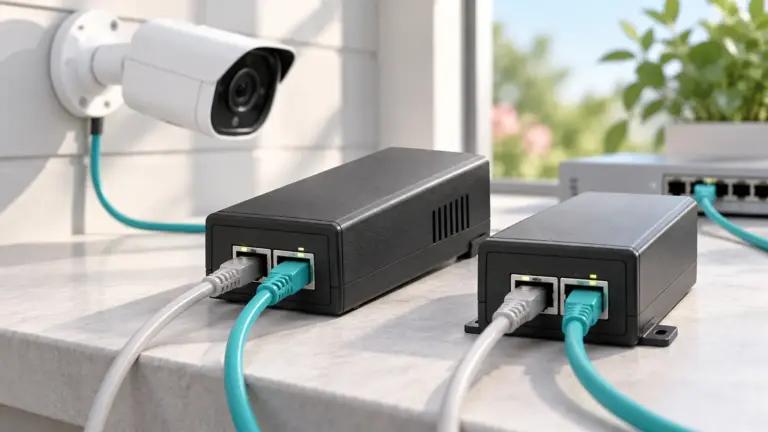
| Built-in PoE ports | They power and connect cameras through one cable. | Confirm the ports match your camera count and cable lengths. |
| Resolution and lens | Detail and field of view decide what you can identify. | Match the lens angle and resolution to the area each camera covers. |
| Hard drive space | Higher resolution and more cameras fill a drive sooner. | Check the included drive size and the maximum the recorder accepts. |
| Night vision | Dark yards need usable images after sunset. | Read the stated infrared range and any color night mode. |
| Remote viewing | Many people want to check cameras from a phone. | Look for an app, and for local access that works without a subscription. |
| Weather resistance | Outdoor cameras face rain, dust and heat. | See the stated ingress protection class for each camera. |
Setup and Care Tips
- Sketch each camera location and measure the cable run before ordering.
- Place the recorder in a dry, ventilated spot out of casual reach.
- Change default passwords and keep the recorder firmware current.
- Adjust motion zones so trees and roads do not fill the drive.
- Clean lenses and spider webs from outdoor housings once in a while.
Mistakes to Avoid
- Buying a recorder with no spare channels for later cameras.
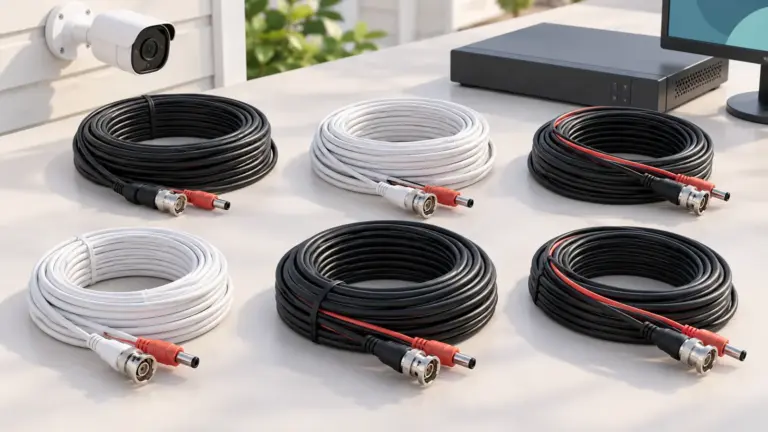
- Ignoring cable length limits, which can cause a camera to drop out.
- Choosing a small drive and then finding footage overwritten sooner than expected.
- Mounting cameras too high, so faces are seen only from above.
- Leaving the system on its factory login.
FAQ
Is an NVR system better than a cloud camera?
It depends on your priorities. An NVR keeps video on a local drive and usually avoids recurring fees. Cloud cameras are simpler to install but often rely on a subscription for stored clips.
Do I need to run network cable myself?
Wired systems need cable from each camera to the recorder. If running cable is difficult, consider how long the runs are before choosing a wired kit.
The Short Version
Count your camera spots, add spare channels, size the drive for your resolution and retention, and decide whether you want phone access. With those answers in hand, compare the six options below.