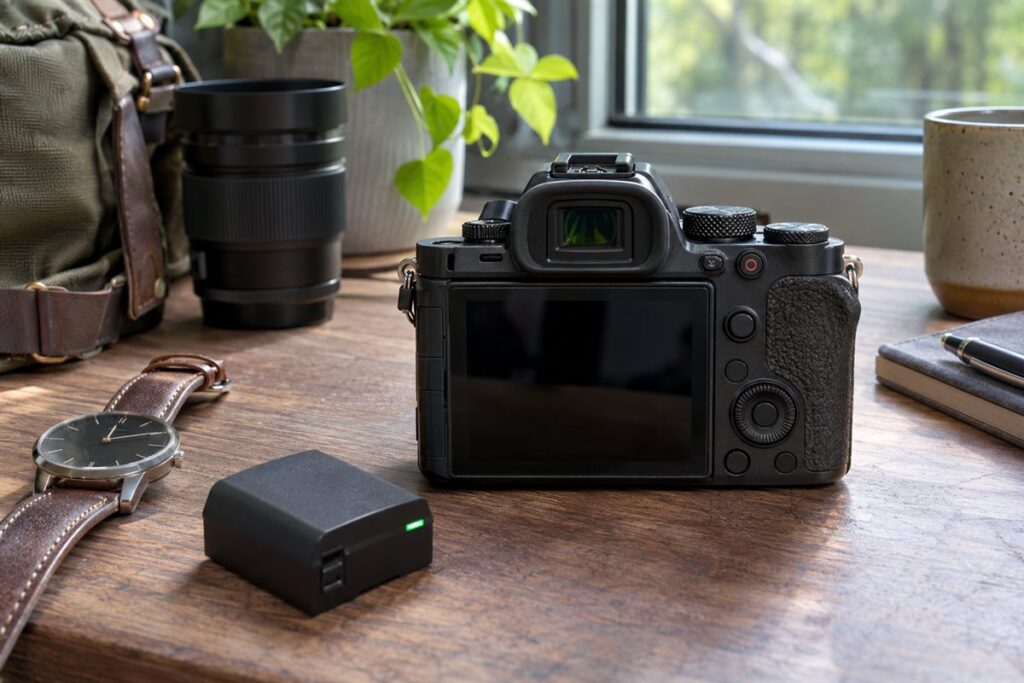
Camera sleep mode is a power saving setting that dims or switches off the screen and then the camera itself after a period of inactivity. Adjusting it carefully stretches battery life on a long day and prevents surprise shutdowns during long exposures or time-lapse sequences.
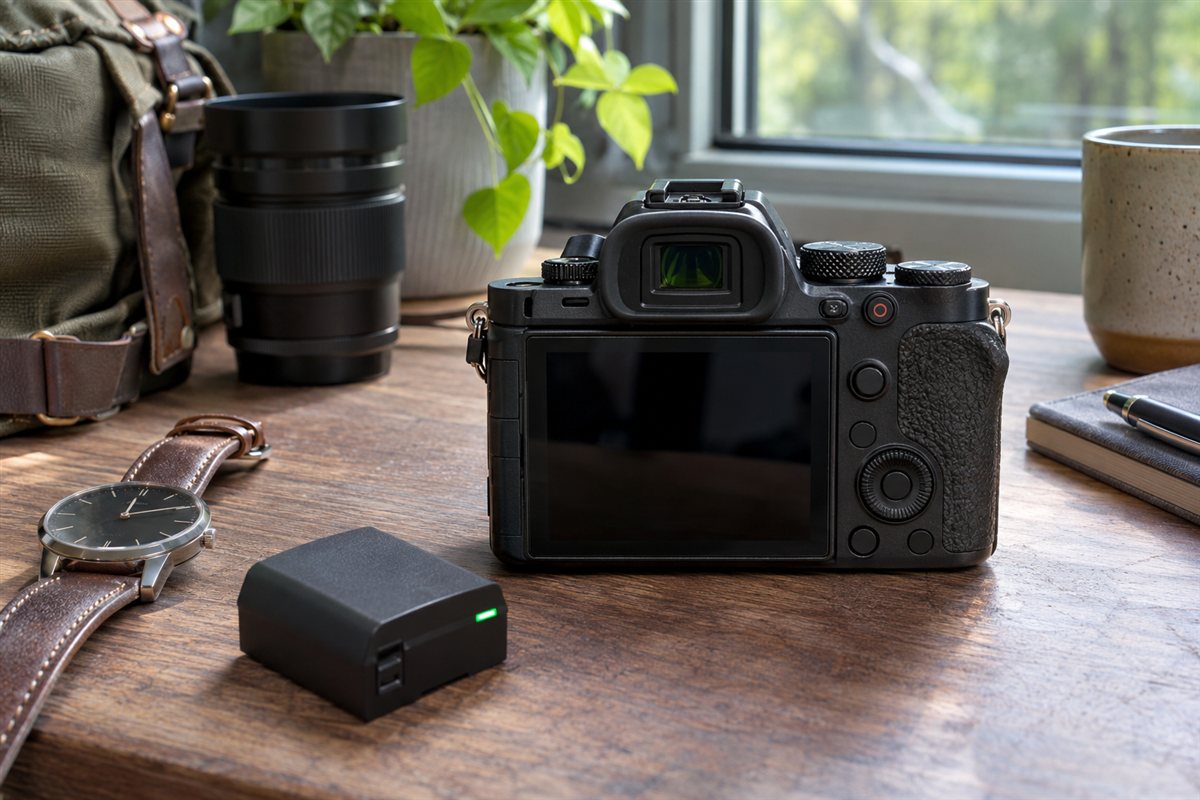
What Sleep and Auto Power Off Do
Most cameras have two layers. First the rear screen and viewfinder dim or turn off, and later the camera powers down completely. A half press of the shutter button usually wakes it up. Menu names differ between makers, so look for entries such as auto power off, sleep timer, monitor off or standby.
- A short timer saves battery but may power down while you wait for a moment.
- A longer timer keeps the camera ready but uses more charge.
- Some cameras let you turn the timer off completely.
Settings That Save Power
- Shorten the screen timeout and lower the monitor brightness.
- Turn off image playback after each shot, or shorten the playback time.
- Switch off Wi-Fi, Bluetooth and location tagging when you do not need them.
- Use the viewfinder instead of the rear screen if your camera allows.
- Turn off image stabilization when the camera is on a tripod, unless the maker advises otherwise.
- Carry spare batteries, and keep them warm in a pocket in cold weather.
When to Disable Sleep
Some jobs need the camera to stay awake. Long exposures, interval shooting and remote capture can all be interrupted by a sleep timer.
| Situation | Suggested approach |
|---|---|
| Night sky time-lapse | Lengthen or disable auto power off, use full batteries |
| Tethered studio work | Disable sleep, use a power adapter if supported |
| Wildlife waiting | Use a moderate timer and wake with a half press |
| Travel days | Short timers and spare batteries |
Powering Long Sessions
For multi-hour work, many cameras can run from a dummy battery with an AC adapter, or from a USB power bank if the model supports charging or powering over USB. Check the maker’s manual for what your model supports. An external battery pack on a tripod can also help for time-lapse in the field.
A quick habit helps: before a long job, check the battery level, set the timers you need, and take a test sequence of a few frames to confirm the camera stays awake for the full run. Doing this at home costs a minute and can save a night of missed shots.
Where the Battery Really Goes
Sleep timers matter because a camera draws power in several different ways, and the screen is only one of them. The rear display and electronic viewfinder are often among the larger consumers while they are lit. Autofocus motors, image stabilization, flash recharging, wireless radios and video recording all add to the load. Even while idle, a mirrorless camera with its sensor live in the viewfinder uses more power than a DSLR with an optical finder, which is one reason battery guidance differs between camera types.
Knowing this changes what you adjust first. If you spend a lot of time reviewing images, playback brightness and duration matter most. If you wait for subjects with the camera at your eye, the viewfinder’s activity and sensor-on time matter more. If you shoot a great deal of video, expect faster drain regardless of sleep settings. Check the maker’s manual for battery life figures, and remember that they are measured under particular conditions, so your results will vary.
- Watch the battery indicator over a normal outing to see which habits drain it fastest.
- Note that cold weather, heavy autofocus use and long live-view sessions shorten runtime.
Choosing Timer Lengths by Shooting Style
There is no single right setting, but there are sensible starting points. For street and travel photography, a short timer works well because you raise the camera often and a half press wakes it quickly. For portrait sessions, where there are pauses between frames, a medium timer avoids the camera dozing while you talk to the subject. For events, a longer timer or a quick-wake habit prevents missed moments.
Think about the cost of being late versus the cost of a dead battery. A camera that wakes a half second slower on a rare occasion may miss a fleeting expression, but a flat battery ends the shoot. If you carry spares, lean toward readiness. If you have only one battery and a long day, lean toward saving.
Some cameras offer separate timers for the screen, the viewfinder and the whole body. Use those to keep the viewfinder alert while letting the rear screen go dark quickly. Look in the setup or custom menu, since the names vary between makers.
Battery Care, Spares and Travel Habits
Good power habits begin before you press the shutter. Charge batteries fully the night before, and label spares so you know which are ready. Rotate batteries so that all of them see regular use, because a battery left unused for months may lose capacity. When storing a camera for a long time, follow the maker’s advice on charge level and remove the battery if recommended.
In cold conditions, keep spare batteries inside a warm pocket and swap them when the camera shows a low-power warning. A battery that seems empty in the cold may recover some charge when warmed. For flights, check airline rules on carrying lithium batteries, which generally ask for them to be in carry-on baggage and protected from short circuits.
- Use only batteries and chargers intended for your model, or those the maker lists as compatible.
- Keep contacts clean and dry, and wipe them gently with a soft cloth if they look dirty.
- Replace a battery that swells, leaks or loses capacity quickly.
Video, Live View and Heat Limits
Long video clips and extended live view generate heat as well as drain batteries. Some cameras show a heat warning and may stop recording or shut down to protect themselves. Sleep settings do not cause this, but they interact with it: a camera that powers off to protect itself needs time to cool, and restarting too soon may bring the warning back.
To reduce heat-related interruptions, keep the camera out of direct sun, shade it with a hood or a cloth, turn off features you do not need, and avoid unnecessary use of the tilting screen at high brightness. If you do interview or event recording, check the maker’s guidance on maximum recording time and any menu setting that changes how the camera handles heat.
When the camera is on a tripod for long sessions, lower the screen brightness, switch off any assist lighting or beeps and let the screen turn off while keeping the camera awake. That balance preserves both power and temperature without cutting the session short.
A Simple Pre-Shoot Power Checklist
A short checklist prevents most power-related surprises. A day before the shoot, charge every battery and confirm that memory cards are formatted and have space. On the morning of the shoot, set the sleep timer, brightness and wireless options you intend to use, then take a few test frames and review them. For unattended work, such as time-lapse or remote capture, run a short test with the same intervals and watch whether the camera keeps going.
Carry a small kit: spare batteries, a charged power bank if your camera supports it, the cable you need and a lens cloth. Know where the power menu entry is so that you can change it quickly in the field. If you use a dummy battery or power adapter, check the cable path so that nothing pulls on the camera or hangs in the wind.
After the shoot, return your settings to a short timer if you prefer saving power in everyday use, and note what worked. Next time the process will be quicker.
FAQ
Does sleep mode lose my settings?
No. Settings are kept, though some cameras reset an interval timer if power is fully removed.
Will a short timer harm the camera?
Not by itself, but frequent wake-ups can be annoying. Choose a balance that suits your shooting style.
Does the camera use power while it is asleep?
Usually a small amount, since it must watch for a button press or wake signal. Fully switching the camera off uses less, and removing the battery for long storage avoids any drain.
Why does my camera turn off during a long time-lapse even with sleep disabled?
The battery may have run low, the memory card may be full, or the camera may have reached a heat limit. Check each of these and consult the manual for interval shooting limits.
Is it better to switch the camera off or let it sleep?
For gaps of a few minutes, sleep is convenient and wakes quickly. For longer breaks, switching off saves more power and is a good habit between locations.
Can I charge the battery inside the camera?
Many models can charge over USB, but not all. Check your manual, and note that charging in the camera can be slower and may make the body warm.
Do third-party batteries affect sleep or power behavior?
Compatible batteries from reputable makers generally work, but battery level readouts and some features may be affected on certain models. Check the maker's guidance before relying on one for important work.
How many spare batteries should I carry?
It depends on your style. Video, cold weather and heavy review of images all use more charge, so carry more for those. For casual use, one spare is a common starting point.
Will turning off Wi-Fi really help?
Wireless radios draw power when active, so turning them off when not needed can help a little. The saving varies by model, so watch your own battery readings.
The Short Version
Use short sleep timers and dim screens for everyday carrying, and lengthen or disable them for long exposures, time-lapse and tethered jobs. Always bring spare power for the shoots that matter.