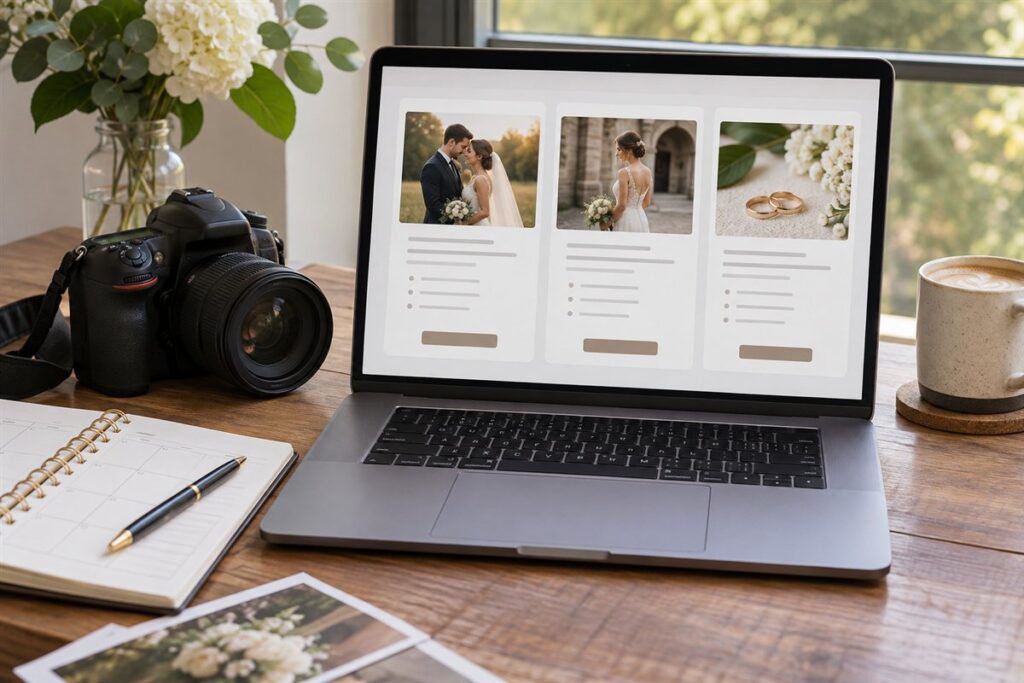
A pricing guide for your website works best when it describes what clients receive, how packages differ and what the next step is. This article focuses on planning and layout, not on what you should charge, because rates depend on your market, costs and goals. It is general information and not financial advice, so consider speaking with a qualified business adviser.
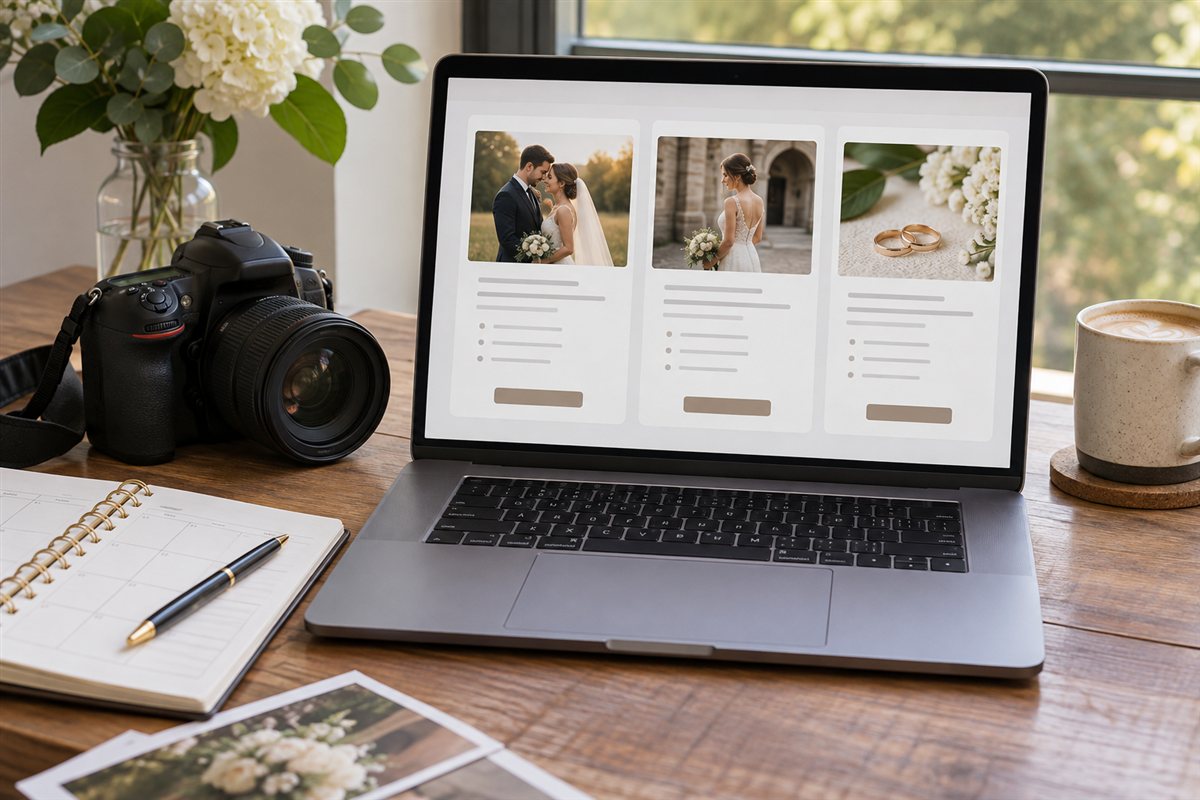
Decide What the Guide Is For
Before writing, choose the job the page must do. A guide can filter enquiries, set expectations or simply open a conversation. Some photographers show full details, others show an opening figure plus a request form. Both approaches are common, and the right one depends on how custom your work is.
What to Research First
- Your own costs: gear, software, insurance, travel, editing time and admin
- How other local photographers in your genre present their offers
- What your ideal client usually asks about before booking
- How much time each type of job takes, from enquiry to delivery
- Any local tax or sales rules that affect how you present totals
Treat this as research, not a formula. A qualified accountant can help with the financial side.
Building the Page Step by Step
- List the services you actually want to offer, such as portraits, events or commercial work.
- Group them into a small number of clear packages, with simple names.
- For each package, describe session length, number of edited images, delivery method and usage rights in plain language.
- Add optional extras, such as prints, albums or additional hours, in a separate list.
- State booking steps, deposit terms and cancellation approach, and link to your full contract.
- Close with a clear call to action, such as an enquiry form.
Layout and Wording Tips
A simple table can compare packages at a glance.
| Element | Why it helps |
|---|---|
| Package names | Easy for visitors to remember and discuss |
| Included items | Prevents confusion about deliverables |
| Extras list | Keeps core packages uncluttered |
| Booking steps | Reduces back-and-forth emails |
Keep the language friendly and avoid jargon. Update the page when your offer changes, and mention that details are confirmed in writing.
Trying Out Your Wording
Ask a friend or past client to read the page and tell you what they think is included and what happens next. If their answers differ from your intention, adjust the wording. Add a short note about how to ask questions, so visitors who are unsure can contact you before booking.
Choosing a Pricing Presentation Style
Before you write a single line of copy, decide how your pricing guide will present information. There are several common styles, and each sends a different message to visitors. This is about presentation, not about what to charge, which depends on your market and costs.
- Full transparency: every package lists its contents and its cost. This saves time for both sides and filters out visitors who are not a fit, but it requires you to keep the page up to date.
- Starting-from figures: each package shows an opening level, with a note that final quotes depend on location, hours and extras. This suits work that varies a lot from job to job.
- Guide on request: the page describes the experience and invites visitors to ask for a detailed guide by email or form. This allows a personal conversation but adds a step before the client sees any detail.
- Quote-only: common for commercial or highly custom work, where scope drives everything. Here the page should explain how a quote is built.
Think about your ideal client. A couple planning a wedding often wants to see what a package includes before they reach out. A business that needs product photos may prefer a quick call to discuss scope. Consider how people in your genre usually behave, and look at how comparable photographers in your area present their pages for ideas, without copying their wording.
You can also combine styles. For example, show clear package contents with starting figures for standard sessions and a quote-only option for bespoke work. Whatever you pick, apply it consistently across your site so visitors are never confused about how to proceed.
Describing Deliverables Clearly
Most misunderstandings between photographers and clients come from vague descriptions of what is included. Your pricing guide is the best place to prevent them. Use plain words, and be specific about each item.
List the practical details clients care about. How long is the session, and does it include travel time or preparation? How many finished images will they receive, and are they edited individually or with a general set of adjustments? In what format and resolution are files delivered? How long will delivery take, and how long will the gallery stay available online?
- Edited versus unedited: state whether unedited files are available, and if so under what conditions. Many photographers do not offer them, and saying so up front avoids awkward conversations.
- Usage rights: explain in simple terms what clients may do with the images, such as personal sharing or printing, and what requires a separate license, such as commercial use.
- Retouching: say what level of retouching is included, and what counts as an extra.
- Revisions: if you offer changes to edits, state how many rounds are included.
- Second shooters or assistants: note whether they are part of any package.
Avoid jargon such as “high-res” without explaining it. A line like “digital files suitable for printing and online sharing” is easier to understand. If your contract contains detailed terms, link to it, and keep the pricing page focused on summary points. Clear wording protects both you and your clients and reduces the number of questions you need to answer individually.
Explaining Your Value Without Overselling
A pricing page is not only a list of items. It also helps visitors understand why your work costs what it does, which is especially useful if your offers sit higher than some alternatives. The goal is to inform, not to pressure.
Describe the parts of the job that clients do not see. Photography involves much more than the hours spent shooting: planning, communication, travel, equipment, backup, editing, delivery and business costs all play a part. A short paragraph explaining your process can help visitors appreciate the full scope of the service. Keep the tone friendly, and avoid criticizing other photographers or implying that cheaper options are poor.
- Show the process: a simple outline, from inquiry to delivered gallery, helps clients feel confident about what happens next.
- Use real client language: if past clients have praised your communication or calm approach, mention these qualities honestly, and only quote people who have given permission.
- Avoid unverified claims: do not state awards, numbers of clients or guarantees you cannot back up.
- Be honest about limits: if you only shoot certain styles or have a limited travel range, say so.
Honest, calm explanation tends to attract clients who value what you offer and respect your terms. It also reduces the pressure to negotiate, since visitors already understand the reasoning behind your structure.
Handling Extras, Deposits and Policies
The business policies attached to your pricing deserve a clear place on the page. Visitors will want to know how to secure a date, what happens if plans change and what extras are available. Presenting these points calmly and plainly builds trust.
For extras, keep a simple list separate from the packages. Typical examples include additional hours, extra locations, printed products, albums, rush delivery or travel beyond a set area. State how each extra is priced in general terms, for example as a per-hour or per-item add-on, and note that details are confirmed in writing.
- Explain how to book: an inquiry form, a call or an email, followed by a contract and a deposit.
- Describe the deposit in general terms, such as whether it is non-refundable and what it secures.
- Summarize your cancellation and rescheduling approach in a few lines, and link to the full terms.
- Note payment methods and timing, such as balance due before the session or on delivery.
- Mention weather or illness policies if they affect your work.
Rules about deposits, cancellations and consumer rights vary by location, so check local requirements and consider having your contract reviewed by a qualified professional. Do not copy another photographer’s contract wording, since terms need to fit your own business and legal setting. Your pricing guide should summarize, and your signed agreement should have the final word.
Keeping the Page Current and Effective
A pricing page is a working document. Once it is live, watch how visitors respond and adjust it over time. Start by noting what questions people ask in their inquiries. If many ask the same thing, such as how long delivery takes, the answer probably belongs on the page.
Track which packages clients choose and where inquiries drop off. If people regularly choose the smallest option, you may want to rethink what it includes. If many visitors leave without contacting you, the page may be unclear or the next step may be hard to find. Small changes to wording, order or layout can make a difference.
- Mobile check: view the page on a phone to make sure tables or lists remain readable and buttons are easy to tap.
- Speed: compress images so the page loads quickly.
- Consistency: make sure your pricing page matches what appears on social media, directories and emails.
- Date the update: a short “last updated” note shows visitors that the information is current.
- Archive old versions: keep a copy of previous guides in case a client refers to an older offer.
Revisit your guide whenever your costs, services or availability change, and take a closer look at least once a year. For decisions about how to set your rates, taxes or contracts, speak with a qualified business or financial adviser.
FAQ
Should I show full amounts or only an opening figure?
Both are used. Full details save time, while an opening figure suits highly custom work. Choose based on your market and workflow.
How often should I update the guide?
Look it over whenever your services, costs or availability change, and at least once a season or year.
Should I include a sample timeline on my pricing page?
A short timeline helps clients understand what to expect, from inquiry through booking, session and delivery. Keep it general and note that exact dates are confirmed in writing.
Is it better to use a PDF or a web page?
A web page is easier to update and works well on phones. A PDF can be useful as a downloadable guide, but it can become outdated if you forget to replace it.
How many packages should I offer?
Many photographers use a small number of clear packages. Too many options can overwhelm visitors, so start simple and add choices only if clients ask.
Can I offer custom quotes as well?
Yes. A note such as "need something different?" with a contact form is common. Explain what information you need to prepare a quote.
Should I mention discounts or special offers?
You can, but be clear about the terms and any end dates. Constant discounts may confuse visitors about your regular offer, so use them sparingly and honestly.
What if a client asks for something outside my packages?
Treat it as a custom request. Discuss the scope, confirm details in writing and decide whether it suits your business before agreeing.
How do I show prices to international visitors?
State the currency clearly and mention any taxes or fees that may apply. Check local rules on how totals must be displayed.
Do I need a lawyer to review my pricing page?
Not necessarily for the page itself, but your contract and terms are worth having reviewed by a qualified professional familiar with your location.
The Short Version
A good pricing guide is clear, honest about what is included and easy to act on. Research your costs and market, group your services into simple packages and link to your contract. For financial decisions, consult a qualified professional.