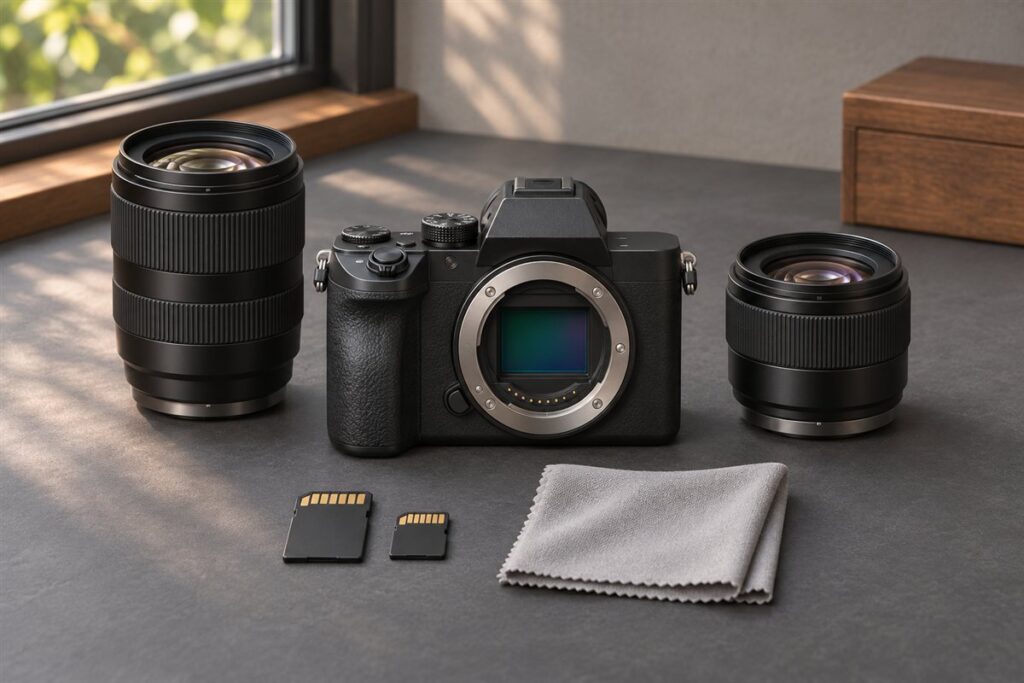
The Canon EOS M6 and EOS M50 are two APS-C mirrorless cameras in the EOS M family, and the biggest difference is the body design. The M6 is a slim, rangefinder-style camera with no built-in viewfinder, while the M50 has a built-in electronic viewfinder in a small SLR-style body. Confirm exact specs on Canon’s own pages.
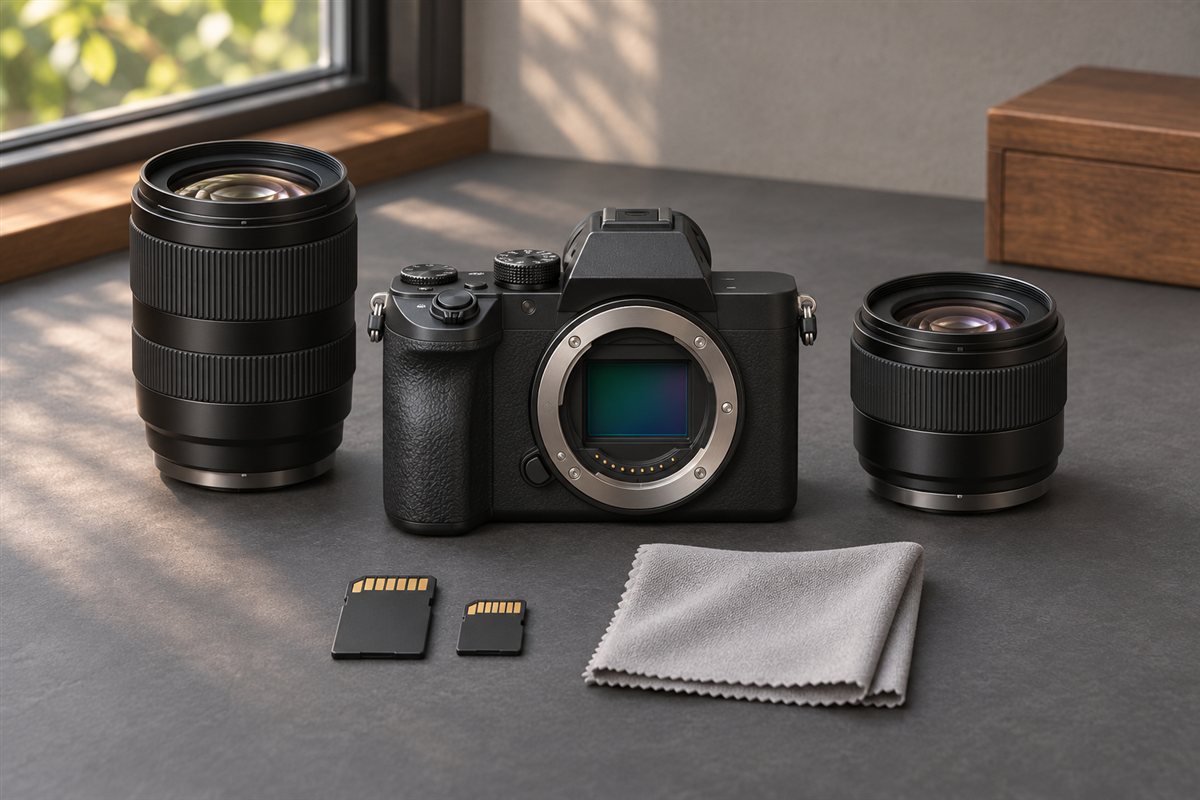
What each camera is for
The M6 suits photographers who like a pocketable-feeling body with dials on top and are happy to frame on the rear screen. An optional external viewfinder was available for it, which adds bulk.
The M50 suits people who want to hold the camera to their eye, with a grip and a viewfinder, and who want a screen that turns around for video and selfies.
Key differences
| Trait | EOS M6 | EOS M50 |
|---|---|---|
| Body style | Flat, rangefinder look | Compact SLR look |
| Viewfinder | None built in | Built in |
| Screen | Tilting | Side-hinged, turns outward |
| Controls | More dials for stills | Simpler layout |
| Video use | Possible | Often chosen for vlogging |
Both use the EF-M lens mount, so they can share lenses, and both can use Canon’s EF lenses through a mount adapter.
How to decide
- Try framing a sunny scene on a rear screen. If you struggle to see it, choose the body with the viewfinder.
- Think about grip. A flat body is neat in a pocket but less comfortable with larger lenses.
- Consider video. A screen that faces forward matters if you record yourself.
- Check condition if buying used, including battery, screen and mount.
Who should choose which
- Choose the M6 for a slim stills camera with more physical controls.
- Choose the M50 for a viewfinder, an easier grip and video features.
Lenses will shape your experience as much as the body does. The small EF-M prime and zoom lenses keep either camera compact, while adapted EF lenses add size and weight. Think about the kit you will actually carry, since the best camera is the one that comes along on the day.
Battery and storage are worth a thought too. Mirrorless cameras of this size use power quickly, so carry a spare battery for a full day out, and use a memory card that suits the video quality you plan to record. Check the card type and any speed requirements on Canon’s page so you buy the right one the first time.
The EF-M Lens System and Its Limits
Both cameras use the EF-M mount, which is a compact mount made for Canon’s smaller mirrorless bodies. That brings benefits and limits you should understand before buying, because the lenses you can use will shape the camera more than the body does.
The benefit is size. EF-M lenses are designed to be small, so a camera with a modest zoom or a compact prime fits in a small bag or even a large pocket. Many photographers choose the system precisely because the kit is easy to carry. Used EF-M lenses can also be found at moderate prices.
The limit is range. The native lens lineup is smaller than for Canon’s larger mounts, so check whether it includes the focal lengths and apertures you want, such as a wide-angle, a bright prime for low light and a telephoto zoom. If you need something that is not offered, you may have to rely on third-party options or adapt other lenses.
Think about the future. Canon’s attention has shifted toward its newer mount for mirrorless cameras, so check the maker’s pages for current support and availability. That does not mean a camera stops working, but it affects how many new accessories and lenses you can expect. If you already own EF lenses, remember that they can be adapted, but they add size.
Before committing, list the lenses you want in the next two years and see whether they exist in this mount. Then decide whether the camera’s small size justifies any compromise.
Screen and Viewfinder Habits in Bright Light
The biggest handling difference between these two cameras is how you frame. With no built-in viewfinder, the M6 depends on its rear screen, which can be hard to read in bright sun. The M50 lets you bring the camera to your eye, which steadies it and shuts out glare.
If you pick the screen-only body, learn a few habits to cope with brightness:
- Raise the screen brightness setting, remembering that it drains the battery faster.
- Shade the screen with your hand, a cap or a small screen hood if one is available.
- Tilt the screen to avoid reflections, and change your position relative to the sun.
- Rely on histograms and highlight warnings to check exposure, not just the picture.
Holding a camera out in front of you also affects stability. Brace your elbows against your body, use the strap tension for stability and consider a faster shutter speed than usual. If you plan to use an external viewfinder, consider the extra cost, bulk and the way it occupies the hot shoe.
For the viewfinder body, check eye comfort, brightness and how the finder behaves when you switch to the screen. Some people find a small electronic viewfinder harder to use with glasses. Visit a shop to try both approaches in a bright area.
In the end, choose the one that helps you see your subject, because you will take better pictures when you can frame easily.
Vlogging and Content Creation Setup
Small mirrorless cameras are popular with video creators, and the details of each body shape how well it fits. A screen that turns forward lets you check your framing while talking to the lens. Look at how the screen hinges and whether it is blocked by a tripod, a grip or a microphone. Make sure a flip-out or tilt design suits the way you work.
Audio is half of any video. Built-in microphones pick up wind and handling noise, so consider an external microphone if the camera supports one. Check Canon’s pages for microphone inputs and for how the hot shoe and ports are arranged. Remember that adding a microphone on top of the camera can obstruct a forward screen.
Also check:
- Recording resolution and frame rate options, and any cropping when you use certain modes.
- Autofocus behavior in video, including face detection and tracking when you move.
- Time limits and heat behavior in long recordings.
- Whether the camera can run while connected to external power for long sessions.
A small tripod with a grip is a useful accessory, as is a light for indoor recording. Keep spare batteries, because video drains power. Practice framing at a fixed distance and rehearse your setup before important recordings. Finally, plan your editing: check that your computer or phone can open the files and that your editing software supports the format.
Buying Used: An Inspection Checklist
Because these models are no longer new, many buyers will meet them on the used market. Condition varies widely, and a good inspection helps avoid problems. Ask the seller for clear photos and the camera’s history, and confirm the return policy before paying.
Check the following in person or through photos and tests:
- The body for dents, cracks and worn buttons, especially around the mount and the tilting or hinged screen.
- The screen for dead pixels, scratches and responsiveness to touch.
- The lens mount and contacts for wear or dirt.
- The sensor for dust and marks, using a test shot at a small aperture of a clear sky.
- The battery compartment for corrosion, and the battery for how long it holds a charge.
- The memory card slot, ports and hot shoe.
Test shooting, autofocus and video recording, and check the hinge of the screen if it moves. Try Wi-Fi or Bluetooth features if you rely on them. Make sure the camera powers on reliably and that the shutter sounds even.
Confirm what is in the box. A charger, a strap and a lens add value, while missing parts mean extra costs. Remember that batteries age, so plan to buy a new one. Be careful with listings that have stock photos only or very low prices. If a deal feels unclear, ask questions or move on.
Battery, Cards and Everyday Care
Compact mirrorless cameras have small batteries, so power management is part of using them well. Carry spares, and keep them charged. Switch the camera off between shots when you can, and reduce screen brightness to extend life. Cold temperatures reduce capacity, so keep spares in a warm pocket.
Check Canon’s pages for the battery model and for whether the camera can charge over a cable. Charging from a power bank can be handy while traveling, but verify what the camera supports to avoid damage. Use chargers recommended by the maker.
For memory cards, pick the type and speed class listed by Canon, especially for video. Format cards in the camera, and carry more than one. Copy files to a computer regularly and keep a backup.
Protect the camera physically. Small bodies are easy to bump, so use a padded insert or a small case. Clean the lens with a blower and a soft cloth, and avoid changing lenses in dusty places. Use a lens cap or a hood to protect the front element.
Store the camera in a dry place, away from heat and humidity. If you will not use it for a while, remove the battery and store it partly charged, as the manual suggests. Update the firmware from Canon’s support page when new versions appear. These small habits keep a small camera running well.
FAQ
Can I add a viewfinder to the M6?
An external electronic viewfinder was offered as an accessory for it. Check Canon’s page for compatibility and availability.
Which is easier for beginners?
Most beginners find the M50 more familiar because it feels like a small SLR and offers a viewfinder.
Is the M6 harder to use for beginners?
It can be if you struggle to frame on the screen outdoors. The extra dials help stills shooters, but many beginners find the viewfinder body more familiar.
Can I use a microphone with these cameras?
Check Canon's pages for the microphone input and hot shoe arrangement on each model, and think about how an accessory affects the forward screen.
Do these cameras work with Canon's SLR lenses?
Through Canon's mount adapter, EF lenses can be used. Check compatibility, and expect the combination to be larger.
Which lens should I buy first?
A compact zoom covers most needs, and a small bright prime is a common second lens for low light. Choose based on what you shoot.
Does the M50 have a flip screen?
The post describes a side-hinged screen that turns outward. Confirm the exact design on Canon's page.
Is the external viewfinder worth buying?
It helps in bright light but adds cost and bulk. If you rely on eye-level framing, the camera with a built-in finder may suit you better.
How can I make the battery last longer?
Lower screen brightness, turn the camera off between shots, and carry spares. Cold weather and video recording drain batteries faster.
The Short Version
The M6 is a slim, dial-friendly stills camera and the M50 is a viewfinder-equipped all-rounder. Choose according to whether you prefer rear-screen shooting or holding a camera to your eye, and confirm details on Canon’s page.