Disclosure: As an Amazon Associate, reviewstook.com earns from qualifying purchases. Links to Amazon on this page are affiliate links; they cost you nothing extra.
Drawing tablets let you draw, paint and edit photos with a pen instead of a mouse. They come as simple pen tablets, pen displays with a screen and standalone tablets that run on their own. This guide explains the differences and what to look for if you are starting out or upgrading.
This guide draws on product listings and manufacturer information, not our own testing.
By the Reviewstook Editorial Team. Last updated: October 31, 2026.
Types of Drawing Tablets
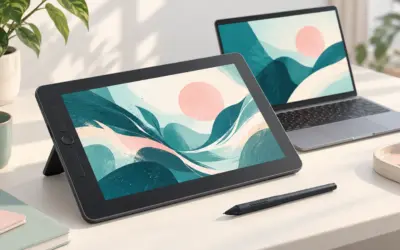
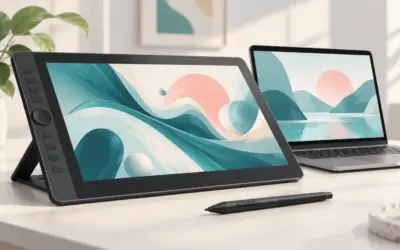
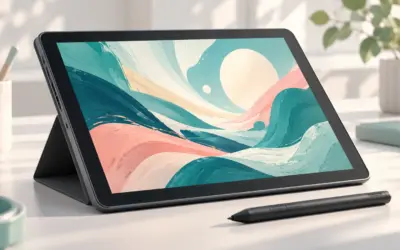
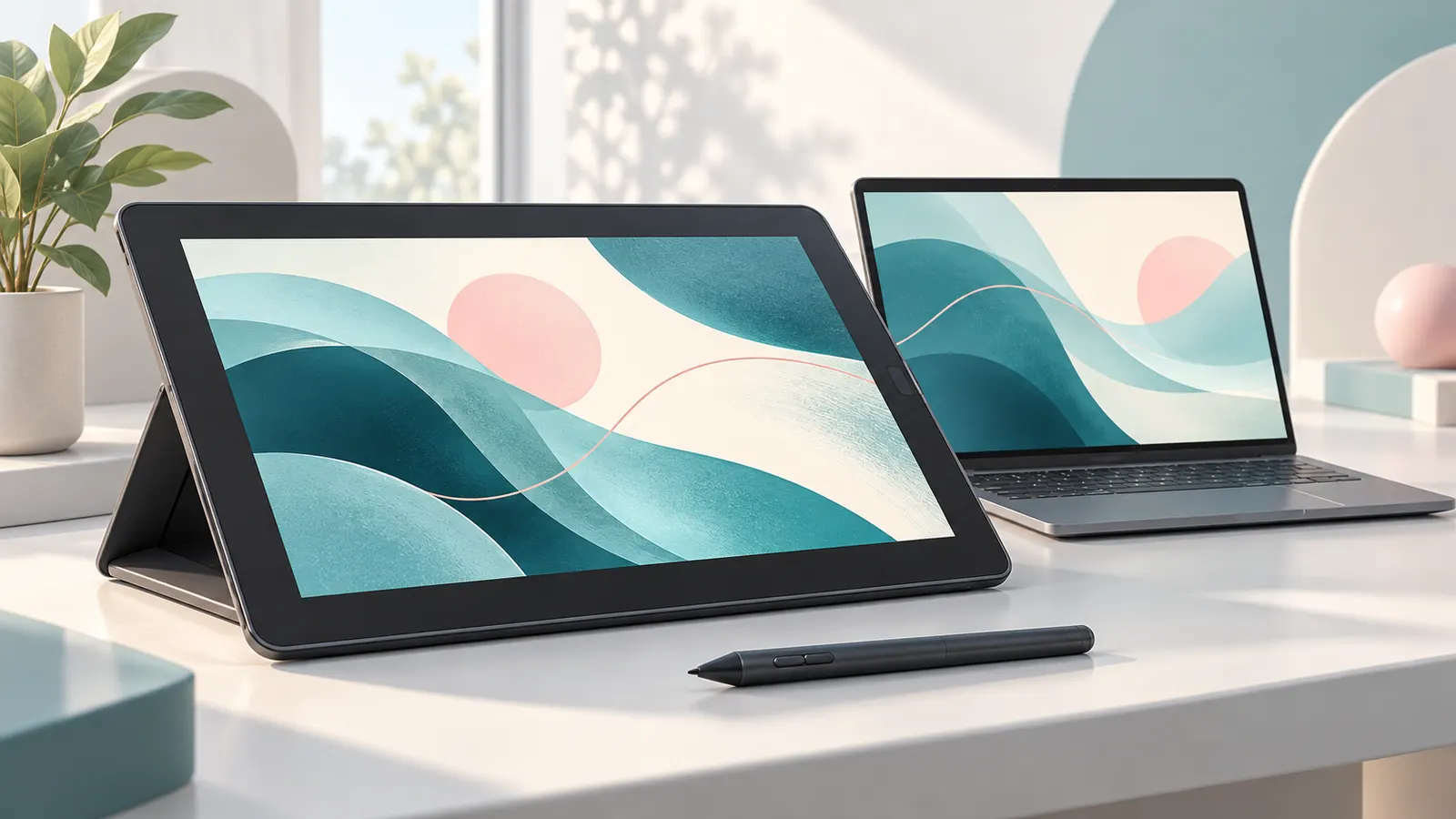
Pen tablets have no screen, so you look at your monitor while drawing. They are the cheapest and take a few days of practice. Pen displays have a built-in screen so you draw directly on the image, which feels natural but costs more. Standalone tablets run their own software and do not need a computer.
Active Area Size
The active area is the part of the tablet that detects the pen. A small area suits travel and tight desks; a medium or large area gives more room for arm movement. Your drawing style decides: wrist-based sketching needs less than full-arm strokes.
Pen Features
Look for pressure sensitivity (often 4,096 levels or more), tilt support and a battery-free pen. Pressure and tilt change line width and shading. Check replacement nibs and whether the pen has side buttons.
Display Quality for Pen Displays and Standalone Tablets
Resolution, color coverage and screen coating matter. A matte or textured surface feels more like paper. Check brightness and color accuracy if you do professional work.
Compatibility and Software
Check that the tablet works with your operating system and software (Windows, macOS, Linux, Android). Install the latest driver from the maker. Some tablets work with phones.
Beginner Choices
If you are new, start with a simple pen tablet or an inexpensive pen display. See our drawing tablets for beginners, drawing tablets with screen and standalone drawing tablets.
LCD Writing Pads Are Not Drawing Tablets
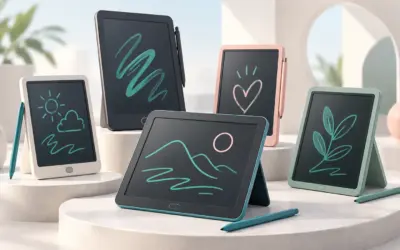
LCD writing tablets are electronic notepads that erase with a button. They do not connect to a computer. See our LCD writing tablets if that is what you need.
Frequently Asked Questions
Do I need a screen to start drawing digitally?
No. A basic pen tablet is a good low-cost start.
Is pressure sensitivity important?
It helps line variation, especially for sketching and painting.
Will it work with a Mac or Windows PC?
Most work with both. Check driver support.
How big should the tablet be?
Choose the size based on your desk space and drawing style.
Bottom Line
Start with the type that fits your budget and desk, choose an active area that suits your drawing style, and check compatibility with your software. See our best drawing tablets for beginners.